3.3 Entering Configuration Mode Chapter 3: Configuration
54 493-0736-11 (6-2)
3 Press the Up and Down keys to change the displayed number. When it is
correct press the OK key.
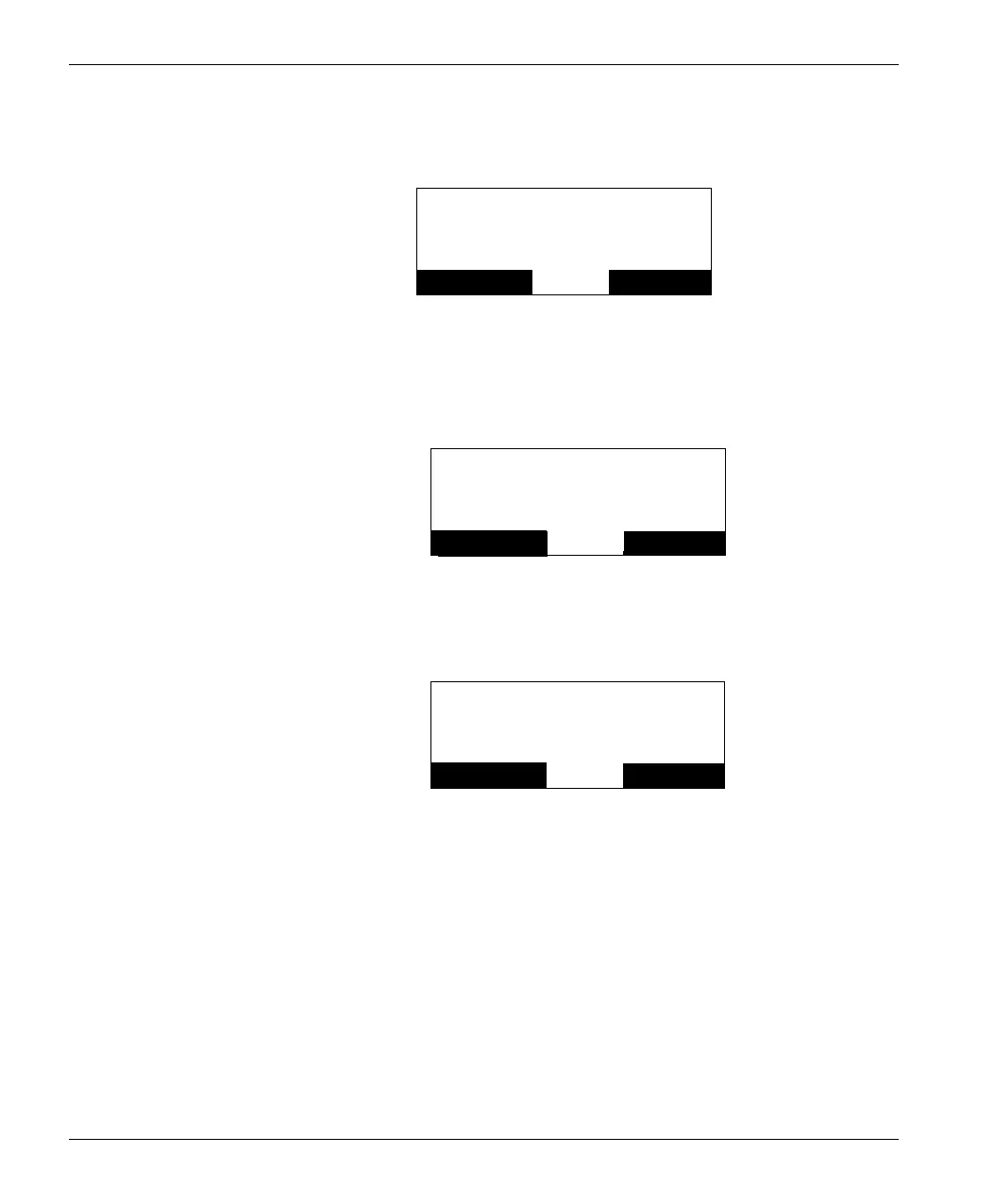
Figure 31 Password Prompt.
4 If you enter the correct password you have read/write access to the
Configuration mode.
Figure 32 Full Access to Configuration Mode.
5 If you do not enter the correct password you have read only access.
Figure 33 Read Only Access to Configuration Mode.
6 In either case press the OK key and you are free to navigate the
Configuration tree structure using the keys as described below.
7 If you have restricted access pressing the Up/Down keys to change the
parameter has no effect, and the OK soft key label does not appear.
Config 600 001.05-00
Enter Code
6845
Cancel
OK
Config 600 001.05-00
Code correct
Full access
Cancel
OK
Config 600 001.05-00
Code NOT correct
Read access only
Cancel
OK












 To Next Page