-EN Rev. E Operating instruction SCK Gas Sampling System 117
Proceed as follows to check the compressed air:
Check the quality of the compressed air at the connection to
the customer-side compressed-air system using a white cloth
(see compressed-air specifications above). If you observe any
oil, moisture or other impurities, abort start-up and do not
continue until these residues have been permanently eliminat-
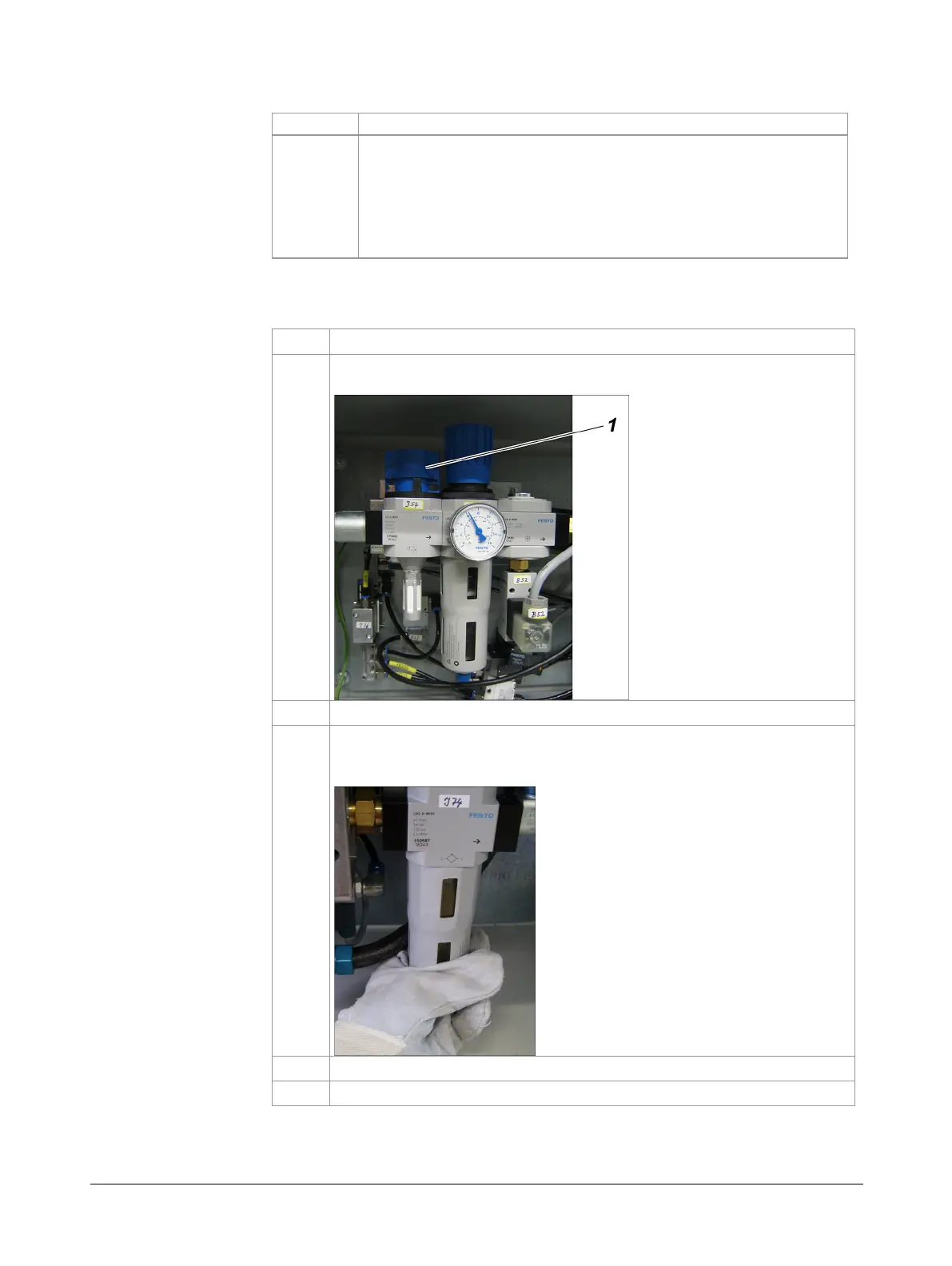
Fill the compressed-air oiler before switching on the gas sampling system:
Shut off the compressed-air using the gate valve
in the pneumat-
ic box of the probe retractor.
Completely drain the compressed-air tank (if present).
Unscrew the tank on the compressed-air oiler
-J74
by turning it
counter-clockwise, fill suitable oil to the top quarter in the top in-
spection window and screw tank back on.
Remove any oil residue with a cloth.
Open the compressed-air gate valve
(1)
again.
compressed-air
supply
compressed-air oiler



 To Next Page