-EN Rev. E Operating instruction SCK Gas Sampling System 125
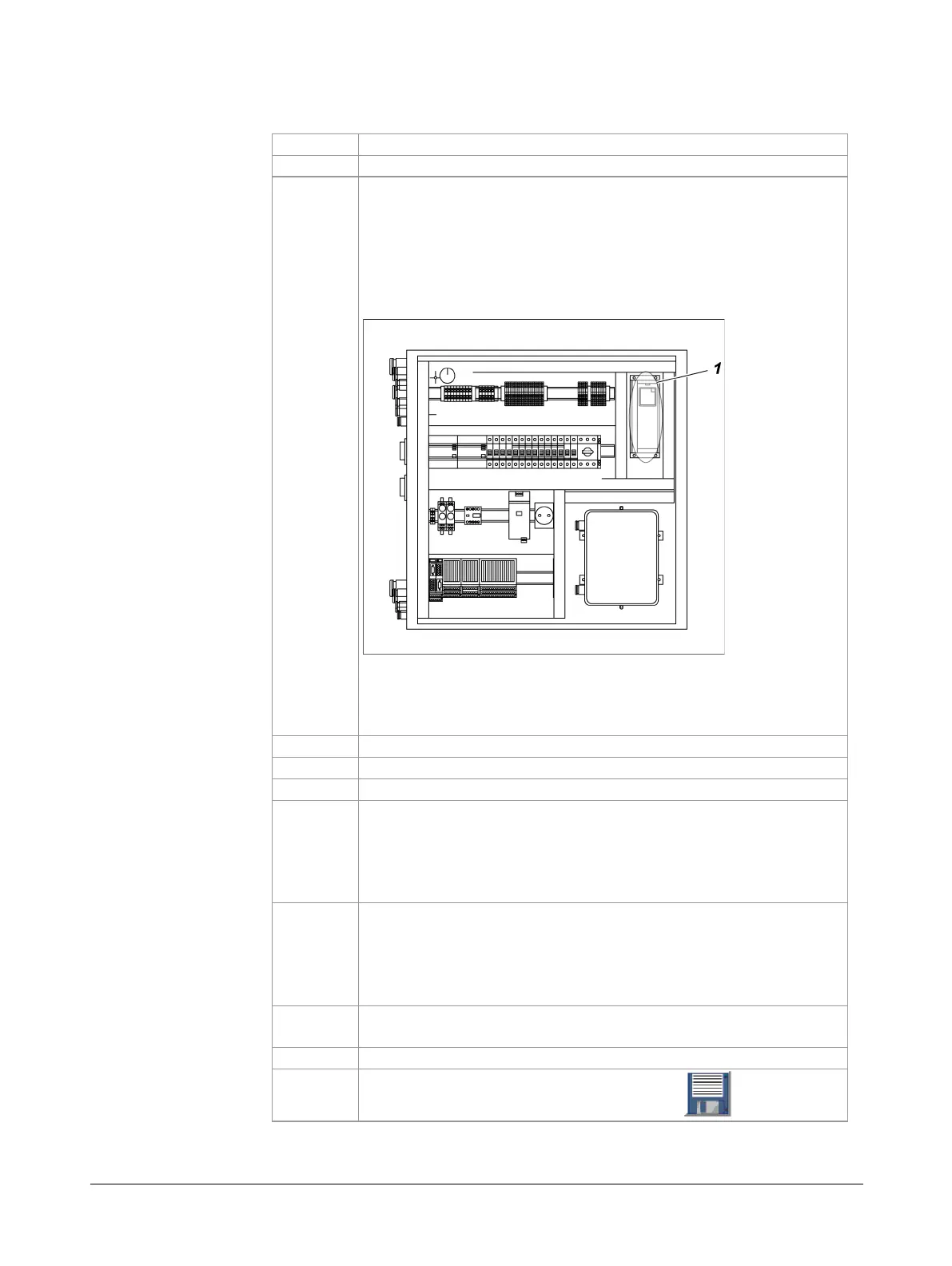
Proceed as follows to start the frequency converter and adapt the control
parameters:
Open the control cabinet.
In the control cabinet: Start the frequency converter ACS 355
by pressing the START button.
Check whether "REM" (for remote mode) is indicated on the left
side of the display and change by pressing the LOC REM button
if required.
Result: The frequency converter displays "A5011" for approx.
2 seconds.
Note: The frequency converter must be restarted after each
system power failure. The following steps 3 to 10 must be
executed only during the first system start-up and not after a
Turn service switch to OFF position.
Monitor cooling water return temperature.
Path: Diagnosis ► Trends ► Cooling water return
Note: If the set points are exceeded due to inadequate adapta-
tion of the control parameters, the program sequences for the
protection of the probe are started automatically.
Adjust control parameter KP in small steps until the cooling
water return temperature runs as constant as possible (de-
fault: -2).
Path: Setup ► FC parameters
Note: Enter the KP value always negative using the +/– button.
Adjust control parameter KI to further optimize the tempera-
ture run (TN, default: 10).
If necessary, also adjust control parameter KD (TV, default: 0).
Save control parameter settings using the button.



 To Next Page