206 Operating instruction SCK Gas Sampling System OI/SCK-EN Rev. E
Proceed as follow to readjust or reposition position indicator
-B71
:
Press the Insert button to move the probe to the desired posi-
tion.
Path: Operation ► Probe ► Probe Action ► Insert
Determine necessary position of the contact plate, mark with an
pen.
Turn service switch to
ON
position.
WARNING! Probe moves out of the kiln. Do not stand in the area
of travel of the probe or probe carriage until the probe is com-
pletely retracted out of the kiln and the warning lamps go out.
Press EMERGENCY STOP switch.
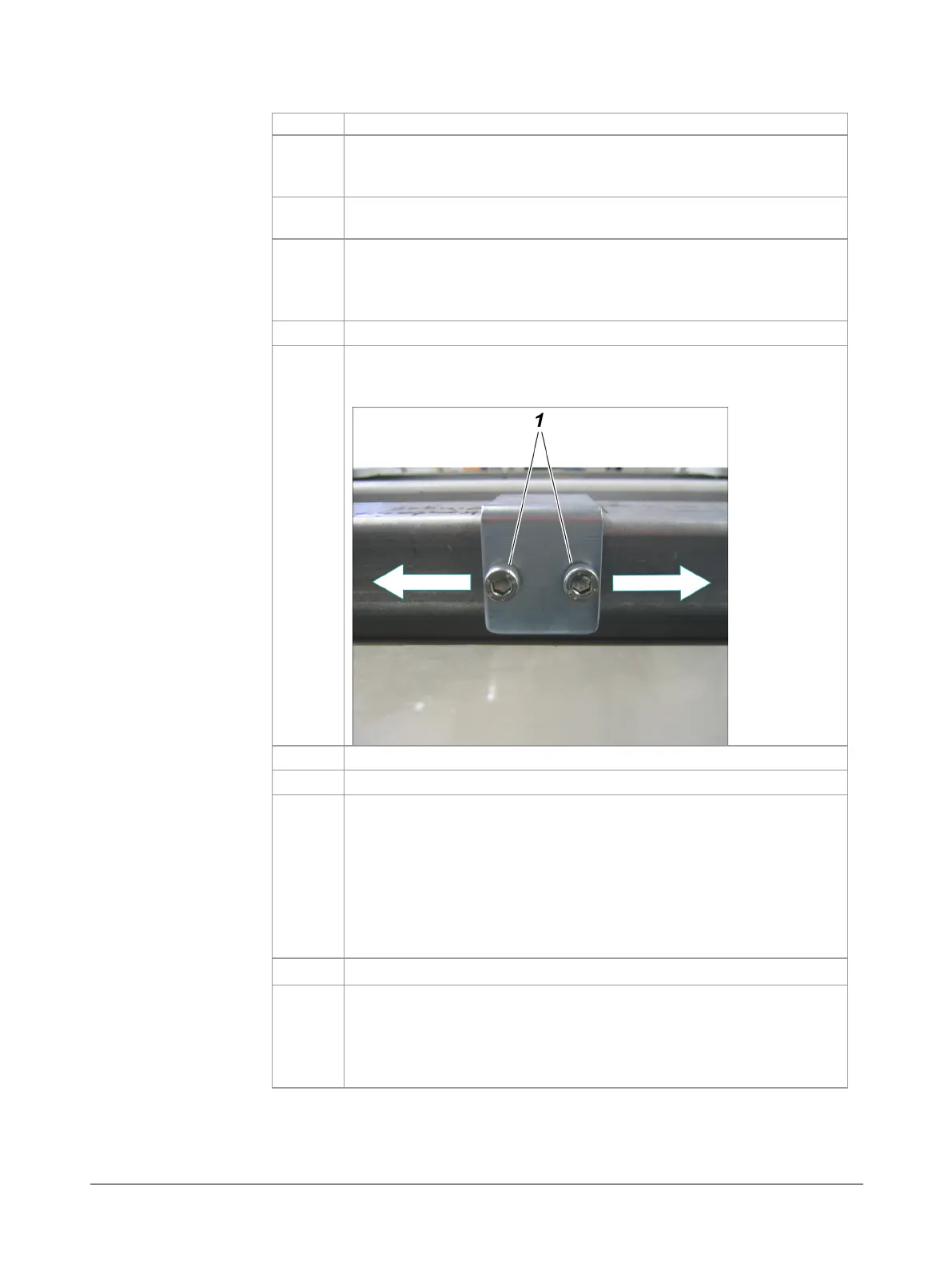
Unscrew lock screws on the contact plate
(1)
with an Allen key
and push contact plate for inductive indicator
-B71
until it reach-
es the marked position.
Unlock EMERGENCY STOP switch.
Turn service switch to
OFF
position, then turn back to ON.
Press the Insert button to move the probe to the desired position
until the controller displays the appropriate signal (e.g.: Probe
Inserted display box in the Probe Action dialog changes from
white to black).
Note: If inductive indicator
-B71
does not trigger despite the
contact plate above it, check the height adjustment and adjust as
necessary. The distance between the inductive indicator and the
contact plate must be 3-6 mm.
Tighten contact sheet with Allen key.
Unlock EMERGENCY STOP switch, turn service switch back to
OFF
position and insert probe again using the controller.
WARNING! Probe moves into the kiln. Do not stand in the area of
travel of the probe or probe carriage until the probe is com-
pletely inserted into the kiln and the warning lamps go out.
inserted position



 To Next Page