-EN Rev. E Operating instruction SCK Gas Sampling System 39
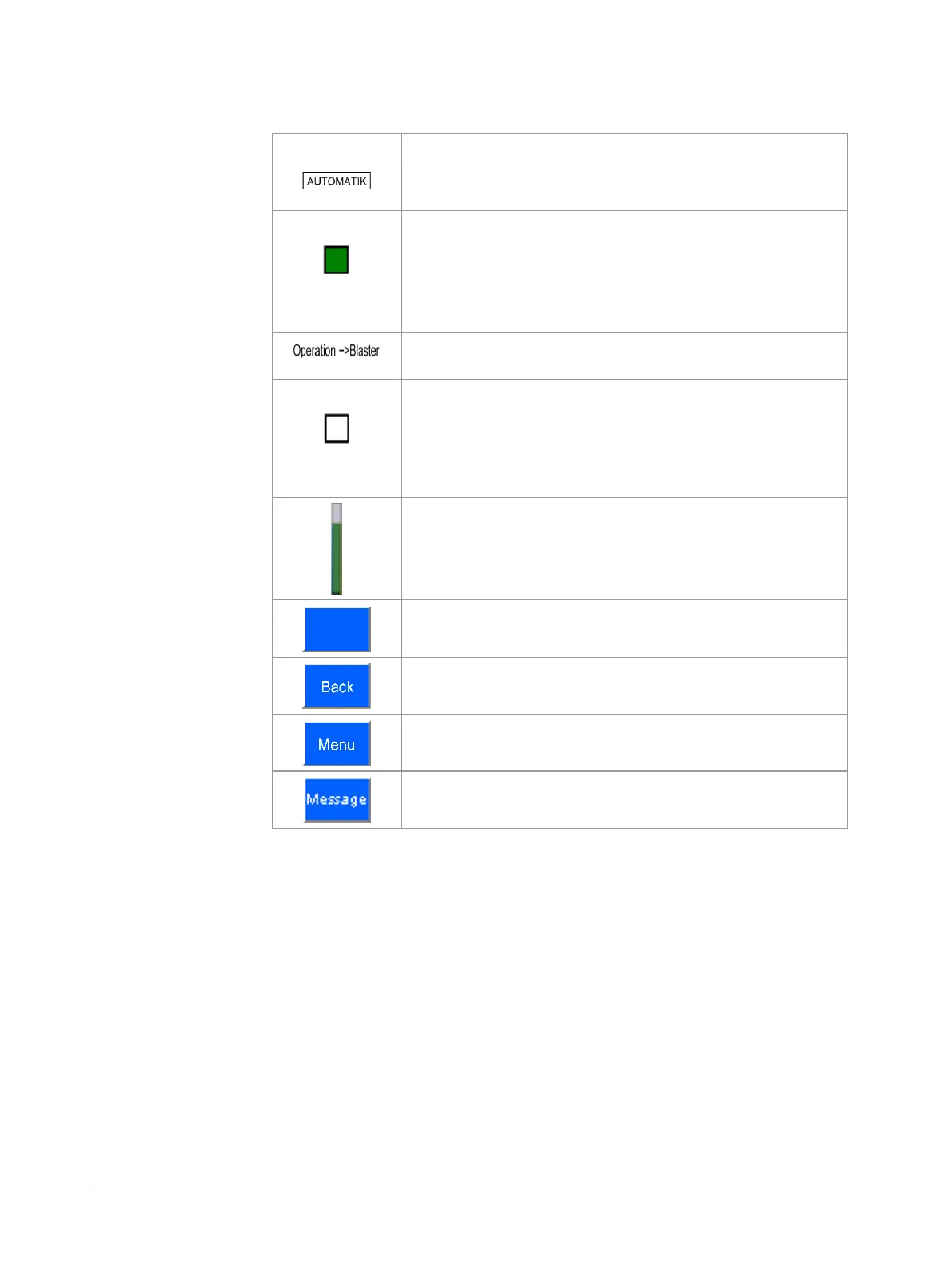
The following table lists the buttons and displays in the user interface and
their functions:
Symbol Function
Displays the mode (AUTOMATIC or MANUAL)
System status lights:
green: normal operation
red: error
orange: maintenance required
blue: maintenance
Menu path display
Display box:
white: requirement not met / process interrupted /
inactive
green: requirement met
black: follow-up function / process running / active
Progress bar: time to next cleaning
(only enabled in cleaning menus)
Button to trigger a function associated with a control
(button grayed-out if disabled)
Jump to previous menu
Jump to main menu
Display Message menu



 To Next Page