SensyMaster FMT430, FMT450 THERMAL MASS FLOWMETER | OI/FMT430/450-EN REV. B 85
Once you have logged on to the corresponding access level, you
can edit or reset the password. Reset (status ‘no password
defined’) by
selecting ‘ ’ as a password.
**********
QRSTUVWXYZ 0123456
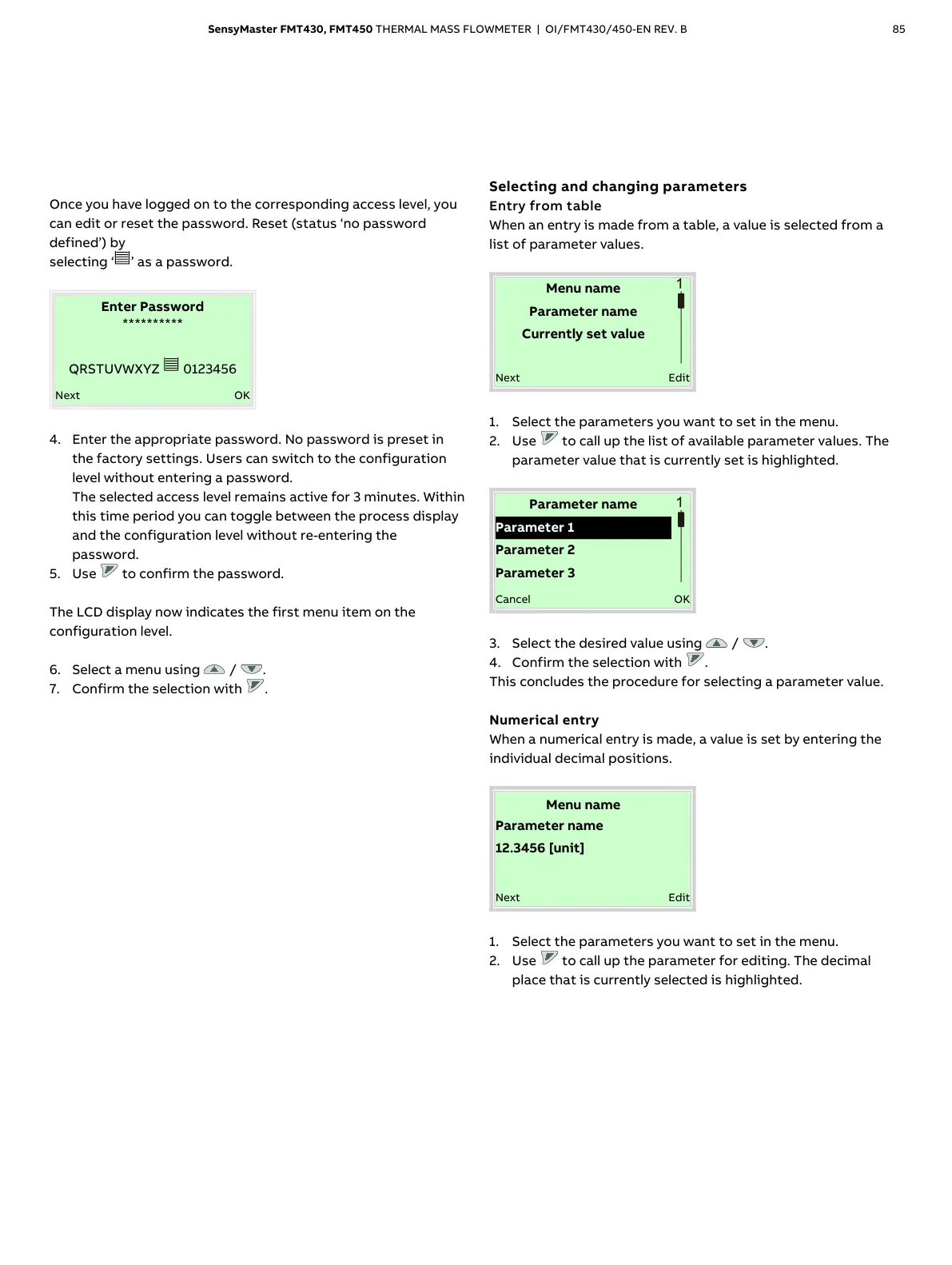
4. Enter the appropriate password. No password is preset in
the factory settings. Users can switch to the configuration
level without entering a password.
The selected access level remains active for 3 minutes. Within
this time period you can toggle between the process display
and the configuration level without re-entering the
password.
5. Use to confirm the password.
The LCD display now indicates the first menu item on the
configuration level.
6. Select a menu using / .
7. Confirm the selection with .
Selecting and changing parameters
Entry from table
When an entry is made from a table, a value is selected from a
list of parameter values.
Menu name
Parameter name
Currently set value
1. Select the parameters you want to set in the menu.
2. Use to call up the list of available parameter values. The
parameter value that is currently set is highlighted.
Parameter name
3. Select the desired value using / .
4. Confirm the selection with .
This concludes the procedure for selecting a parameter value.
Numerical entry
When a numerical entry is made, a value is set by entering the
individual decimal positions.
Menu name
1. Select the parameters you want to set in the menu.
2. Use to call up the parameter for editing. The decimal
place that is currently selected is highlighted.













 To Next Page