84 SensyMaster FMT430, FMT450 THERMAL MASS FLOWMETER | OI/FMT430/450-EN REV. B
… 9 Operation
… Switching to the information level
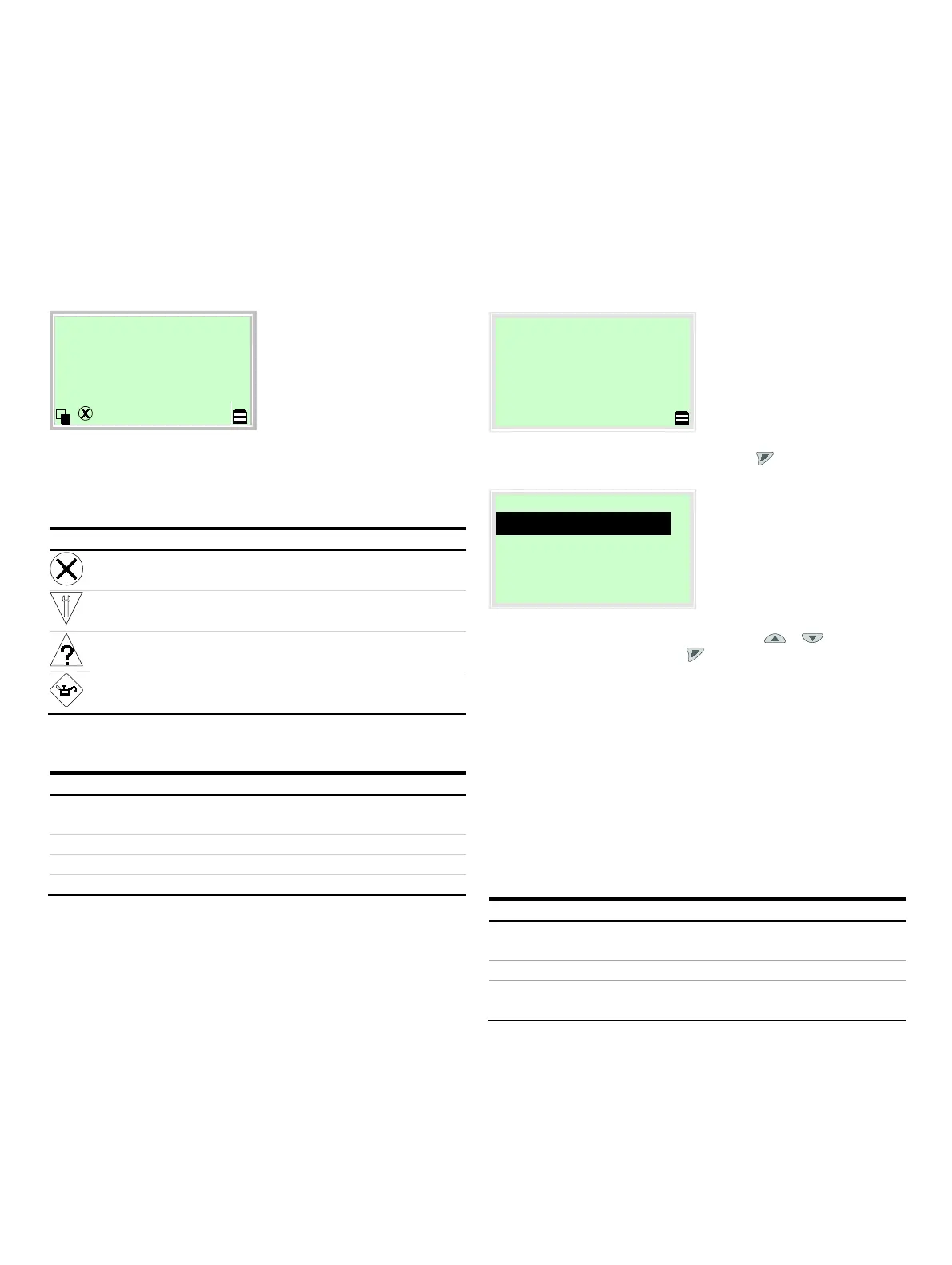
Error messages on the LCD display
In the event of an error, a message consisting of a symbol and
text (e.g. Electronics) appears at the bottom of the process
screen.
The text displayed provides information about the area in which
the error has occurred.
The error messages are divided into four groups in accordance
with the NAMUR classification scheme. The group assignment
can only be changed using a DTM or EDD:
Outside of the specification
The error messages are also divided into the following areas:
Error / alarm due to the current operating
conditions.
Error / alarm of the flowmeter
sensor.
Error / alarm of the electronics.
Error / alarm due to device configuration.
Note
For a detailed description of errors and troubleshooting
instructions, please see Diagnosis / error messages on
page 128.
Switching to the configuration level
(parameterization)
Note
For security reasons it is recommended, to set a password.
The device parameters can be displayed and changed on the
configuration level.
1. Switch to the configuration level with .
2. Select the desired level of access using / .
3. Confirm the selection with .
Note
There are three levels of access. A password can be defined for
level ‘Standard’.
• There is no factory default password. For security reasons it
is recommended to set a password.
• The password prevents access to the parameterization via
the buttons on the device. For further access protection via
DTM or EDD (HART®, PROFIBUS®, Modbus®) the hardware
write protection switch must be set (see Write-protect
switch on page 72).
Only
All parameters are locked. Parameters are read only and
cannot be modified.
All the parameters can be changed.
Only ABB Customer Service has access to the Service
menu.













 To Next Page