102
Modulator Spread
Accessible via the ENV AMOUNT knob in the FILTERS section
when only FILT2 is active.
> -64 to +63: How far apart individual Modulator bands are.
The standard value is +63 (full range), negative values effec-
tively invert the order of bands. Modulation destination
“Filter2 Key Follow“.
Mod Q
Accessible from the panel via the RESONANCE knob when
FILT2 is selected.
> 0 to 127: Quality (steepness) of the Modulator bands. Modu-
lation destination “Filter2 Resonance“.
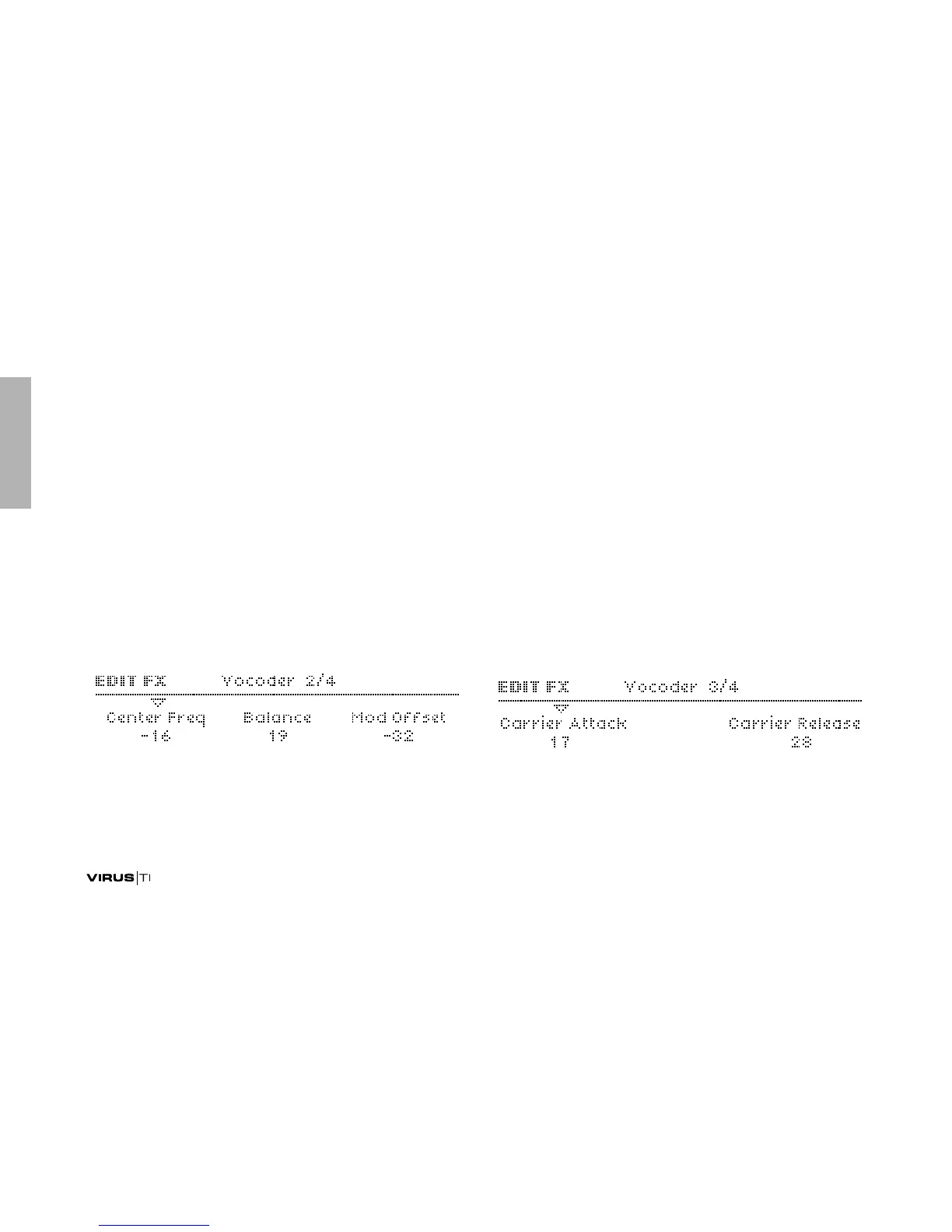
Center Freq
Accessible from the panel via the CUTOFF knob in the
FILTERS section.
> -64 to +63: Centre frequency of the Carrier bank. Modula-
tion destination “Filter1 Cutoff“.
Balance
Accessible from the panel via the FILTER BALANCE knob.
> -64 to +63: Balance between the carrier and modulator sig-
nals. For pure vocoder signal, set this value to <0>. Modula-
tion destination “Filter Balance“.
Mod Offset
> -64 to +63: Centre frequency offset of the modulator bank
relative to the carrier bank. Modulation destination
“Filter2 Cutoff“.



 To Next Page