Installation and Commissioning Guide
Split Tri-Capacity
65
Installation and Commissioning Guide 500-700 Tri-Capacity Split Ducted
Doc. No.0525-098 Ver. 2 210330
25. ENABLE DISABLE AIR FILTER ALARM
The Tri-Capacity control gives the user the option to Enable / Disable the Air Filter Alarm.
Procedure:
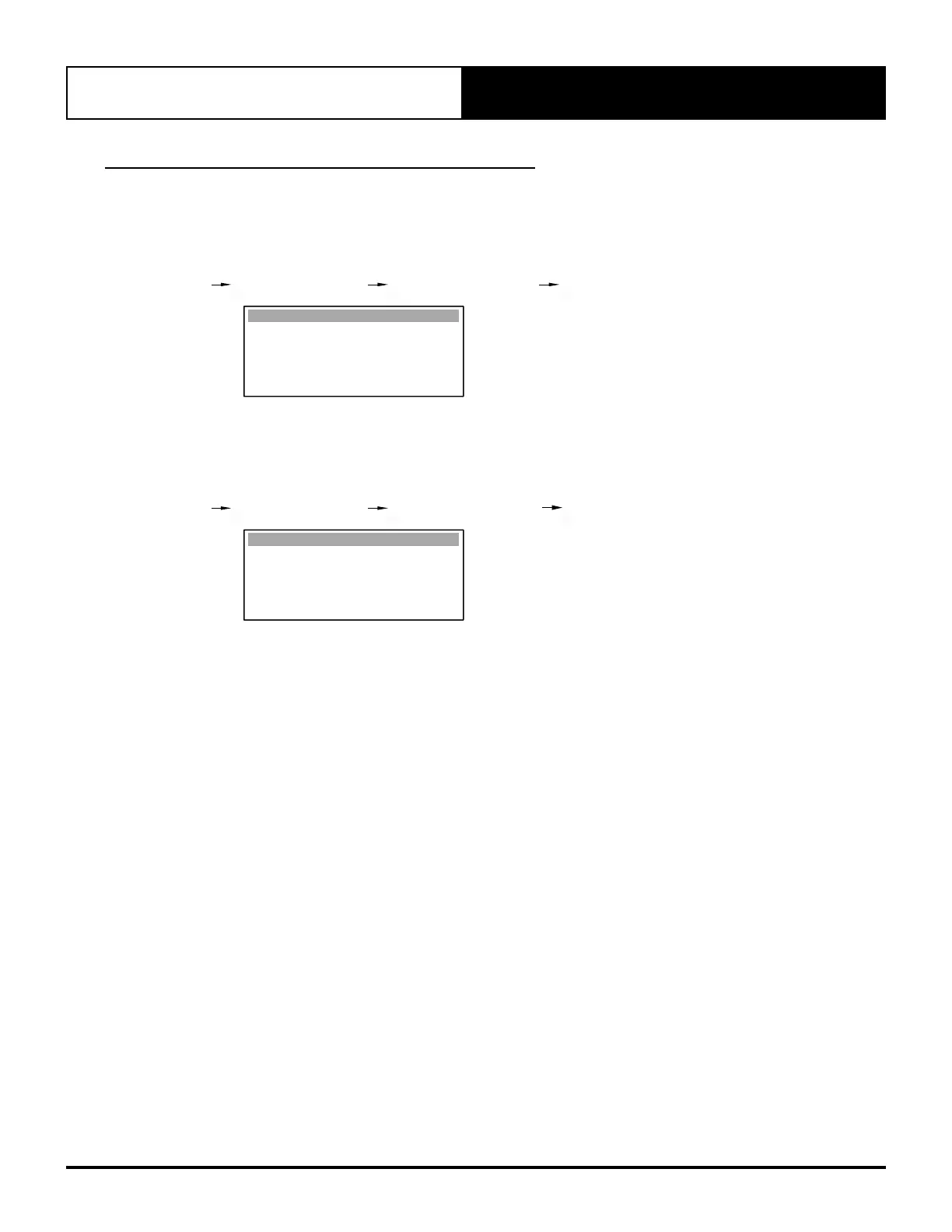
1. Set the Indoor Filter alarm timer in hours. Adjustable range is 0-900 hours.
G. Service Gf. Service settings Gfa. Working hour set Gfa1. Work. hours set
Indoor Filter : 200h
Compressor : 10000h
Filter Fault relay: No
Indoor Fan : 10000h
Work. hours set Gfa1
Setting Indoor Filter to 000h will disable the filter alarm and notification. At this setting, the output fault relay will not
be energised.
2. To enable the Alarm Relay Output (Air Filter cleaning) notification, Set Filter Fault relay to Yes.
G. Service Gf. Service settings Gfa. Working hour set Gfa1. Work. hours set
Indoor Filter : 200h
Compressor : 10000h
Filter Fault relay : Yes
Indoor Fan : 10000h
Work. hours set Gfa1



 To Next Page