Installation and Commissioning Guide
Split Tri-Capacity
89
Installation and Commissioning Guide 500-700 Tri-Capacity Split Ducted
Doc. No.0525-098 Ver. 2 210330
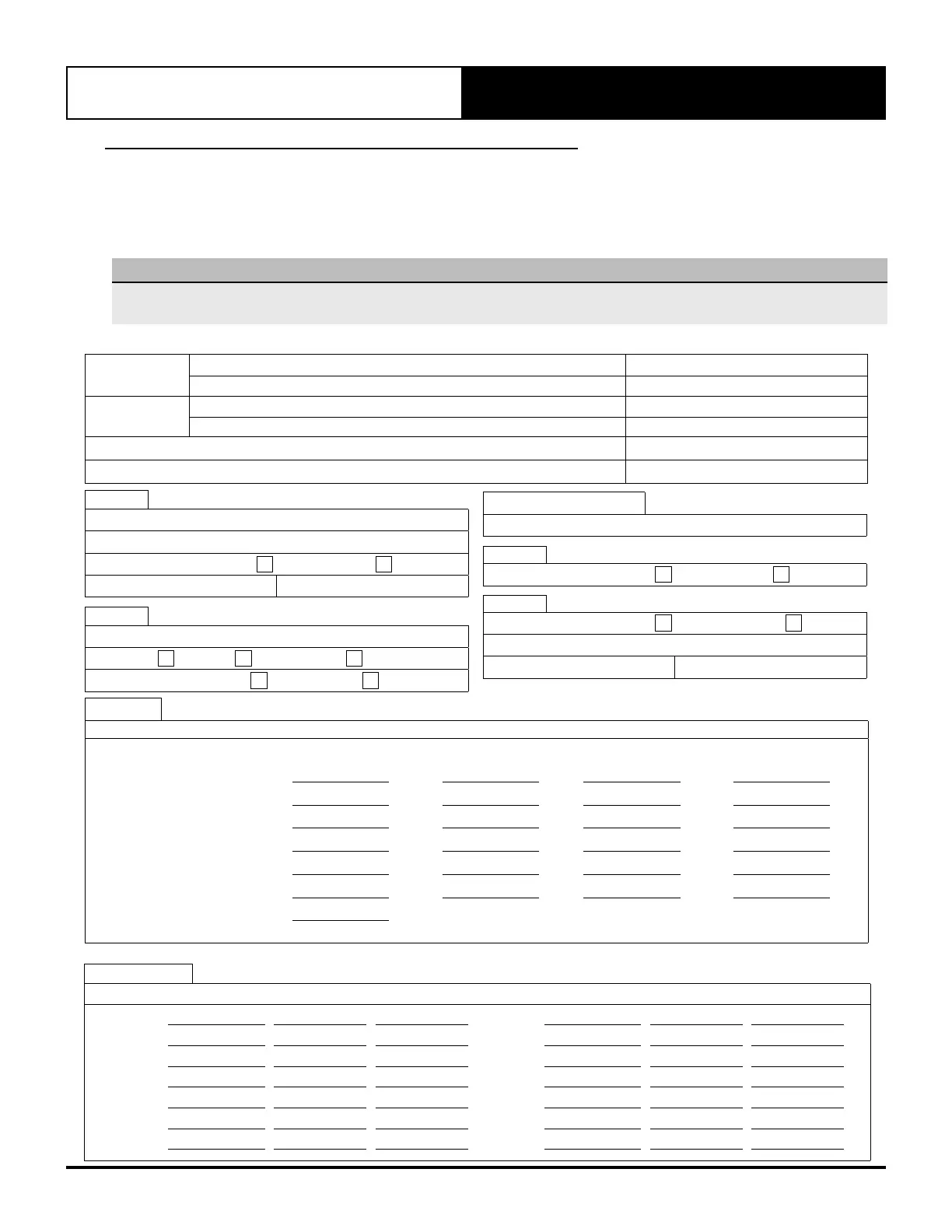
33. STARTUP AND COMMISSIONING REPORT
Completing Settings Log Procedures
1. Switch-Off all motor start circuit breakers (MSCB), leaving circuit breakers CB1, CB2 and CB3 Switched-On.
2. Fill-in all current settings and information in SETTINGS LOG below:
Settings Log:
NOTE
Please log all required information below, before any software changes are to be made. Failure to do so will cause difficulties in
restarting the unit operation back to original settings. Leave this manual in a secure location near the unit.
INSTALLATION INFORMATION
CUSTOMER
Name: Tel. No.
Address:
INSTALLER
Name: Tel. No.
Address:
SITE ADDRESS: Date Installed:
MODEL: Serial Number:
B1
Setpoint
Setpoint: °C
Temp. Setback:
Enabled
Disabled
Cooling Limit: °C Heating Limit: °C
C1
Mode Of Operation
Mode:
Auto
Cool Only
Heat Only
Indoor Fan Mode:
Continuous
Auto Cycle
Indoor Fan Settings
% ID Fan Speed
%
D1
Enable Scheduler
No
Yes
D2
DST
Enable
Disable
Transition Time: min.
Start: in at End: in at
D3 - D7
TIMECLOCK SETTINGS
Event 1 Event 2
(1)
Monday to to
(1)
Tuesday to to
(1)
Wednesday to to
(1)
Thursday to to
(1)
Friday to to
(1)
Saturday to to
(1)
Sunday to to
(1)
After Hours Operation Duration:
Hours
NOTE:
(1)
Only visible when Enable Scheduler is set to Yes.
D8-D19
SPECIAL DAYS SETTINGS
Day / Month Event 1 Event 2 Day / Month Event 1 Event 2
Day 1 Day 7
Day 2 Day 8
Day 3 Day 8
Day 4 Day 10
Day 5 Day 11
Day 6 Day 12



 To Next Page