22 System functions and displays
fabian Therapy evolution | SW 5.1.x
Ref: 121003.EN / Date 2020-01-22
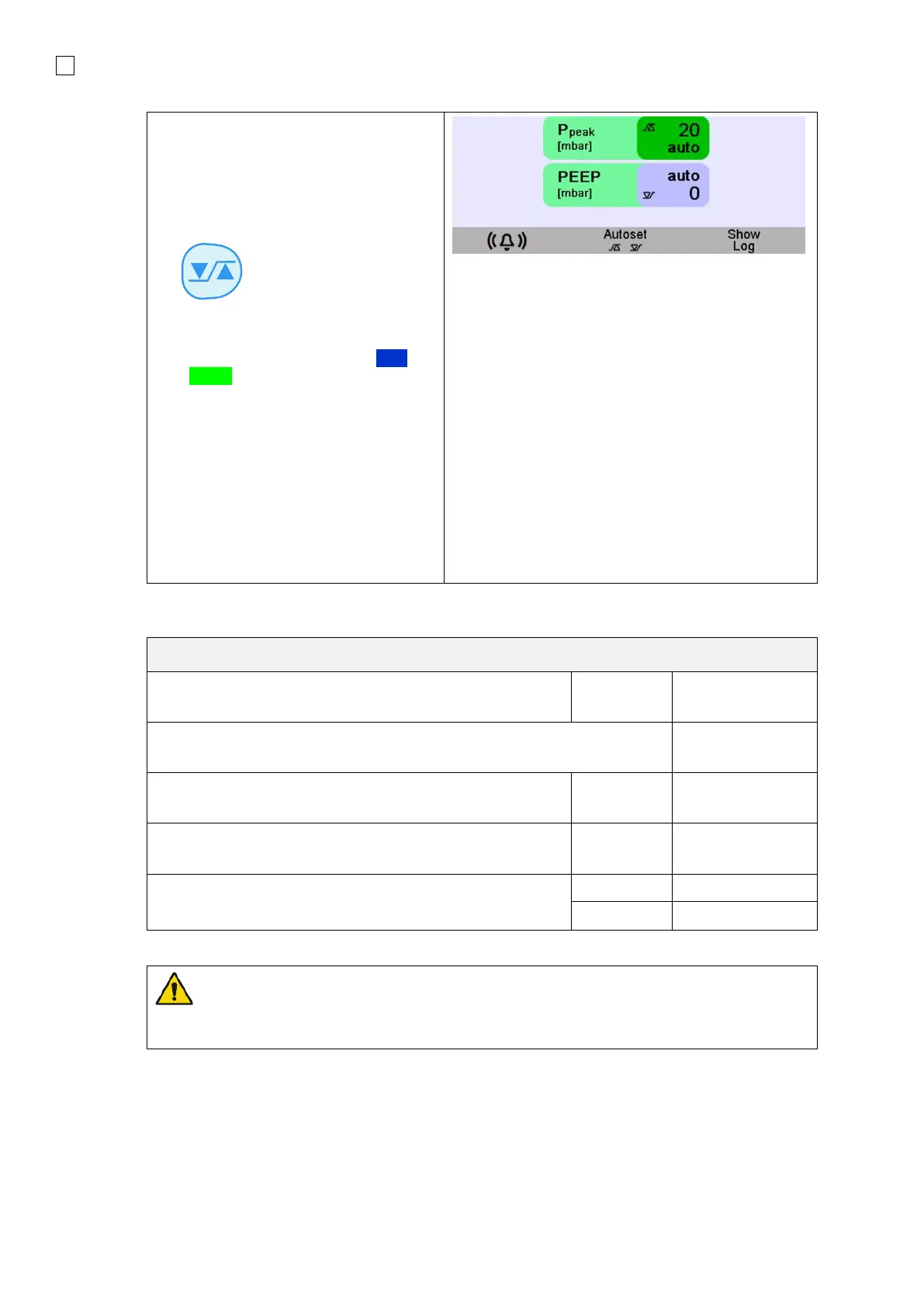
The upper and lower limits can be
manually or automatically adjusted in
the alarm limits menu.
To adjust the alarm limit manually:
1. Press the Alarm limits button
2. Touch the Parameter you wish to
change
3. The button turns from dark Blue to
Green
4. With the Rotary push knob,
change the value
5. To confirm the setting, either touch
the Parameter button again, or
push Rotary push knob again.
To automatically set the alarm limits,
select parameter and touch the
AUTOSET button.
WARNING: The respiratory rate and minute volume monitors are calculated as averages
using an update period of 6 seconds. In the event that the monitored breath rate falls below
11 bpm, these values are not reported.



 To Next Page