52 Alarms
fabian Therapy evolution | SW 5.1.x
Ref: 121003.EN / Date 2020-01-22
7.2 Alarm log
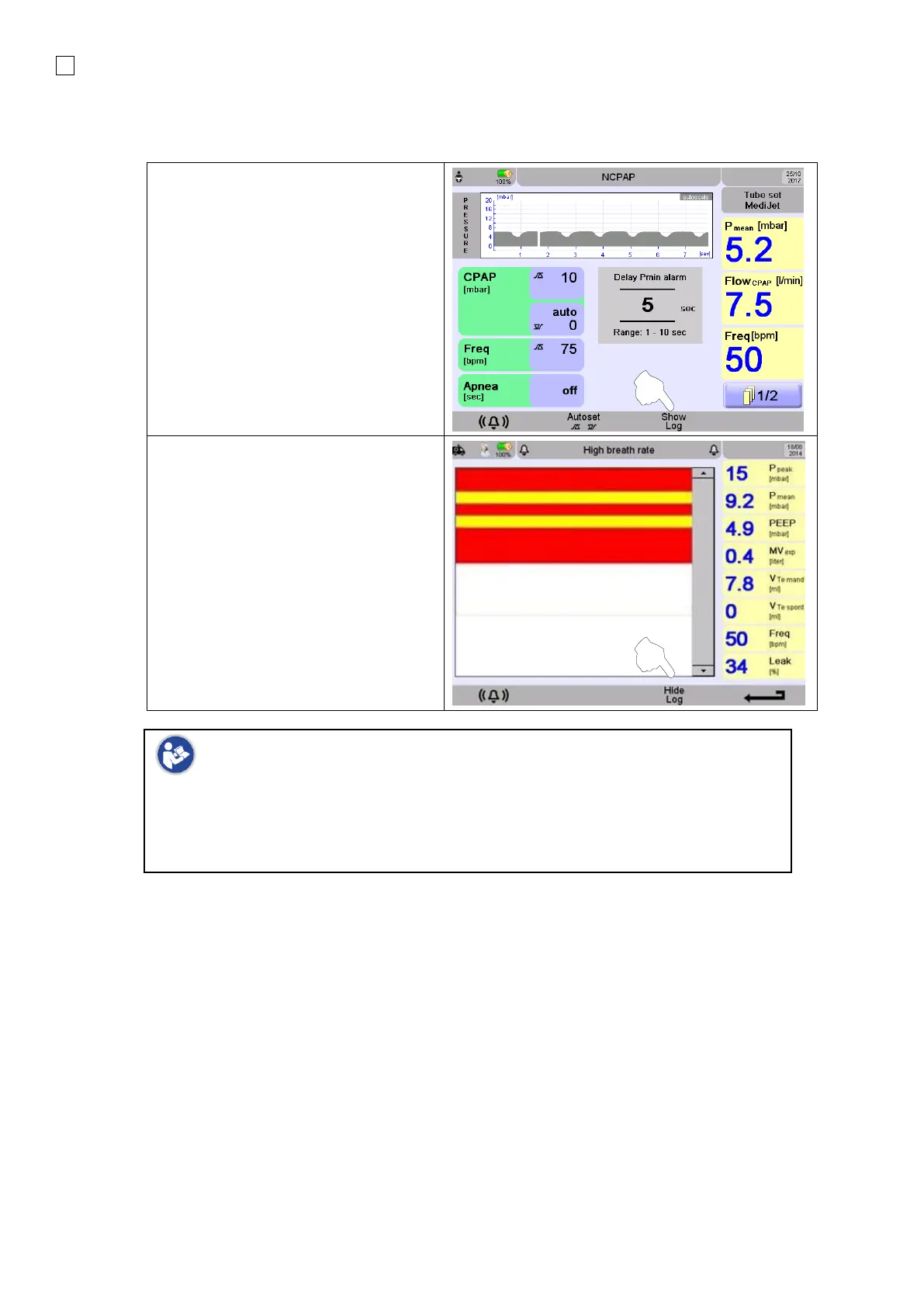
Switch to alarm limit menu
Press the button underneath Show Log
to access the Alarm Overview.
The Alarm List is sorted in chronological
order.
The parameters shown are:
• Time
• Message
• Priority
(highlighted. See: section
7.4.1: Alarms table)
Press the button underneath Hide Log
to return to the Alarm Limits menu.
Switching OFF the device will erase the Alarm Log displayed in clinical use. The
Alarm Log files capable of export from the submenu (Tools) will not be deleted.
In case alarm list or alarm log files reach their limit (100 /approx.. 70000 entries
respectively), the oldest entries are deleted first.
7.3 Nurse call relay
The delay from the nurse call relay is < 1 second.



 To Next Page