System functions and displays 23
fabian Therapy evolution | SW 5.1.x
Ref: 121003.EN / Date 2020-01-22
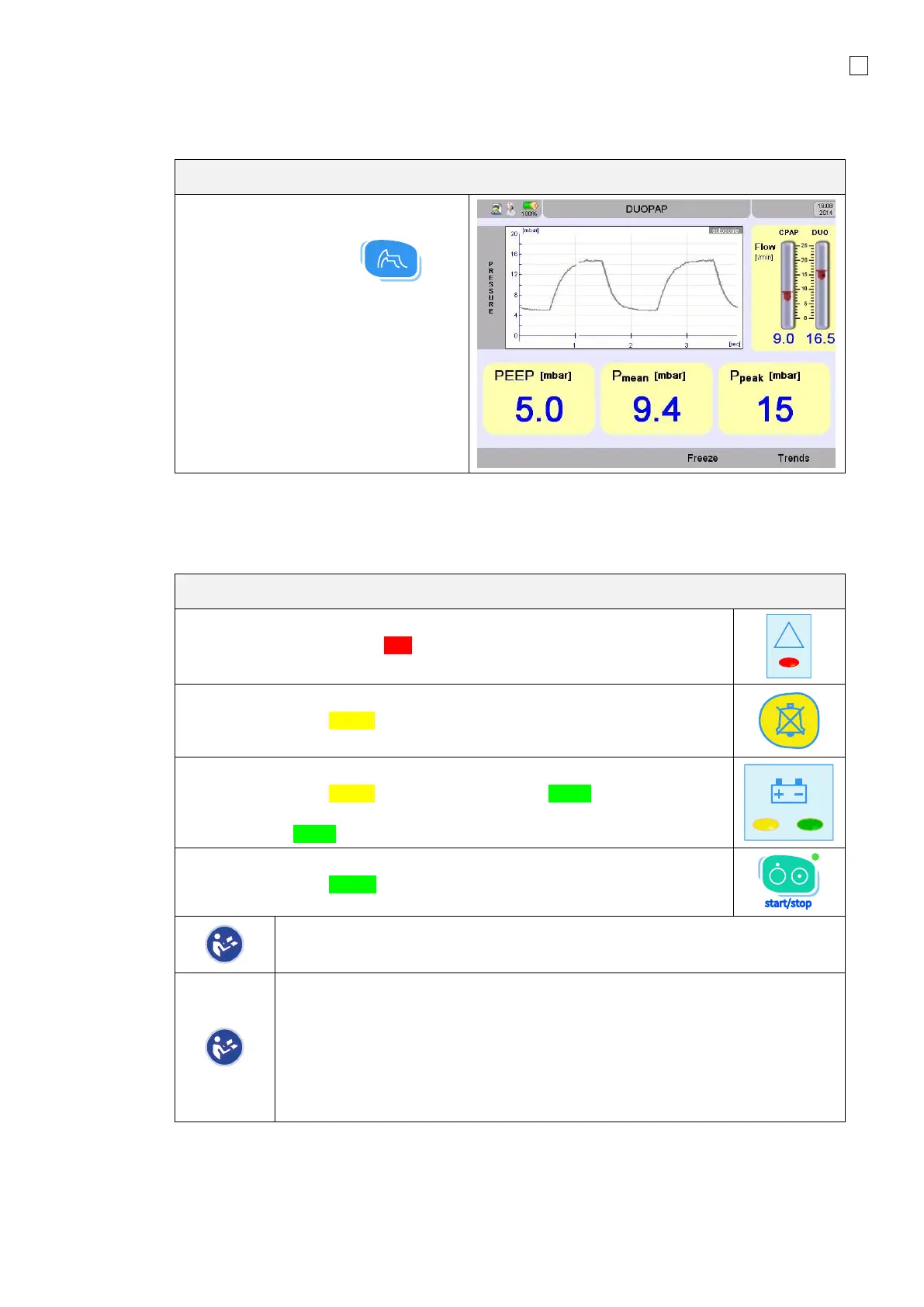
4.2.5 Graphic field
The button waves/loops changes the screen
Displays the current values in large
letters and the actual Wave
Use the Graphics button
to access the Waves menu.
LED Indicator explanation
Warning LED
This LED illuminates or blink Red when a system alarm is triggered.
LED Alarm Mute
This LED illuminates Yellow when the alarm is muted.
The remaining time for the alarm muting is displayed on the screen.
Battery LED
This LED illuminates Yellow in Battery operation and Green when the battery
is fully charged.
The LED blinks Green when the Battery is charging.
Mains LED
This LED illuminates Green in Mains operation and switches OFF in battery
operation.
When powered by the external 24 VDC connector, the Mains LED and Battery
LED will NOT illuminate.
If the device shuts down with warning LED blinking simultaneously with battery
LED, this represents a device fault. Then follow these steps:
1. Immediately take the device out of service and provide an alternative
means of ventilation to the patient;
2. Report the incident to your local distributor
3. Do not use the device until it has been checked by suitably trained and
qualified personnel.



 To Next Page