74 Accessories and options
fabian Therapy evolution | SW 5.1.x
Ref: 121003.EN / Date 2020-01-22
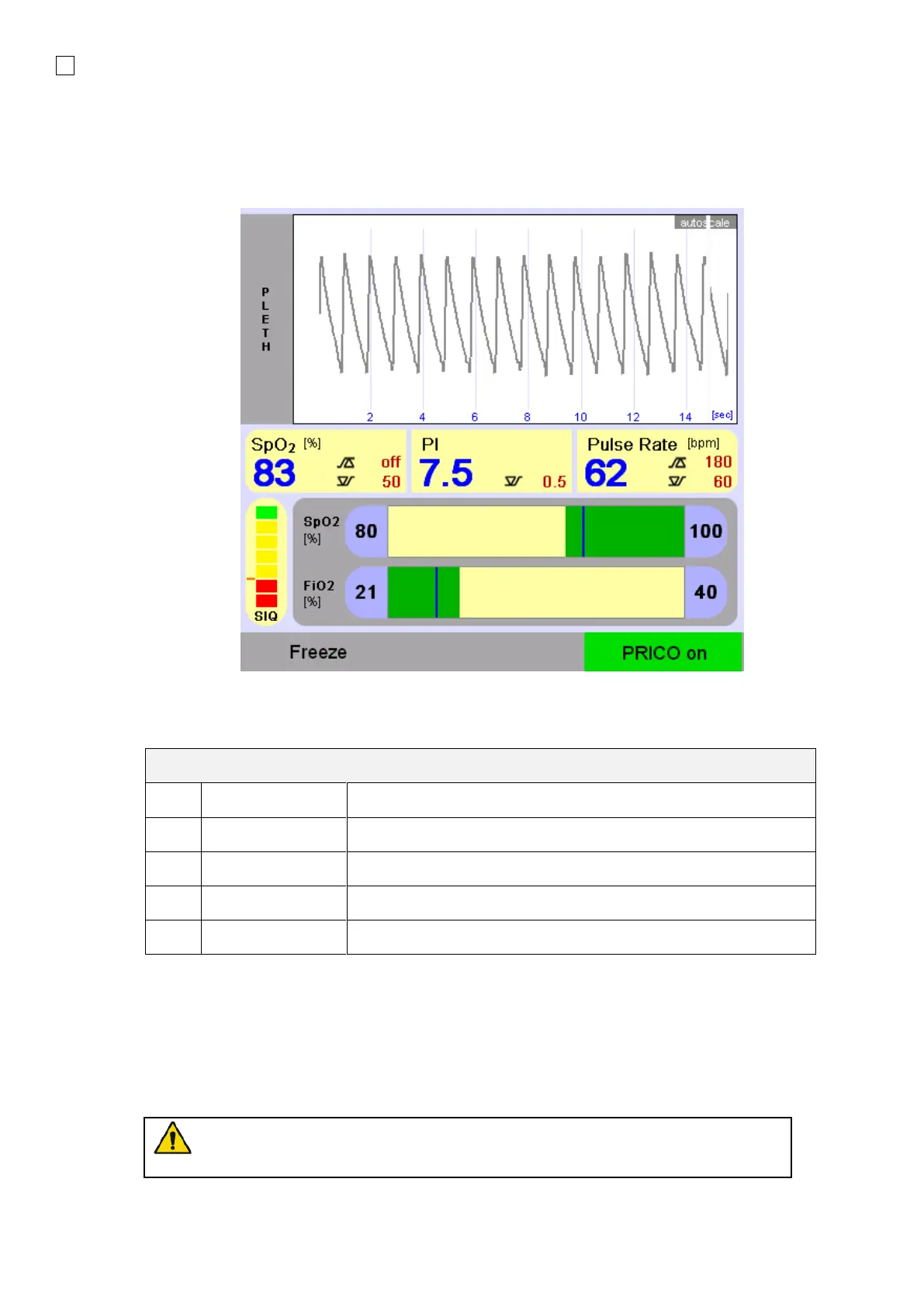
12.3.2 Setting up PRICO
PRICO can be activated in the SpO
2
section of the Graphics menu. PRICO will adjust the FiO
2
, to try
to keep the SpO
2
within the selected range.
PRICO in fabian Therapy evolution & fabian + nCPAP evolution
PRICO has the following parameters:
Minimum allowed FiO
2
. Range: 21 to 99%
Maximum allowed FiO
2
. Range: 22 to 100%.
The lower target for SpO
2
. Range: 0 to 99%.
The higher target for SpO
2
. Range: 1 to 100%.
ON OFF switch for PRICO
Dependencies on Alarm Limits:
•
2
2
alarm limit.
•
2
2
alarm limit.
• PRICO he measured SIQ (Signal Quality) is higher than the SIQ alarm
limit.
Due to the dependencies of the PRICO alarm limits it is critical that you first select
the appropriate alarm limits for the patient, before switching on PRICO.



 To Next Page