System operation 31
fabian Therapy evolution | SW 5.1.x
Ref: 121003.EN / Date 2020-01-22
O
2
calibration can be performed manually.
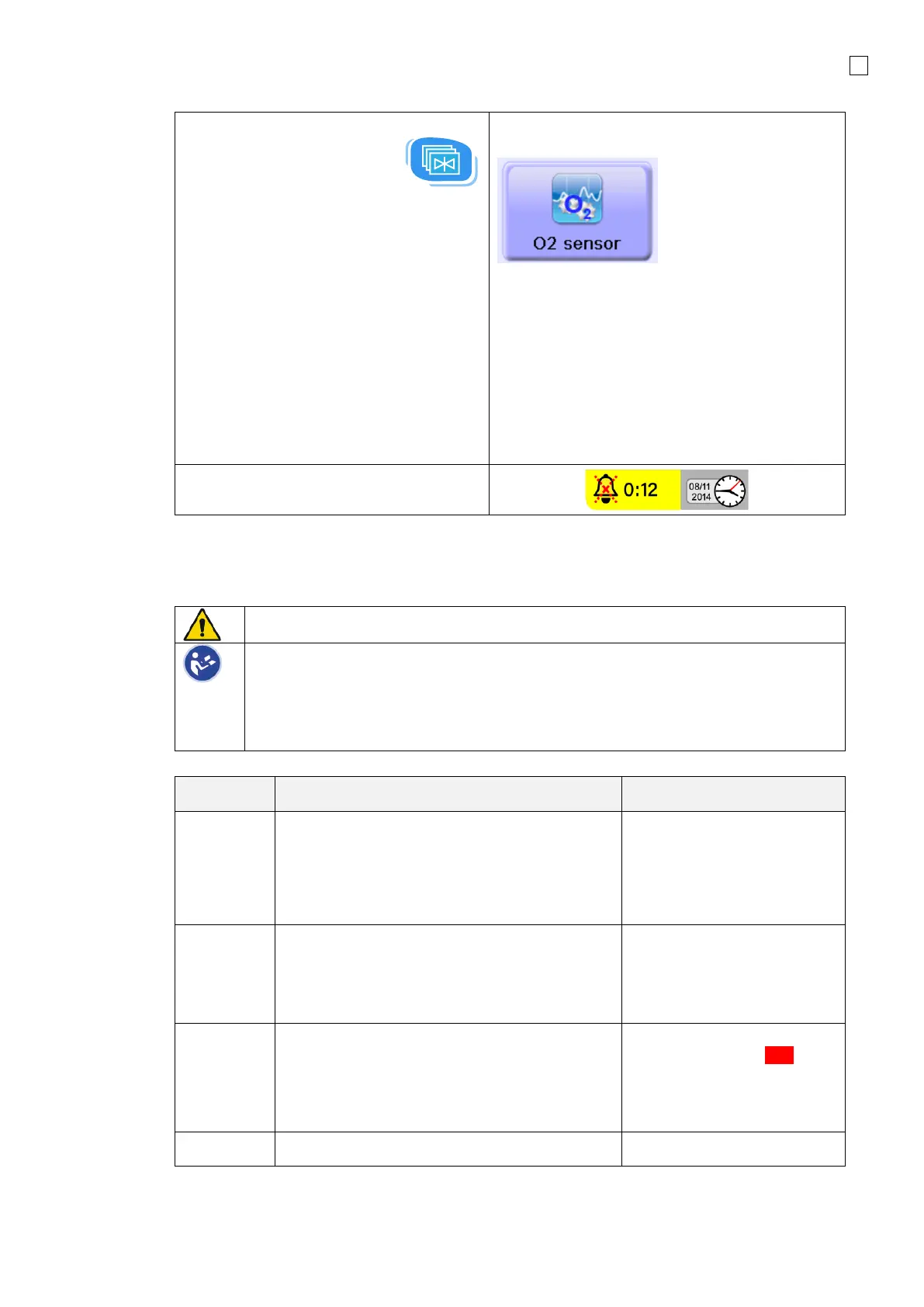
6. Press the Menu
button once to open the Configuration
menu.
7. Press the button again to open the
Calibration menu and select O
2
sensor.
SpO
2
module can be switched ON in the
Calibration menu as well.
For more information on SpO
2
module,
refer to the following sections in this
manual:
SpO
2
0:
SpO2 module
All audible alarms are silenced for
2 minutes after startup of fabian
Always perform a Device Check before each ventilator use or after changing the
patient circuit.
The fabian ventilator does not automatically compensate gas fraction measurements
for changes in barometric pressure during use. The oxygen sensor is calibrated in
the hospital prior to use and this calibration remains in effect. This calibration
process is part of the normal pre-use checks for the ventilator. The pre-use
calibration should not be skipped if the ventilator has been moved to a location with
significant change in altitude.
1. Attach high pressure Air and Oxygen
supply hoses to the inlets on the rear panel
of the ventilator.
2. Connect hoses with the corresponding wall
outlets.
Air and Oxygen supply hoses
are correctly connected
Connect the following:
• Patient breathing circuit tubes
• Water traps (if needed)
• Respiratory humidifier and tube heating
Patient circuit assembled
correctly according to
1. Switch ON the fabian ventilator.
2. Perform the audible alarm test.
3. Confirm that the audible tone can be heard
Alarm tone is audible and
alarm lamp flashes Red
during switch-ON test.
Self-test successful.
Calibrate Flow sensor (if available)



 To Next Page