Accessories and options 69
fabian Therapy evolution | SW 5.1.x
Ref: 121003.EN / Date 2020-01-22
12.2 SpO
2
module
12.2.1 Setting up the Masimo sensor
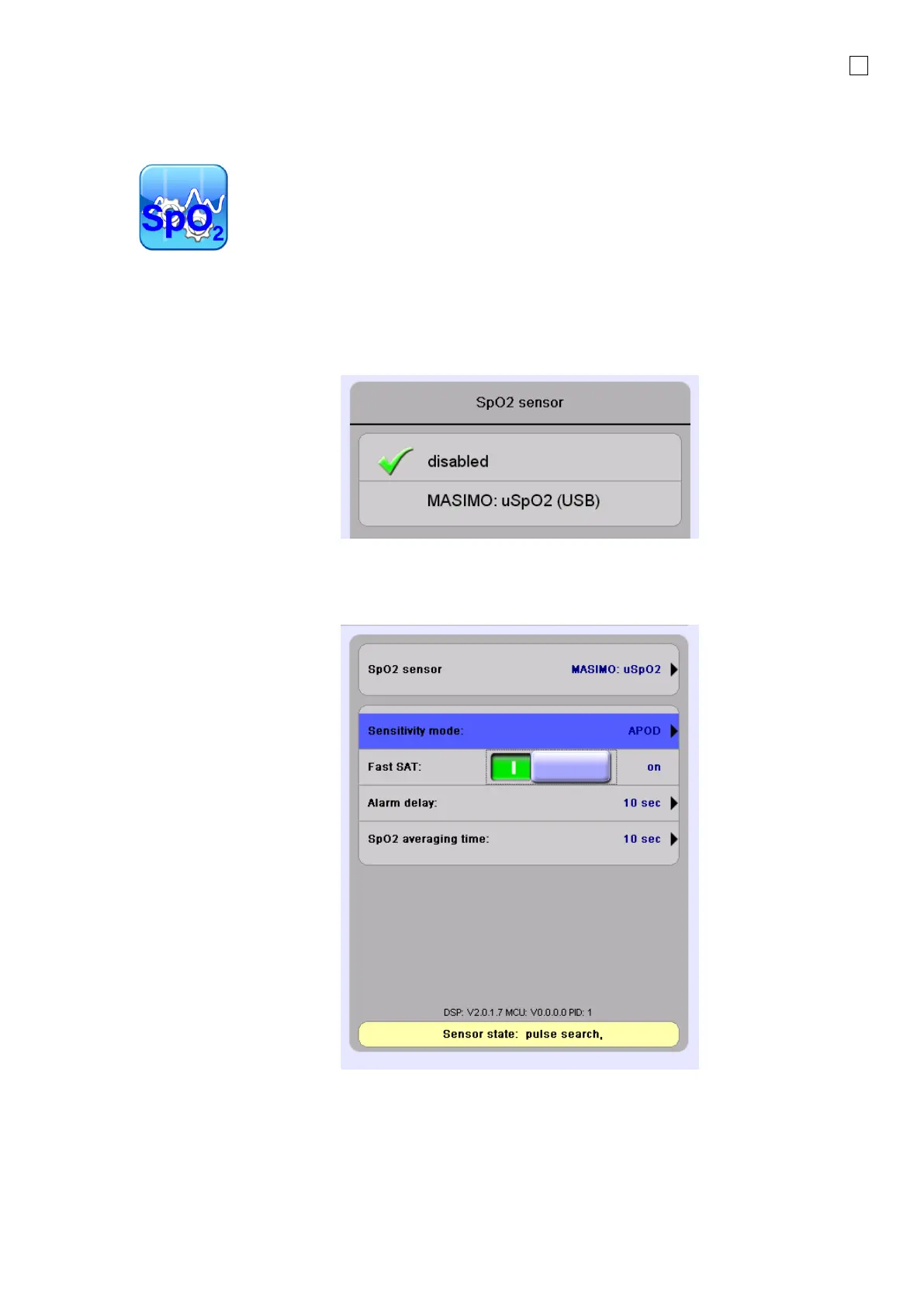
To enable the SpO
2
measurement, the module must be enabled. This can be done in the menu of
the SpO
2
module.
Enable SpO
2
You can choose from the SpO
2
menu, different module settings described in the following sections.
SpO
2
settings and information
Here you can find information on the sensor state and software release of the connected module.
You can select the sensitivity mode, enable or disable a Fast SAT mode, and set the alarm delay and
the SpO
2
averaging time.



 To Next Page