14 Firmware Version 7.2
IMPORT SETUP
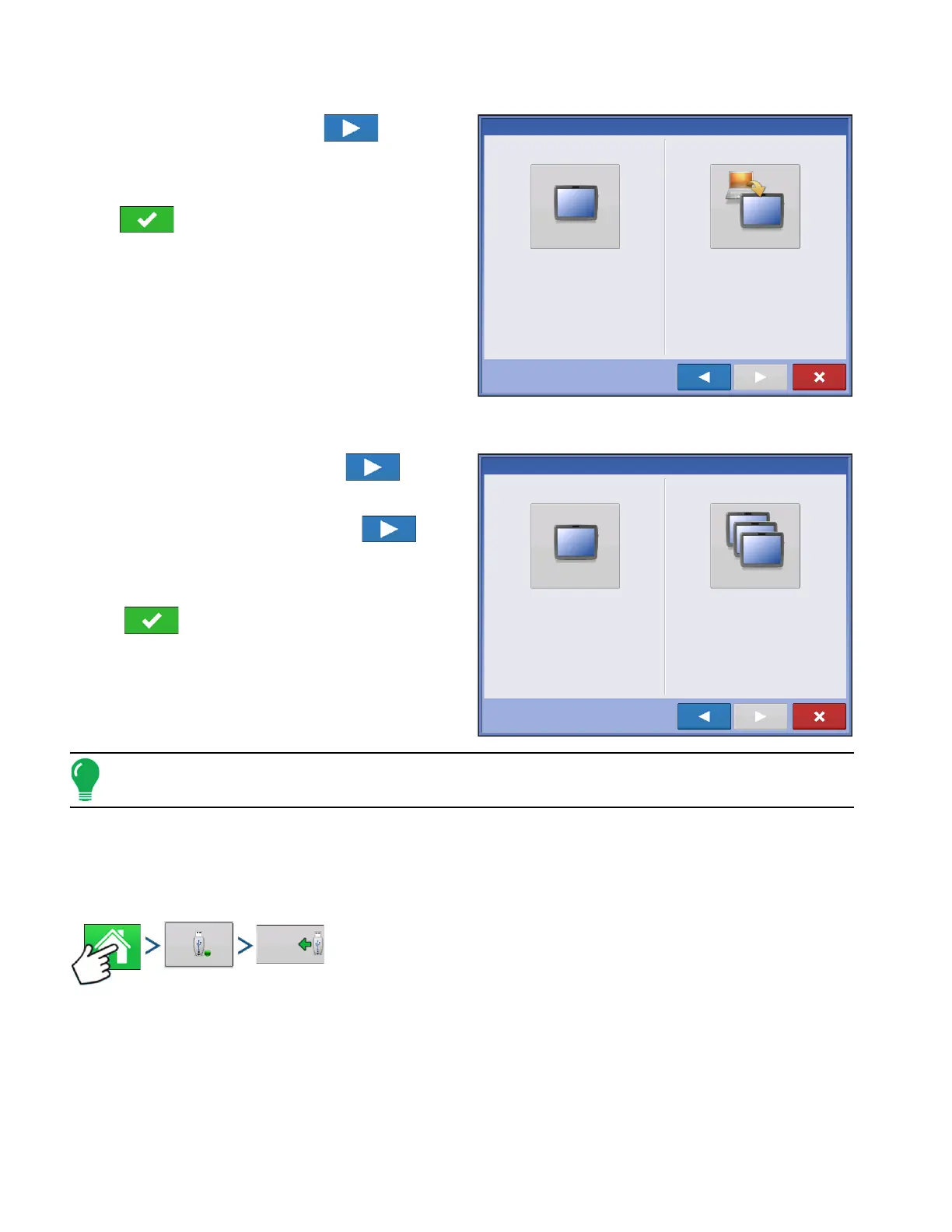
Press “Import Setup” button then to
continue.
Select desired setup file from directory.
Press to accept the setup and return to
Home screen.
MULTIPLE DISPLAY SETUP - ADDITIONAL DISPLAY
Press “Multiple Display” button then to
continue.
Press “Additional Display” button then to
continue.
Select desired setup file from directory.
Press to accept the setup and return to
Home screen.
Note: The business created on the first display, and any other management and equipment items, will be
imported to the additional displays.
IMPORT SETUP DATA
IMPORT FILES
Press: Home button > External Storage button > Import Files
New Setup
Import Setup
Select “New Setup” to perform all setup through
the display user-interface.
Select “Import Setup” to select an AgSetup file to
import setup items from your computer.
Single Display
Multiple Display
Select “Single Display” if you only have one
display in your operation.
Select “Multiple Displays” if you have more than
one display and want to share setup items
between displays.



 To Next Page