16 Firmware Version 7.2
DISPLAY BUTTON
Press: Home button > Display button
The Display screen contains the following tabs:
• General tab
displays settings related to Time, Date, display screen settings, operating units, video and display owner
information.
• Display tab
contains functionality for setting up a Display Owner and making any needed edits to the owner personal
information.
• Features tab
lists unlocks for a particular display.
• Advanced tab
includes information related to log files and system backups.
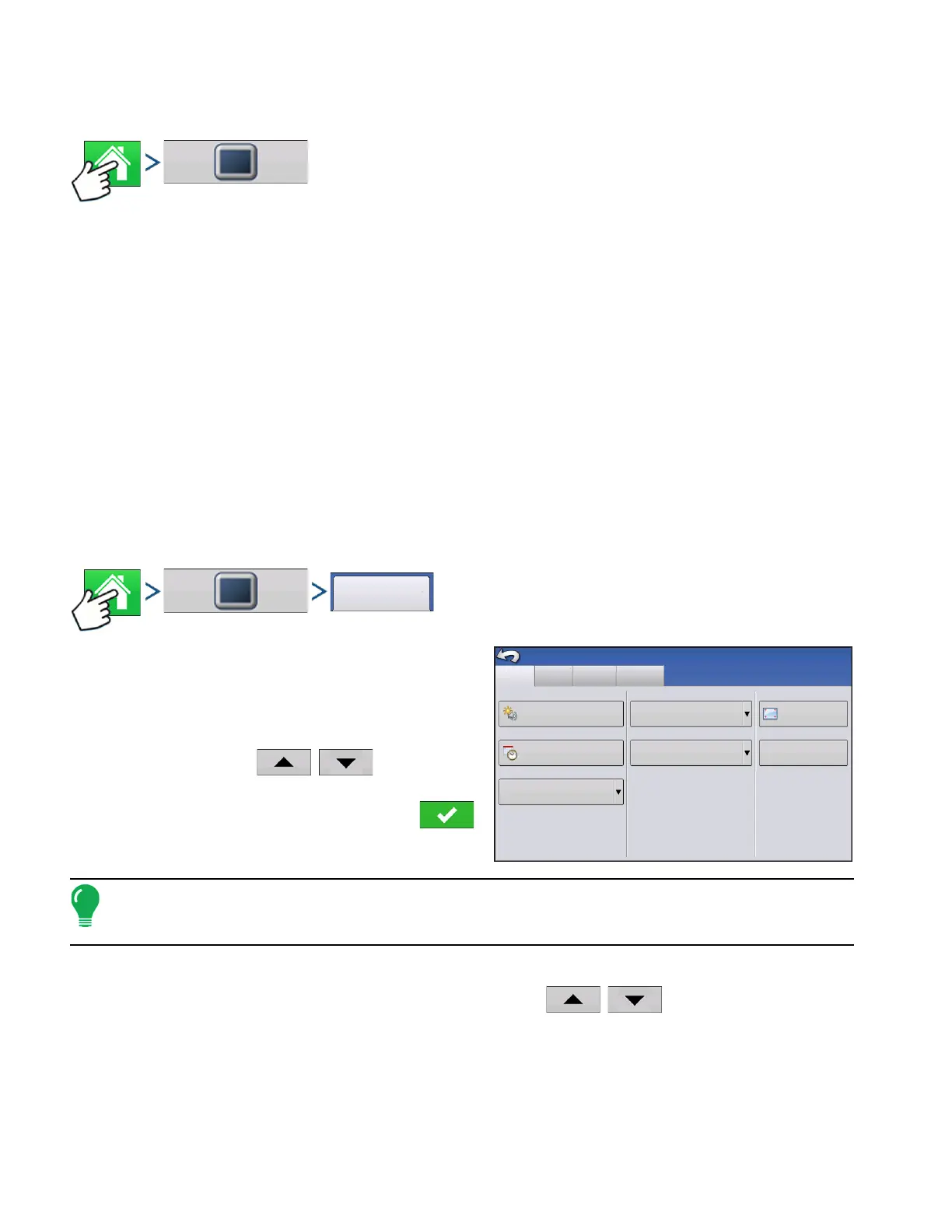
GENERAL TAB
Press: Home button > Display button > General tab
The Setup General Tab is consists of the following
items:
• Time/Date button
Press button and use
/
to adjust the
hours, minutes, A.M./P.M. settings, month, date and
year. To make these changes effective, press .
Note: The display will then shut down immediately. If you do not want to shut the display down, press the
Close (Red X) button; however the time/date changes will not be accepted until the display is shut down and
restarted.
• Brightness and volume percentages.
To change these, press the Brightness/Volume button and use
/
to change the percentage
of the Display Brightness and Speaker Volume.
• Calibrate Touchscreen.
Press this to launch the Touch screen Calibration wizard. Calibrate the touch screen by following the on-
screen instructions.
General
Display
Features
Advanced
Brightness
100%
Volume
Time/Date
8:56:50 AM
11/01/2011
Time Zone
Americas (Central Time)
Language/Country
English/US
Operating Units
Imperial
Console Setup
Calibrate
Touchscreen
ISOBUS Settings
40%



 To Next Page