53 Ag Leader PN 4003964-ENG Rev. P
S
ETUP
E
XTERNAL
D
RIVE
• Equipment Used
• Products Used
• Marks Logged
• Boundaries
• Guidance Patterns
• Flexible export options
• Will be able to export by Grower
Export Reports
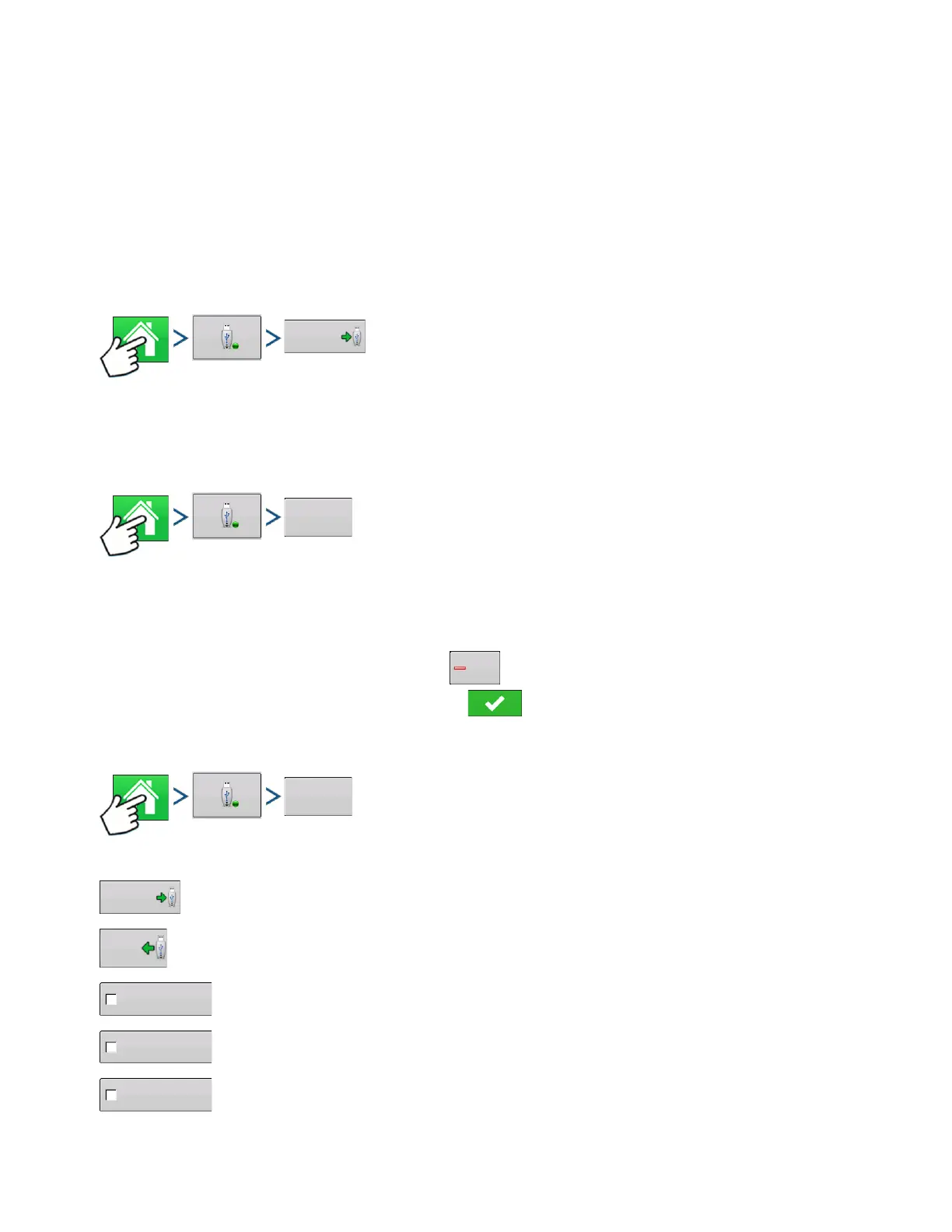
Press: Home button > External Storage button > Exports Reports
• Exports Reports saved on internal memory. See
“Smart Report™” on page 68
for more information.
MANAGE FILES
Press: Home button > External Storage button > View USB Contents
Use the scroll bar to view a list of all files and folders. A bar at the bottom of the window shows how
much memory is available on the USB drive.
To delete files, highlight specific file and press . The Memory Management screen warns that the
selected files will be permanently deleted. Press to permanently delete file.
ADVANCED OPTIONS
Press: Home button > External Storage button > Advanced Options
Creates Backup on USB Device
Restores data from backup file on USB Device
Select to Export Log Files by Grower
Select to Export Log Files by Event
Select to data files on shutdown
Export data files
on shutdown



 To Next Page