21 Ag Leader PN 4003964-ENG Rev. P
S
ETUP
M
ANAGEMENT
S
ETUP
SETUP
MANAGEMENT SETUP
EVENTS
Events are used to track field operations. New events can be created at anytime and therefore a
physical field can be broken into many events or recorded under one.
An event contains all coverage maps created while that event was active. Events are automatically
named by date and time.
The display can be run in two different modes:
Traditional mode: requires user to specify a Grower, Farm, and Field for the Event. The display
associates this information with setup files and logged data. When these files are reviewed or utilized in
the future, it provides the operator with a greater depth of information.
Events Only mode: minimizes the setup process so that the display is ready to run in the field with the
least amount of setup (just a few button presses).
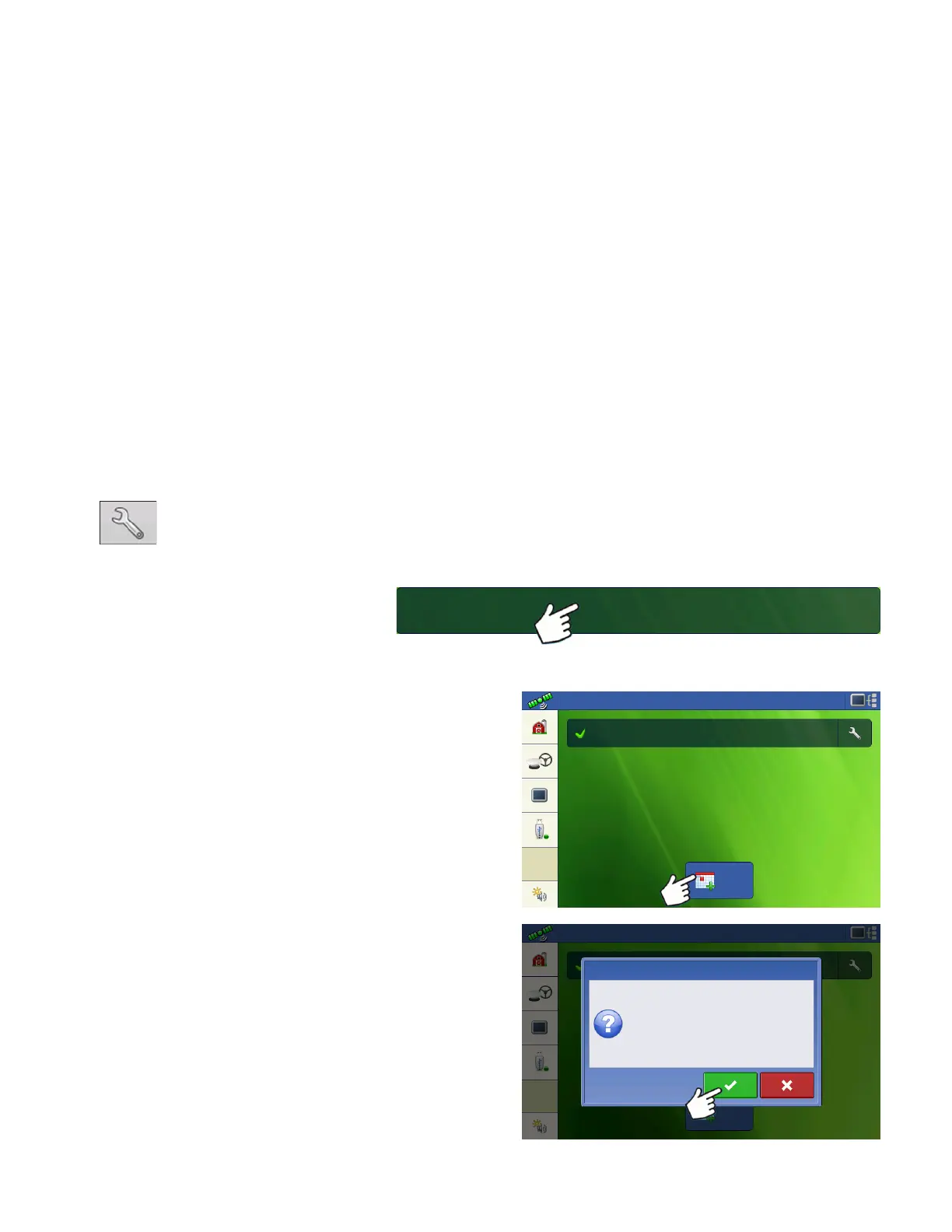
1. Press: Select Event button.
Select a
Season, Grower, Farm, and
Field on the Management Selection
screen.
Starting an Event
Press New Event button.
Press Check button to continue.
New
Event
Configuration: Guidance
Start New Event
This will create a new event. Continue?



 To Next Page