87 Ag Leader PN 4003964-ENG Rev. P
G
UIDANCE
NEW PATTERN
STRAIGHT
Select Pattern
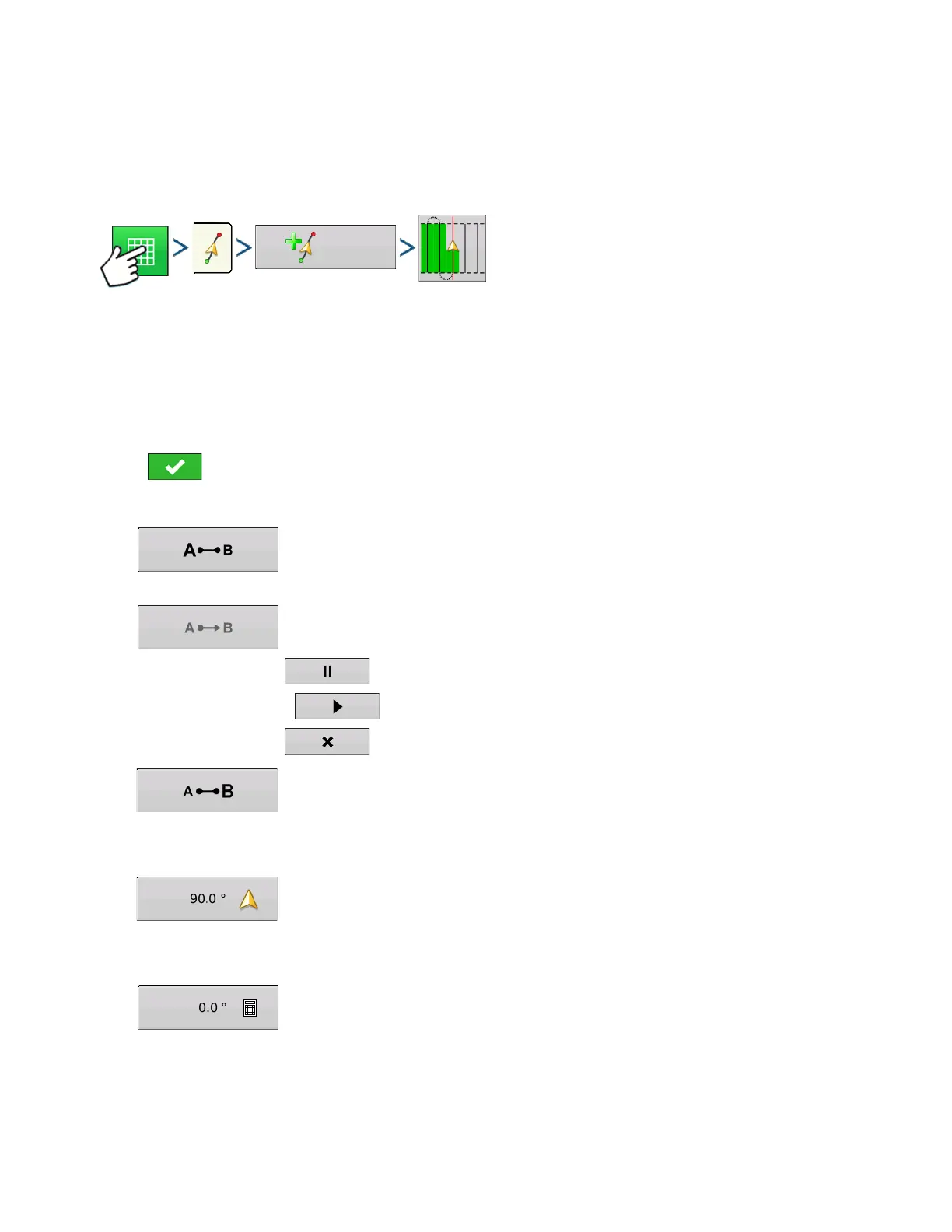
Press: Map button > Guidance tab (in Mapping Toolbox) > New Pattern button > Straight Pattern
Selection
System defaults pattern type to last used. Press the pattern icon to select a different pattern.
- Implement Width (from Implement Setup)
- Guidance Width input box
- Enable Tramlines checkbox
Press . You will automatically return to the Map screen.
Create AB line using 2 points
• Press to mark point A. A green ball appears on the map screen where point was
placed.
• Button is greyed out until you drive a minimum of 100 feet.
- Pause - Press to pause path during path creation
- Resume - Press to resume path during path creation
- Cancel - Press to cancel path during path creation
• Press to mark point B. The AB line appears on the map screen and point B is marked
with a red ball.
Create AB line using Current Location and Heading
• uses current location and heading,
line extends 1 mile before and after the A point
(recommend vehicle having forward motion to get a good heading).
Create AB line using Current Location and Inputting Heading
• uses current location and input heading,
line extends 1 mile before and after the
A point



 To Next Page