22 Firmware Version 7.2
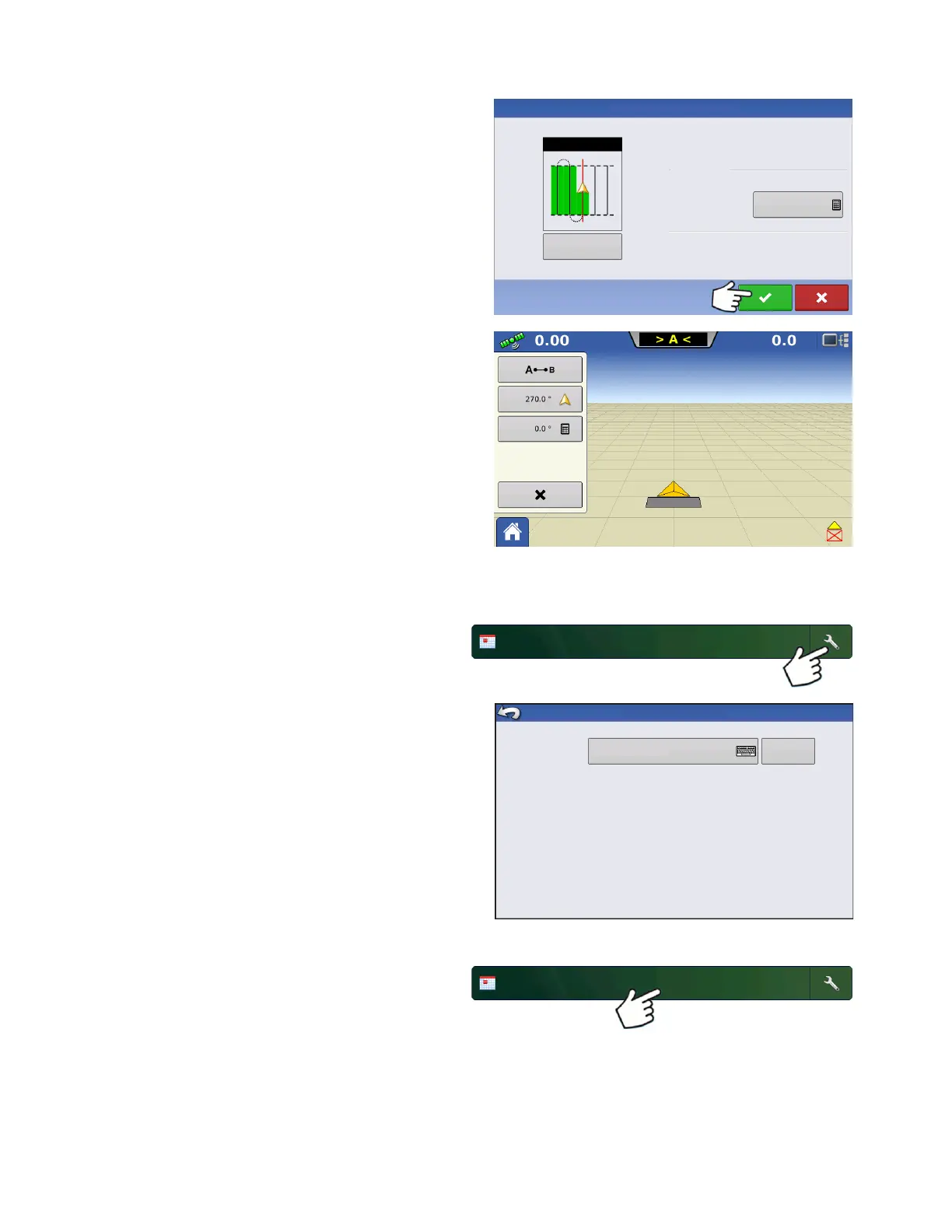
Choose Pattern and set Pattern Options.
Press Check button to continue.
Map screen will appear and user can begin operation.
Managing Events
Edit Event Name and Clear Map Bounds
Press Setup button (wrench) on Event bar.
The Event Information Screen allows operator to
change the event name and to Clear Map bounds.
Select a Previous Event
Press event name on Event bar.
New Guidance Pattern
Change
Pattern
Pattern Options
Implement Width:
Guidance Width:
30.0000
30.0000
Straight
Event Information
Cl ear
Map Bounds
Event Name
2013-09-19_11:48:34



 To Next Page