85 Ag Leader PN 4003964-ENG Rev. P
G
UIDANCE
GUIDANCE
GUIDANCE
GUIDANCE/STEERING CONTROL
SETUP
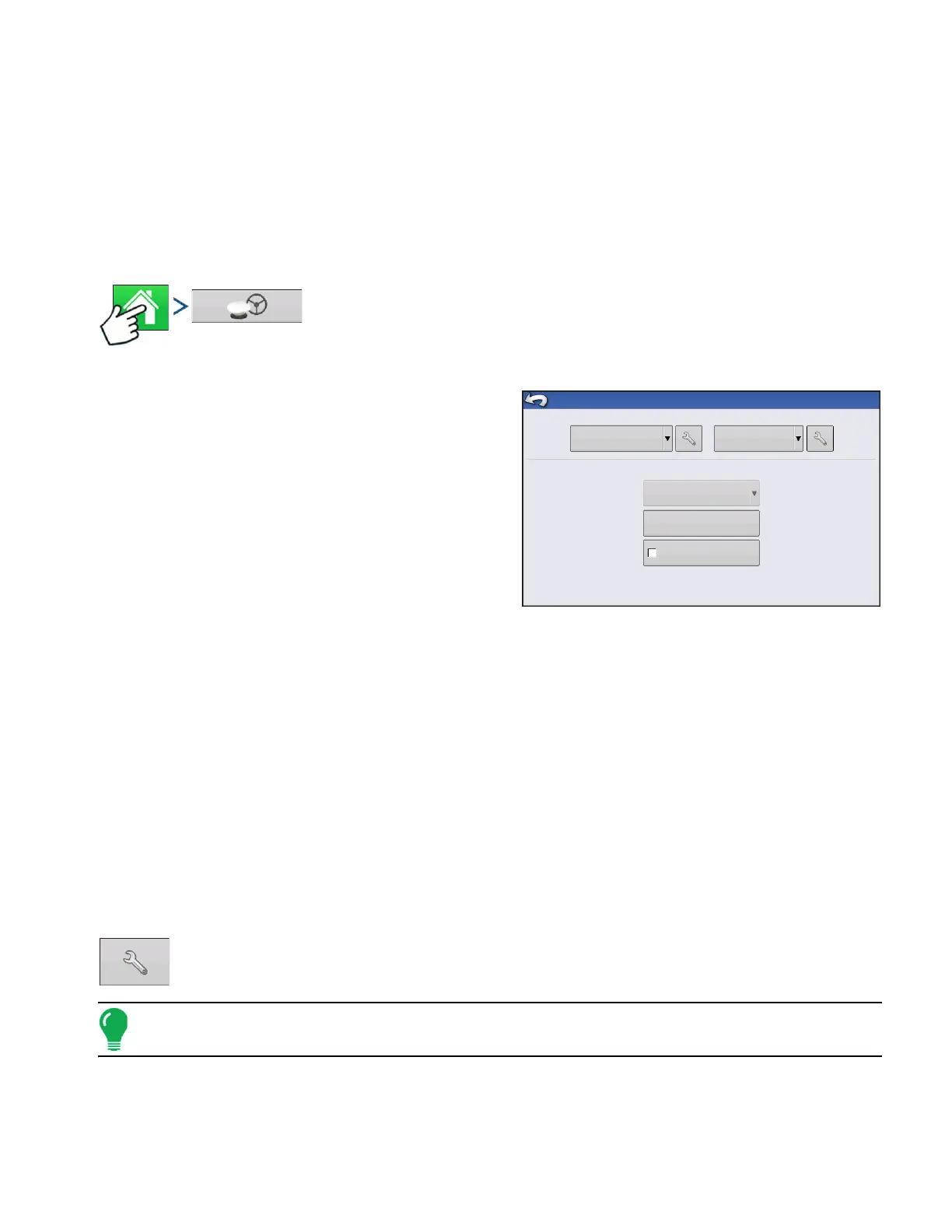
Press: Home button > GPS button
• Manual Guidance
Select this to perform guidance by lightbar while
manually steering the vehicle.
• OnTrac2/OnTrac2+
For more information, see the OnTrac2 section.
• ParaDyme/GeoSteer
For more information, see the ParaDyme insert or
GeoSteer manual.
• OnTrac3
For more information, see the OnTrac3 manual.
• SteerCommand
For more information, see the SteerCommand manual.
• Operator Presence Alarm
The Operator Presence Alarm disengages guidance control if the operator does not have any interaction
with the display for a specified period of time. Use the drop-down menu to specify the period of time before
guidance is automatically disengaged.
• Lightbar Settings
For more information, see
“Lightbar Settings” on page 86
.
• Required Differential Correction for Guidance
When un-checked allows guidance to operate without differential correction.
Pressing the Setup (wrench) button on the Guidance Tab opens the guidance system
settings for the selected guidance system.
Note: In order to use guidance with the display, you must have a GPS receiver capable of a GPS output rate
of 5 Hz or more.
Require Differential
Correction for Guidance
Steering
Manual Guidance
Operator Presence Alarm
15 Minutes
(Autodetect)
Receiver
GPS/Guidance Setup
Lightbar
Settings



 To Next Page