15 Ag Leader PN 4003964-ENG Rev. P
S
ETUP
C
ONFIGURATION
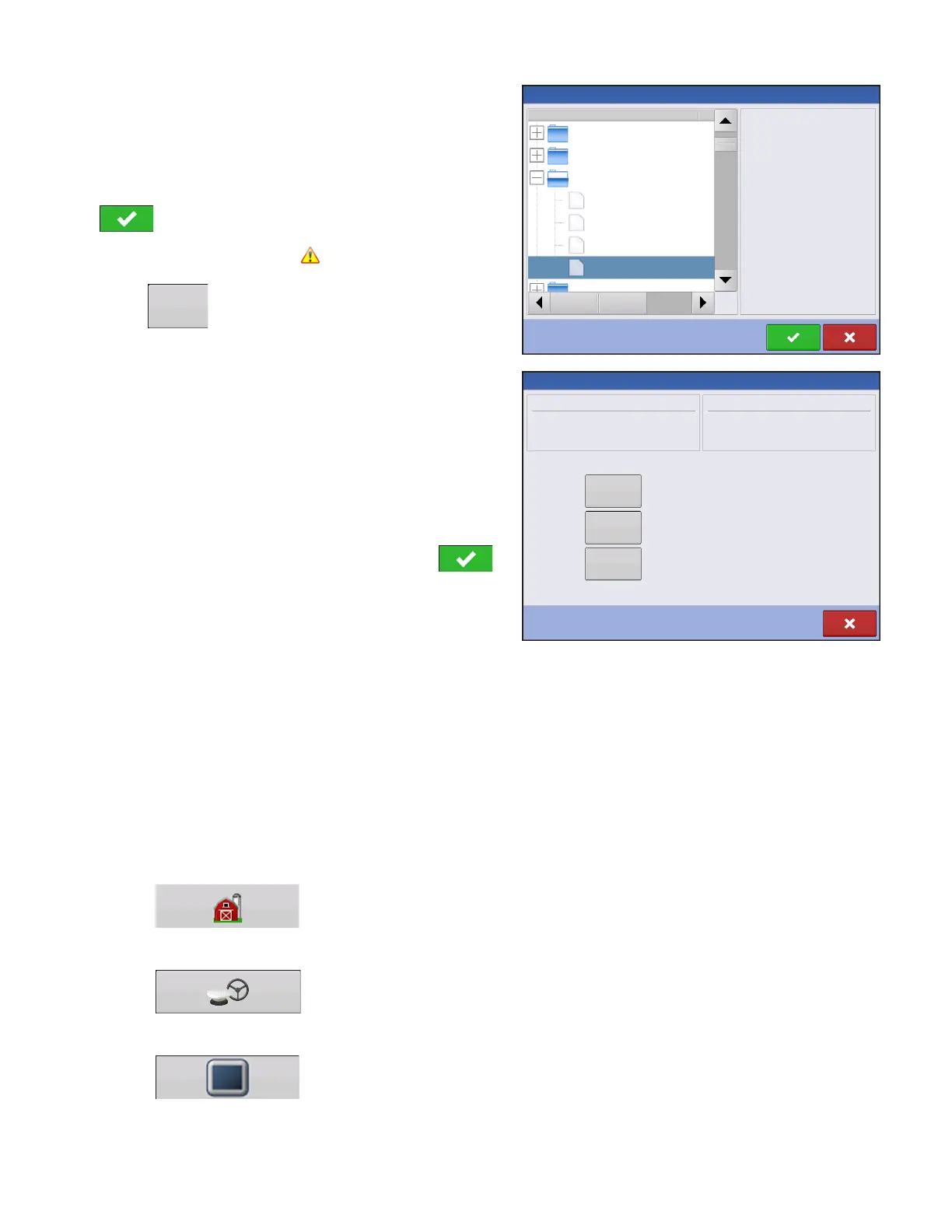
Use the scroll bar to find the file you wish to import.
When a setup file is created it is saved in a folder titled
with the displays serial number _nickname. The file will
include a date and have the .agsetup suffix.
Select the desired setup file from directory and press
.
Highlight item with conflict
Press
Conflicts can be resolved by:
• Rename Import
• Rename Existing
• Merge
- Product Mixes and Configurations can not be
merged. The Merge button will be grayed out
and not selectable for these items.
Once all conflicts have been resolved. press .
Most of the functionality of the display is not available until the basic setup process is completed.
SETUP BUTTONS
The Setup buttons are used to toggle between screens that adjust settings for Configuration,
Management, GPS and display.
• Management button
Press to access and edit Grower, Farm, Field and Operator information. For more
information, see
“Management button” on page 24.
• GPS button
Press to adjust Guidance settings, GPS settings, and lightbar settings (if
applicable). For more information, see
“Guidance” on page 85
.
• Display button
Press to adjust settings for Time and Date, brightness and volume settings,
operating units, language; view features; and also create and restore backups.
No Preview
2009120009-2-634
Demo Waterway
2009120009-2-634
2009120009-2-634
North Field
Waterloo Farm
Davenport Farm
Ashton Farm
Name
Size
File Selection
Conflict Resolution
Item to Import
Name:
Modification Time:
Creation Time:
Corn
03/05/2012 14:24
03/05/2012 14:24
Existing Item
Name:
Modification Time:
Creation Time:
01/09/2012 08:35
01/09/2012 08:35
Rename the item being imported.
Rename the existing Item.
Merge the imported and existing items together.
Rename
Imported
Rename
Existing
Corn
Merge



 To Next Page