78 Firmware Version 7.2
• Convergence (%)
Successful communication between Base Station and ParaDyme Roof Module.
• Radio Throughput
Displays percentage of data received from Base Station.
• Distance to Base
Shows distance to Base Station in miles (kilometers).
• Base Channel
Displays Channel ID of Base Station.
• NTRIP
(NTRIP users only) Shows either Connected or Disconnected.
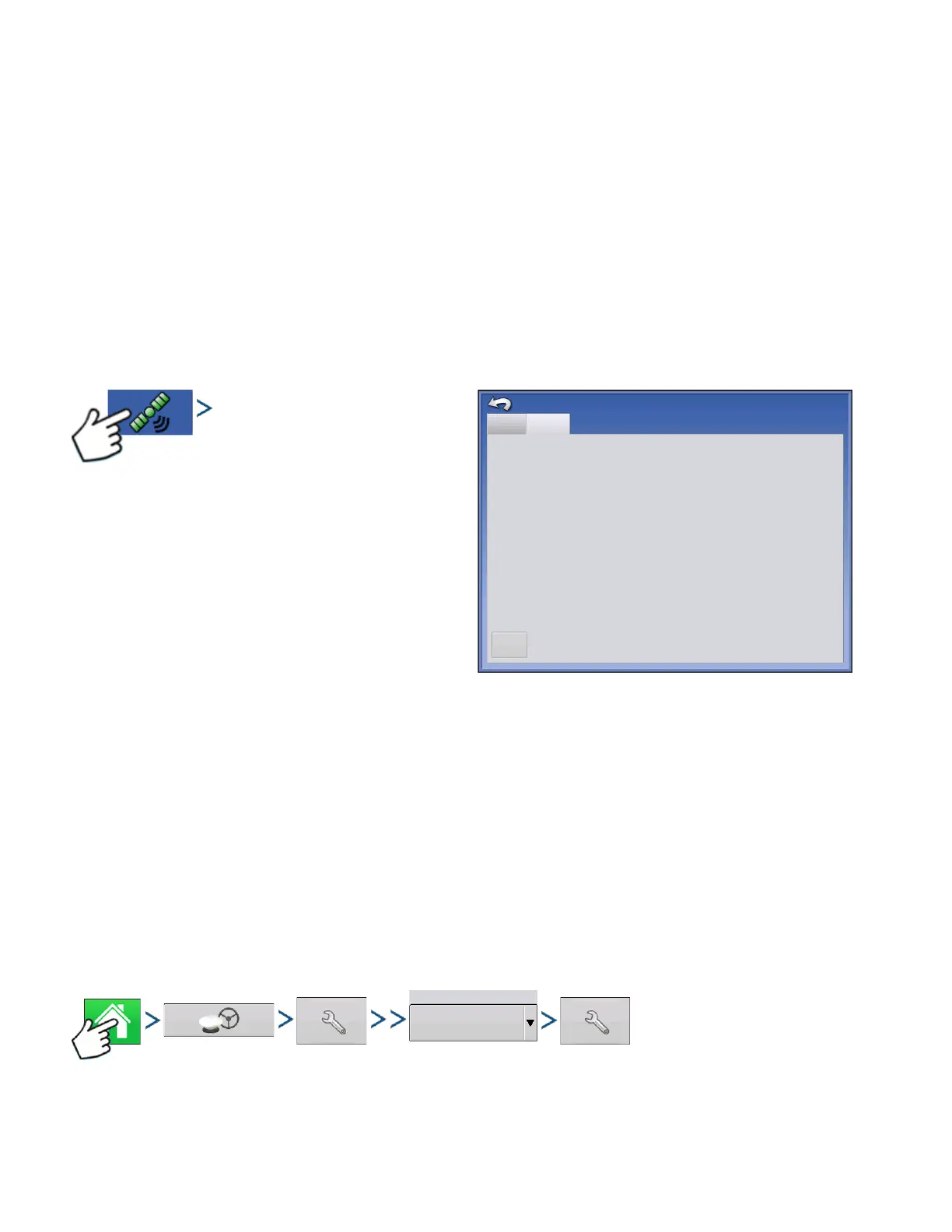
GPS INFORMATION - NTRIP
Press: GPS (satellite) button > GeoSteer tab or
ParaDyme tab
• NTRIP Connect
Connects the display to the NTRIP correction
source.
• NTRIP Stream
Network mount point.
• NTRIP Status
Displays NTRIP connection; either Connected or
Disconnected.
• Cellular Status
Displays status of ParaDyme cellular modem; either Connected or Disconnected.
• Cellular Signal Strength (%)
Displays a number between 0 and 100%.
• WiFi Status
Displays status of WiFi router; either Connected or Disconnected.
• WiFi Signal Strength
Displays a number between 0 and 100%.
OMNISTAR SETTINGS
NTRIP Stream
NTRIP Status:
Cellular Status:
Cellular Signal Strength (%)
WiFi Status:
WiFi Signal Strength (%)
CMRP_NEAR
Stream Connected
Connected
100
Connected
100
GPS Information
Firmware Version:
1.2.25159
Serial Number:
1219150027
Active Vehicle:
JD 7280R
Steering Status:
Good
General
GeoSteer
NTRIP
Connect
Differential Source
OmniSTAR



 To Next Page