30 Firmware Version 7.2
PERMISSION LEVEL FOR OPERATORS
Full Permission
Provides full access to features and functionality on the map and home screen. A user, set only as an
Operator, cannot select a different configuration and cannot access USB or Setup, when a manager is
setup in the display.
Basic Permission
No access to:
• Legend Tab on Map screen
• Marks Tab on Map screen
• Boundary Tab on Map screen
Limits Guidance options to:
• Creating & loading Straight AB or SmartPath patterns
• Nudge
• Remark A
• Save or reset guidance line
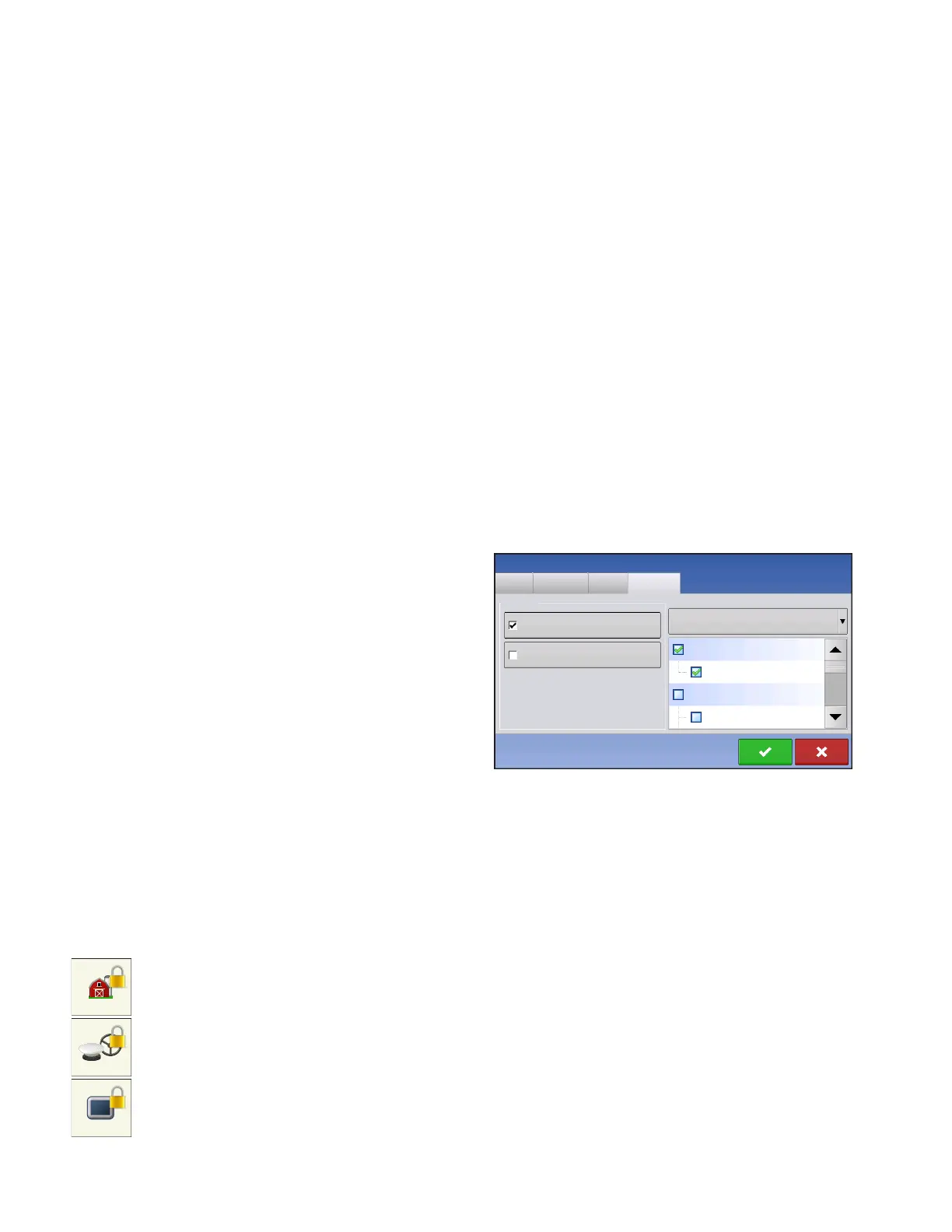
Custom Permission
Can allow or deny the following options:
• Management screen
• Pan/Zoom controls
• Legend Toolbox
• Marks Toolbox
• Boundary Toolbox
• Guidance Toolbox
• Minimize Toolbox
• Each individual guidance pattern
• Ability to remove guidance patterns
Display uses Traditional mode when Field Management is checked. Events using the Traditional mode
are tied to the Grower/Farm/Field structure.
Display uses Events Only mode when Field management is unchecked.
Management, GPS/Guidance, Console Setup, and External Storage Buttons are locked for
Operators.
A manager can access these buttons by pressing the button and inputting their password.
A User can be setup as an Operator and Manager to have the same access as a Manager.
General
Phone/Email
Address
Operator
Manager
Management
Edit User
Permissions
Custom
Permission Level
Mapping
Pan/Zoom Controls
Field Management
User Role



 To Next Page