59 Ag Leader PN 4003964-ENG Rev. P
S
ETUP
V
IRTUAL
T
ERMINAL
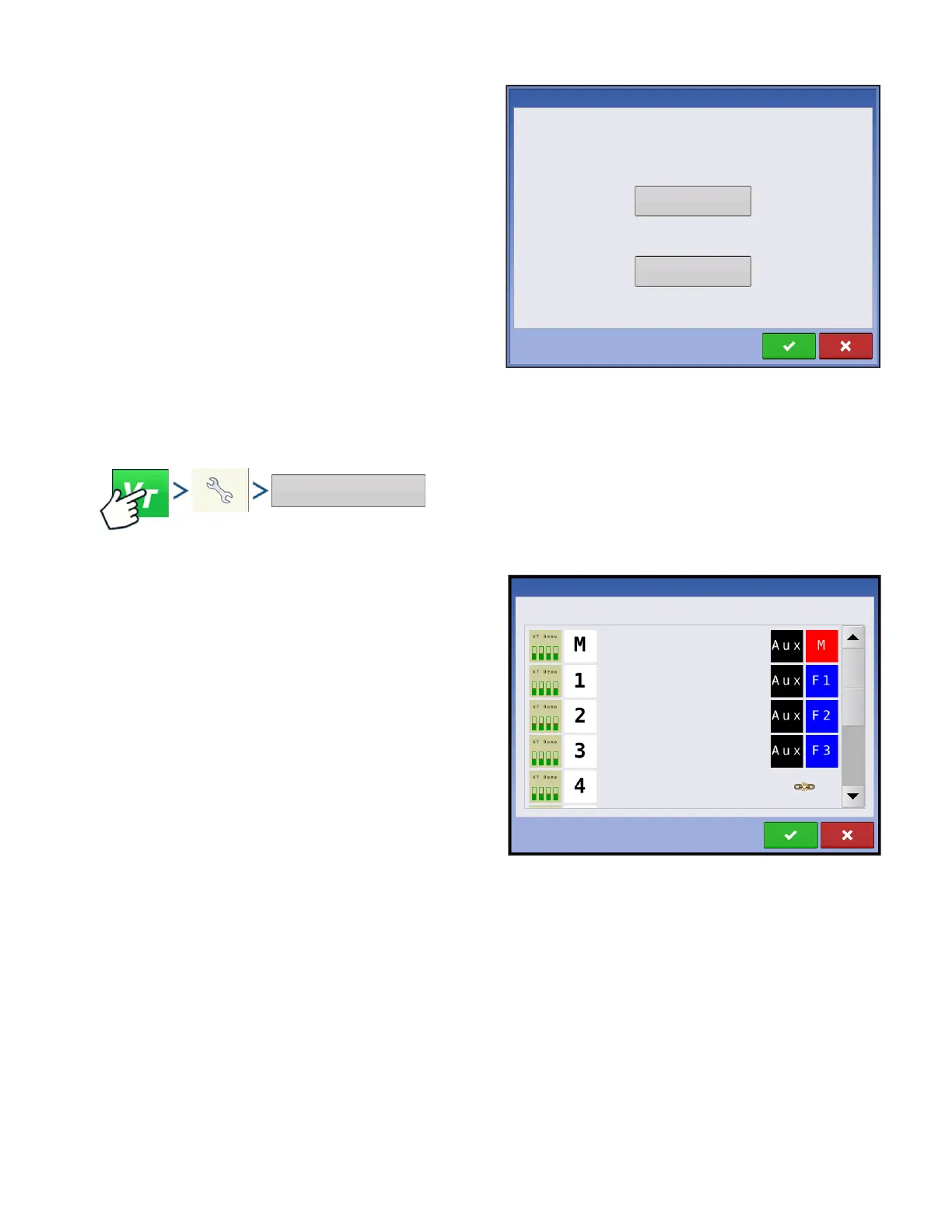
Auxiliary
Assign implement functions to ISO compatible
inputs.
Clear Virtual Terminal
Allows operator to clear the Object Pools sent to the
display from the implement WSM. After the object
pools have been cleared, the next time the
implement is connected the object pools will be
transferred from the implements WSM to the display
again. When this button is pressed, a warning
dialogue box appears with the following message:
“All virtual terminal interfaces saved in the display
will be cleared. Do you want to continue?”
AUXILIARY ASSIGNMENT
Press: Virtual Terminal (VT) button > Setup (wrench) button > Auxiliary Assignments button
Assign implement functions to ISO compatible
inputs.
The number of functions and inputs shown on the
Auxiliary Mappings screens will vary depending on
the implement and input devices connected to the
display.
Auxiliary
Assignment
Virtual Terminal Settings
Clear
Virtual Terminal
Auxiliary Mappings
Function
Input



 To Next Page