32 Firmware Version 7.2
•
FORGOTTEN PASSWORDS
When a Manager forgets his password he won't be able to access Setup.
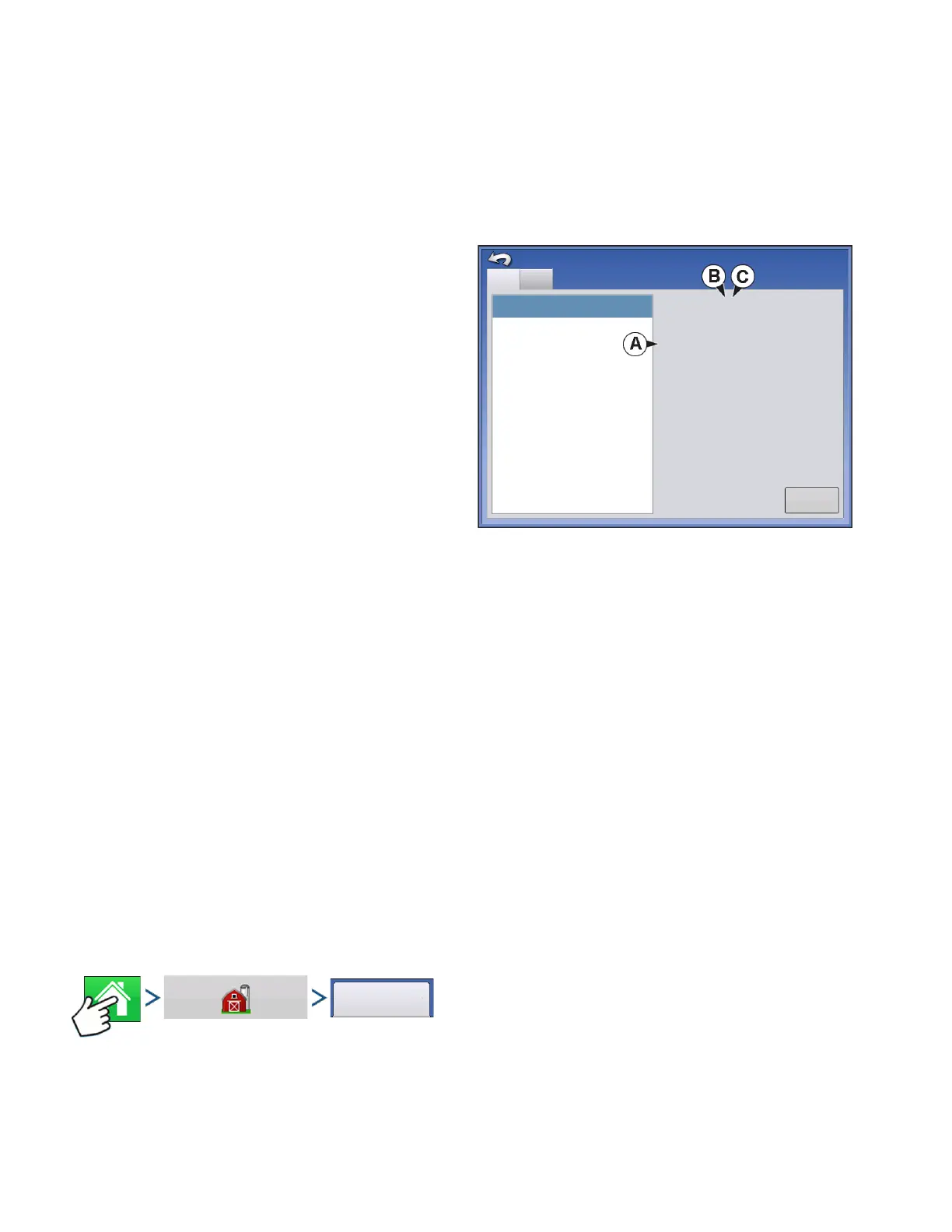
Tech Support will be able to generate a password based on the serial number and firmware of the
monitor.
Password generator will require the following
information:
• (A) Display serial number
• (B) Major revision
- First digit of firmware version
• (C) Minor revision
- First digit of firmware version after decimal.
Example:
Version 4.5
Major = 4
Minor = 5
Only needed when a Manger forgets their password and works within the display until firmware is
upgraded.
How will Tech Support identify if the person calling in is a Manager or not?
They will ask the caller, “Are you a Manager in the display?” If the customer answers yes, Tech Support
will generate the password. If the customer answers no, Tech Support will require a Manager to
authorize the display to be unlocked.
What if a customer doesn’t want to risk forgetting passwords and generating new ones?
A display does not need to be locked with a password. The display can be operated as it has been in the
past without passwords. Operators can also be setup with limited or customized access without
passwords.
Tips
• Managers, keep a record of all passwords set in the display.
• Operators, write down your personal password.
• To avoid Operators obtaining unwanted access to a display, instruct them to call a Manager for help with
passwords before Tech Support.
BUSINESSES TAB
Press: Home button > Management (Barn) button > Businesses tab
The businesses are displayed in lists, with the Active business displayed in bold face type. All new data
is logged to the active business; therefore a business must be set as Active before you can log any new
data to it.
Firmware: 4.0.18/4.0.17
Firmware ID: COMPASS
Hardware ID: 4001683
Product ID: COMPASS
Serial Number: 2009120056
Revision: 4.3.2.0
Run Time: 436:54:39
Boot Counter: 394
DISPLAY
CAN A
CAN B
Devices
Diagnostics



 To Next Page