17 Ag Leader PN 4003964-ENG Rev. P
S
ETUP
C
ONFIGURATION
CAUTION: Do not use any sharp objects to operate the touch screen or the display may be damaged.
• Time Zone
Use the drop-down menu to select your time zone.
• Language/Country Selection
Use the drop-down menu to select the language.
• Operating Units
Select either Imperial or Metric.
• ISOBUS Settings
Enables Virtual Terminal and Task Controller
DISPLAY TAB
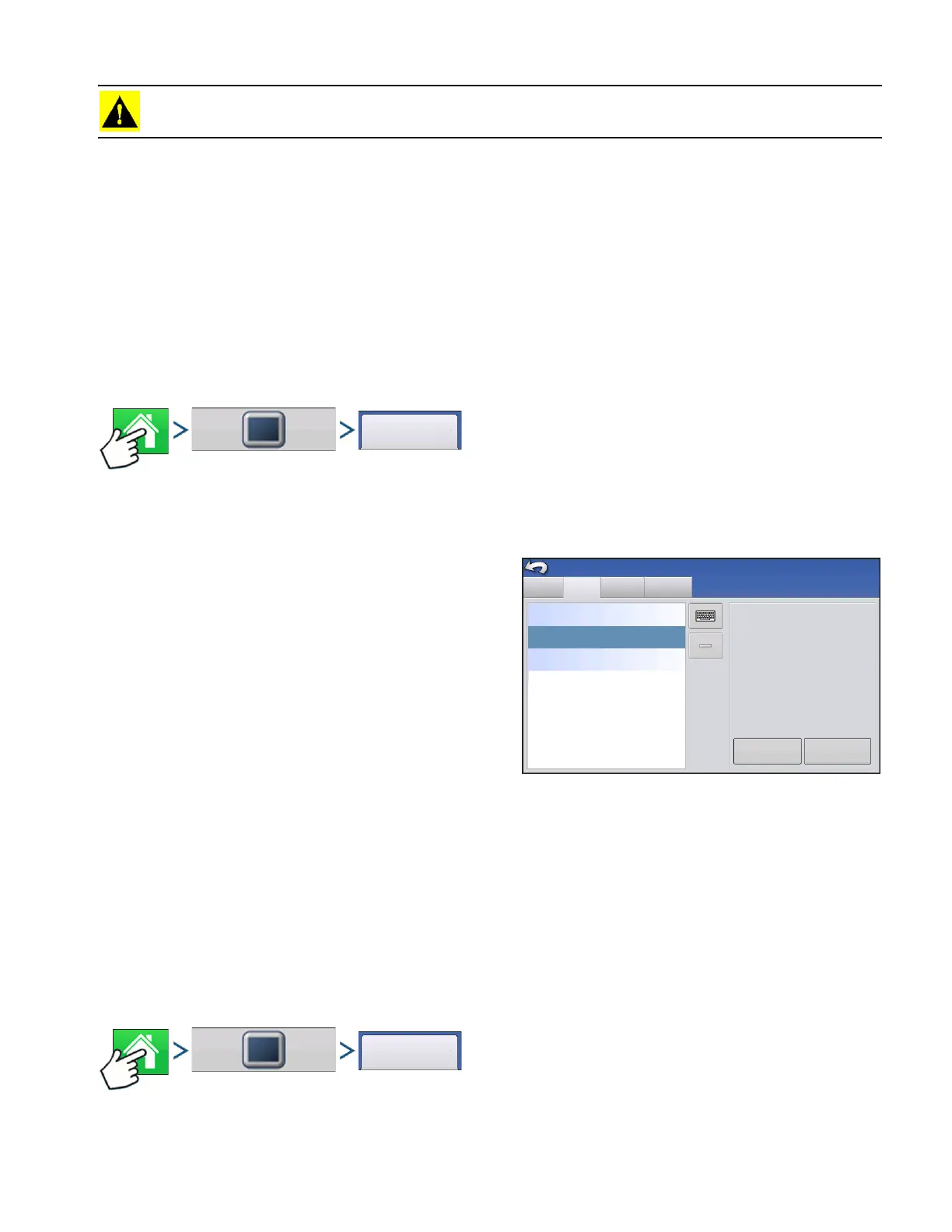
Press: Home button > Display button > Display tab
The Display tab contains functionality for setting up a
Display Owner and making any needed edits to the
owner personal information. The Display Owner
information is used in the product application report
feature of application rate control.
• Nickname
• Serial Number
• Product Type
• Owner
• Phone
• Email
• Address
• Image
• Change Owner
• Edit Information
FEATURES TAB
Press: Home button > Display button > Features tab
Display Features
Advanced
Phone:
Console Setup
General
Edit
Information
Change
Owner
Nickname: geo
Serial Number: 2009120056
Product Type: AL VERSA
Owner: George Eilers
Phone:
Email:
Address:
Image:
This Display
geo



 To Next Page