82 Firmware Version 7.2
GPS Information is given for the Receiver and the Base Station
2500 RTK SETUP
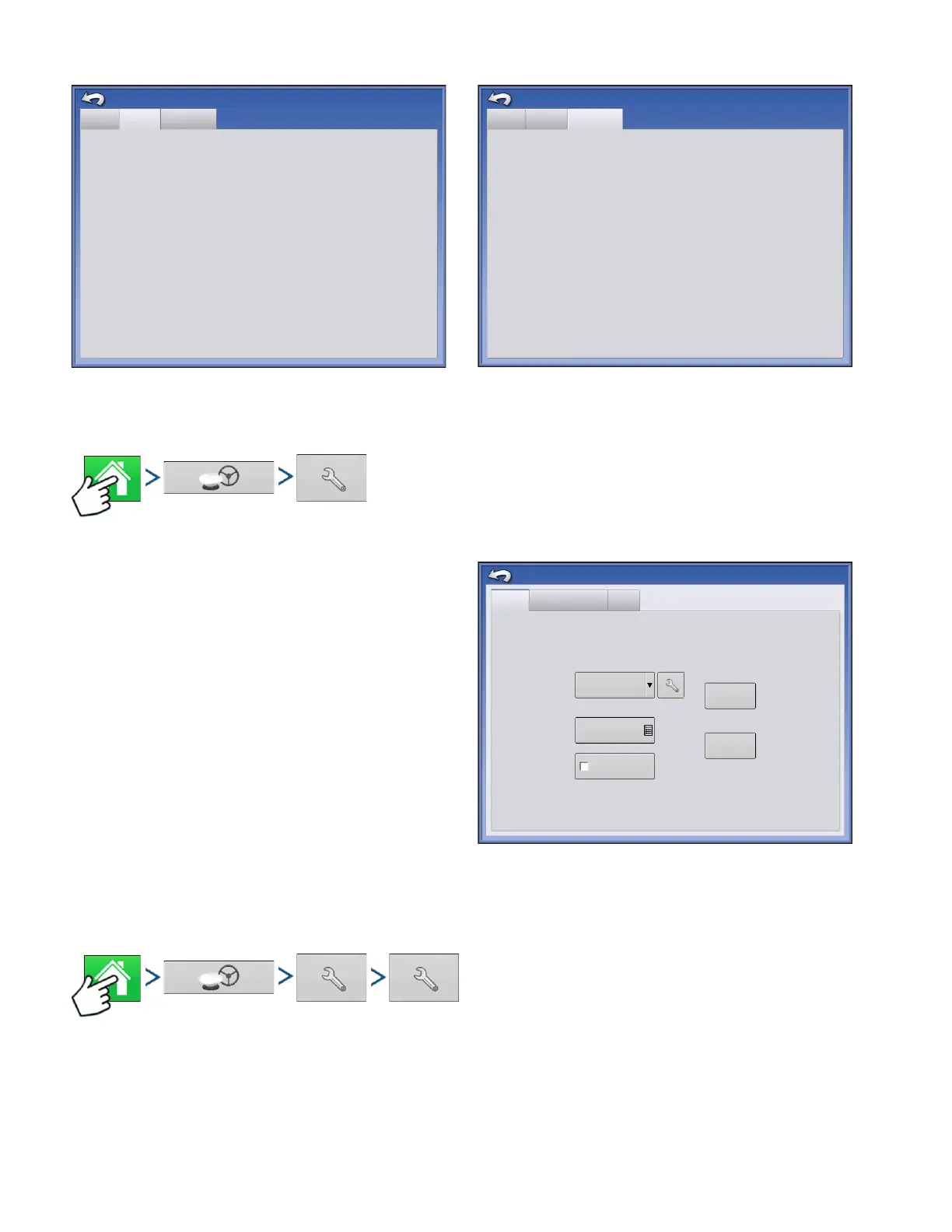
Press: Home button > GPS button > Receiver Setup (wrench) button
• Differential Source
Select RTK for RTK Differential Correction
• Wrench button
Pressing the Wrench button opens the screens to
set the RTK radio channel. Base Station and Rover
must be set to the same channel
• Ignore NMEA Checksum
Check this to ignore intermittent GPS message
errors.
• Reset to Defaults
Press the Reset to Defaults button to restore
receiver settings to the factory default. This will
remove all custom settings.
• Enter Unlock
Press to enter feature code unlocks. Unlock codes can be purchased through AgLeader.
Press: Home button > GPS button > Receiver Setup (wrench) button > Differential Source Setup
(wrench) button
eneral
Receiver
Base Station
Receiver ID:
Serial Number:
Firmware Version:
e-Dif Subscription:
RTK:
GLONASS:
Active Application:
Application Slot 1:
Application Slot 2:
GPS2500
1.2Qe4
1840159
Off
On
On
RTK Rover
RTK Rover
SBAS/OmniSTAR
GPS Information
General
Receiver
Base Station
Latitude (N)
GPS Information
Longitude (W)
Distance to Base:
42.002612500
-93.628621120
0.0
General
GPS 2500
Port A - Connected
Port B
Differential Source
RTK
Age of Differential
60
Enter Unlock
Ignore NMEA
Checksum
Reset to
Defaults



 To Next Page