24 Firmware Version 7.2
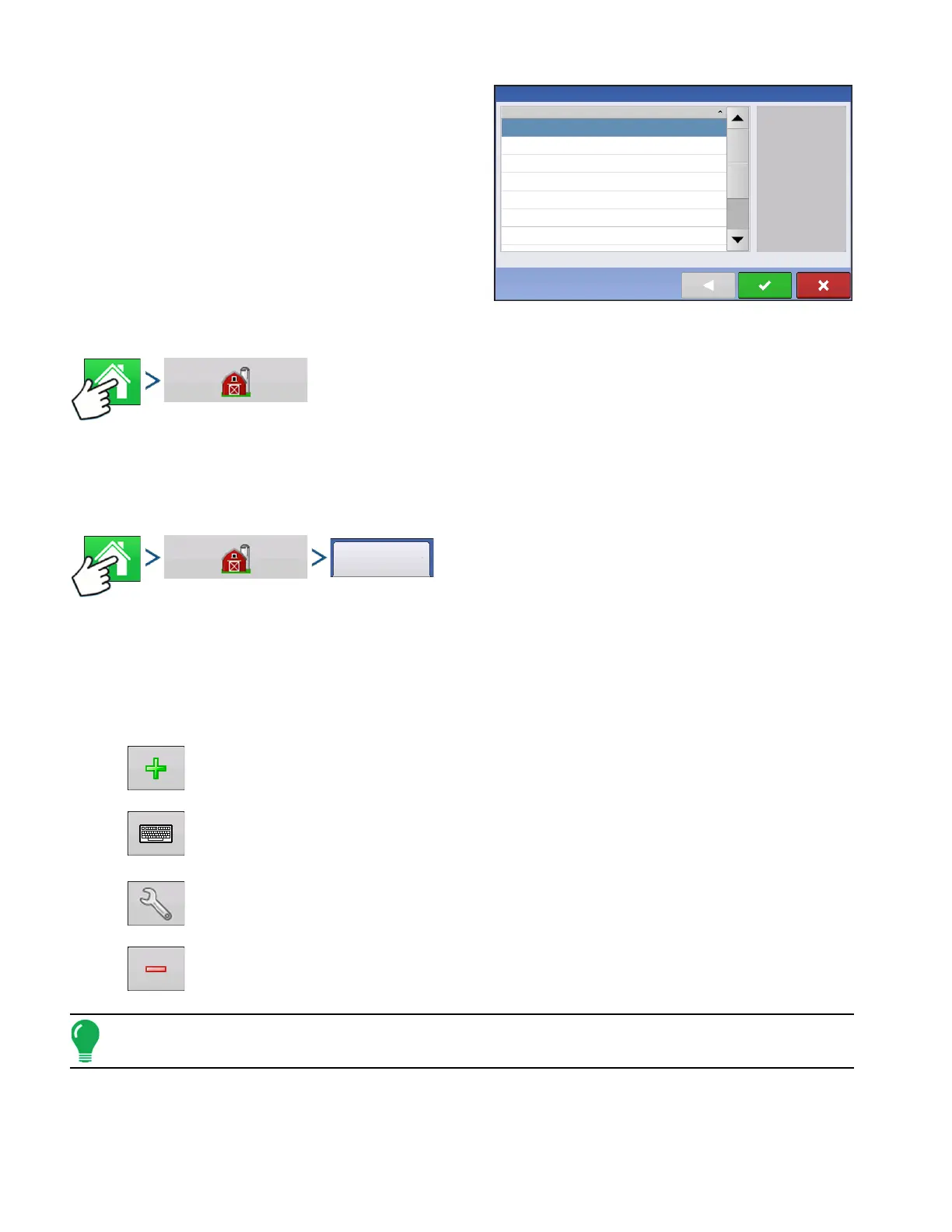
The Event selection dialog now shows Grower and
Field of each Event.
MANAGEMENT BUTTON
Press: Home button > Management (Barn) button
From this screen the operator can access Grower/Farm/Field, Season, User, and Businesses tabs.
GROWER/FARM/FIELD TAB
Press: Home button > Management (Barn) button > Grower/Farm/Field tab
Grower
The Grower refers to the business or person that the system is in operation for. Contact information can
also be entered for each Grower. The Grower information will be passed into mapping software for
automatic Grower setup within desktop software.
• Add button
Press to add a Grower.
• Rename button
Edit an existing name of a Grower by highlighting that name and pressing button.
• Setup button
Press to enter information for the Grower’s Name, Tax ID and Memo.
• Remove button
Press to remove a Grower.
Note: Personal Information entered at this screen can be added or edited at any time.
Field Operation Wizard: Event Selection
Event
1966-03-01_11:48:34
1966-03-01_11:48:33
2013-09-19_11:48:32
2013-09-19_11:48:31
2013-09-19_11:48:30
2013-09-19_11:48:29
2013-09-19_11:48:28
Showing events for current season and operating configuration only.



 To Next Page