38 Firmware Version 7.2
With Heading Detection disabled, the icon will always
follow the GPS heading. When using a Harvest
configuration, Heading Detection is automatically
disabled regardless of the state of the enable/disable
button.
GPS SIGNAL INDICATOR
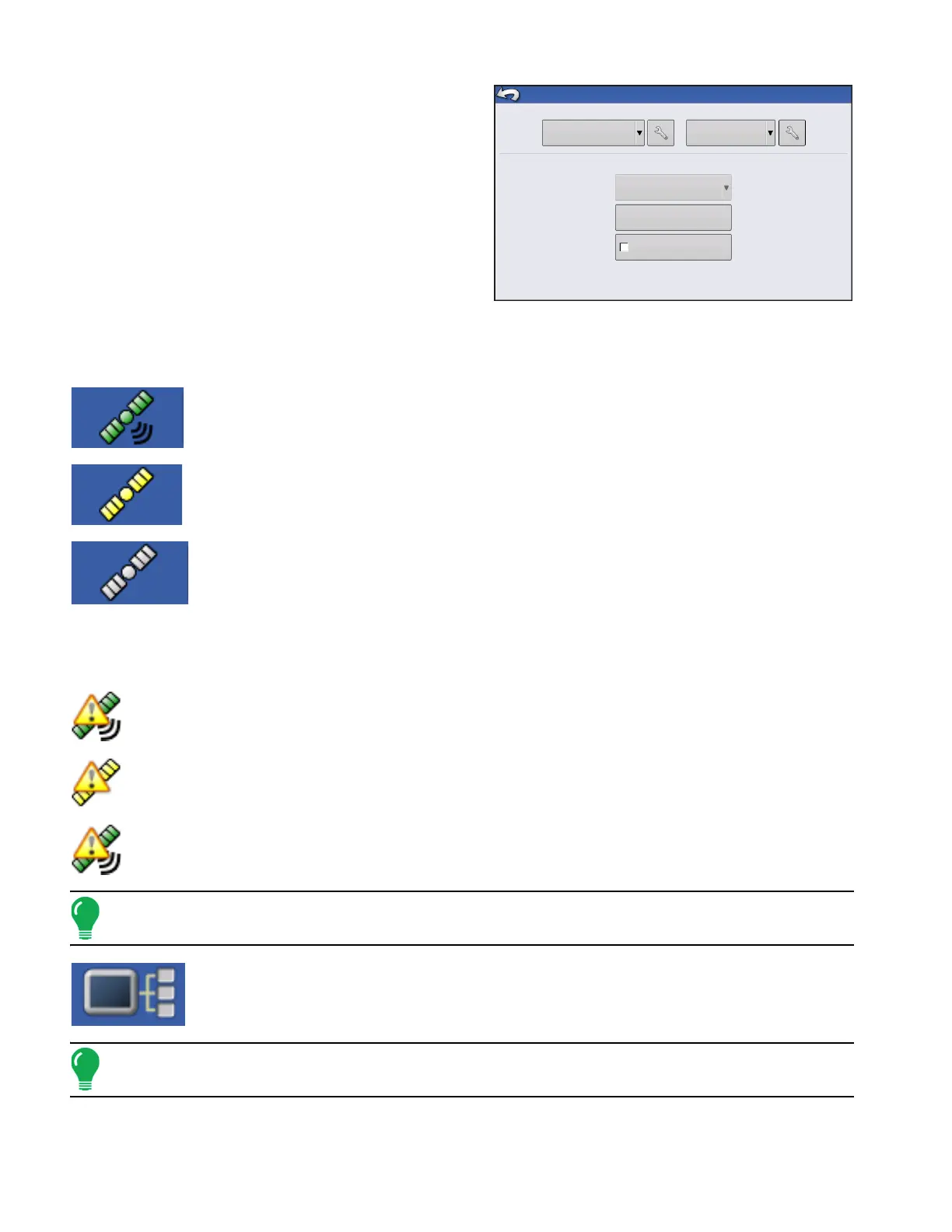
The GPS button in the upper left-hand corner of the Map screen, displays the following colors:
Differential GPS
Green if you are receiving a differential GPS signal
GPS - No differential
Yellow if you are receiving GPS, but no differential signal
No GPS
Grey if you are receiving no GPS signal.
The Flex Mode icon appears for ParaDymes and GeoSteers using Flex Mode. Flex mode provides
continuity of position solution to maintain automated steering by seamless flexing (transitioning) to a
lower accuracy mode when a higher accuracy mode is lost; such as loss of the RTK radio link.
Flex Mode - ON (GREEN)
Flex Mode - Exceeded (YELLOW)
StableLoc - ON (GREEN)
Note: For more information, see the ParaDyme Insert.
The Device Information button opens screens that display Device Information, Memory,
Display, and display diagnostics.
Note: For more information, See “Device Information” on page 55.
Require Differential
Correction for Guidance
Steering
Manual Guidance
Operator Presence Alarm
15 Minutes
(Autodetect)
Receiver
GPS/Guidance Setup
Lightbar
Settings



 To Next Page