44 Firmware Version 7.2
HEADLANDS
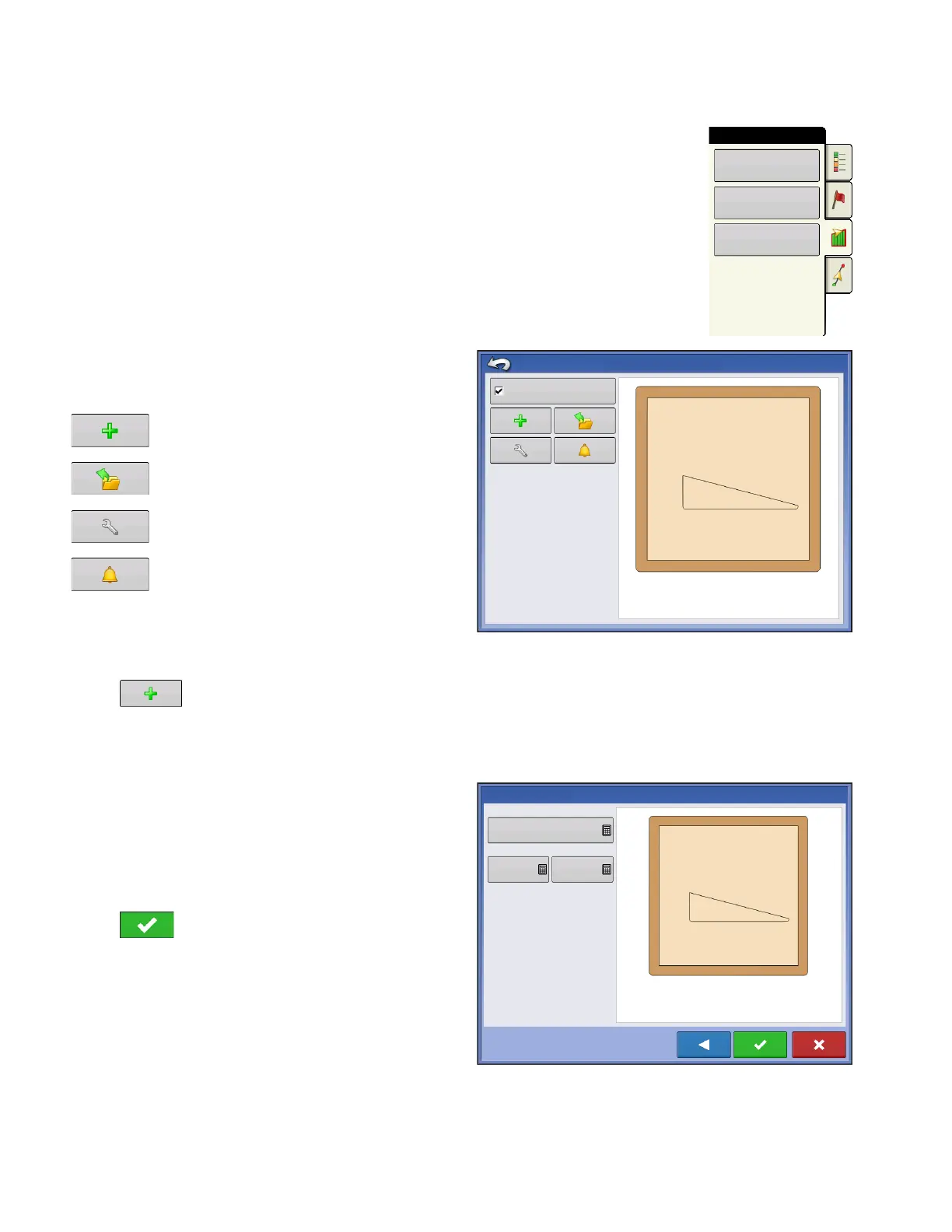
Press the Headlands button on the Field tab to access the Headland Options
screen.
A Field Boundary is required to create a headland.
Enable Headlands - use checkbox to turn
Headlands functionality on and off
Add Headland
Load a Headland
Edit Headland
Alarm Settings
Add a Headland
Press on Headlands Options screen.
Select Headland Type from drop-down box.
Headland Types
All-Around
Offset Implement Width - number of implement
widths used to set the headland width
Offset Distance - distance used to set headland
width.
Press to accept.
Boundary
Field
Headlands
Topography
Enable Headlands
Headlands Options
Offset Implement Widths
New Headlands
2
Offset Distance
80
0



 To Next Page