31 Ag Leader PN 4003964-ENG Rev. P
S
ETUP
M
ANAGEMENT
S
ETUP
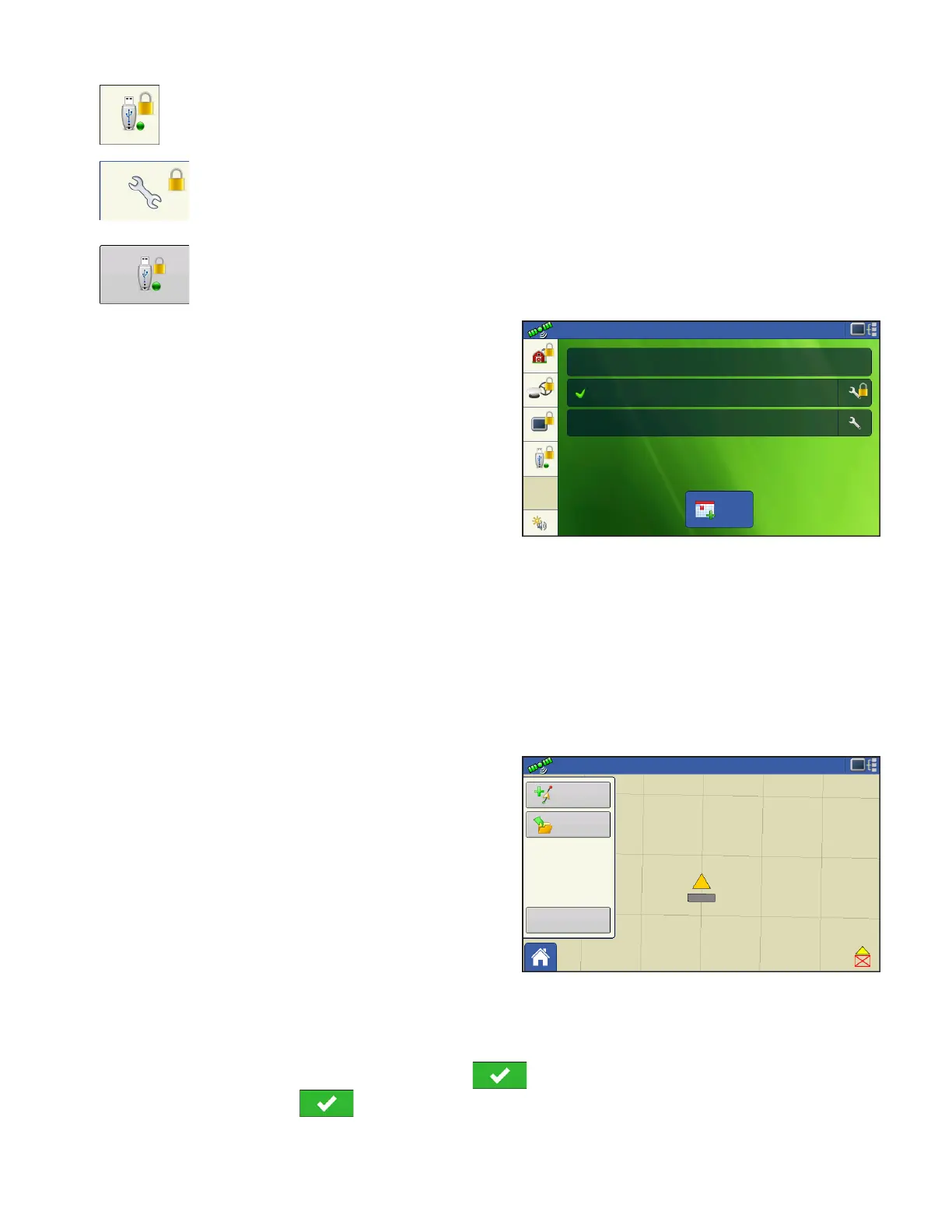
Setup and USB buttons are locked for Operators if a Manager is present in the system. A
Manager can access setup menu and USB by pressing button and inputting their
password.
A User can be setup as an Operator and Manager to have the same access as a Manager.
The Home and Map screen will appear different
depending on how you assigned user permissions. For
setting up users with permissions see
“Users tab” on
page 27.
Basic Permissions - Home screen
• No Summary screen
• Setup and USB buttons are locked (as indicated by a
padlock icon on those buttons)
• Brightness and volume are on home screen - settings
saved per operator
• Operator Change - Option to continue or start new operation when operators change
Full Permissions - Home Screen
• Summary screen button is present
• Setup and USB are locked
• Management, GPS/Guidance, Console Setup, and External Storage Buttons are locked for
Operators.
• A manager can access these buttons by pressing the button and inputting their password.
Map screen appearance of an operator with Basic
permission. Only the Guidance toolbox is present.
Operator can
• Create guidance lines
- Straight AB
- SmartPath
• Nudge
• Guidance setup
ACCESSING SETUP MENUS
1. Press locked button (Management, GPS/Guidance, Console, or USB).
2. Select Manager from drop-down menu. Press .
3. Enter password. Press .
Now have access to the setup menu.
Event:
Configuration:
Event:
Select Operator
Guidance
New
Event
Select Event
0.67 ac
New
Pattern
Load
Pattern
Manage
Patterns
4.5 mph



 To Next Page