49 Ag Leader PN 4003964-ENG Rev. P
S
ETUP
F
IELD
O
PERATIONS
After these points have been collected, they will be
converted into a surface layer in which you can define
the color scheme Red, White, Blue, or Brown-Tan. See
“Map Legend tab” on page 40. In the Red, white, blue
scheme, the darker blue hues will represent the lower
elevation, and the darker red values will represent the
higher elevations, white will be a transition color
between. In the Brown-Tan scheme, the Dark brown
will represent the lower elevations, and the Tan the
higher elevations. You can select the number of
legend ranges for your field that will show the areas desired. This theme will be used for each field until
changed.
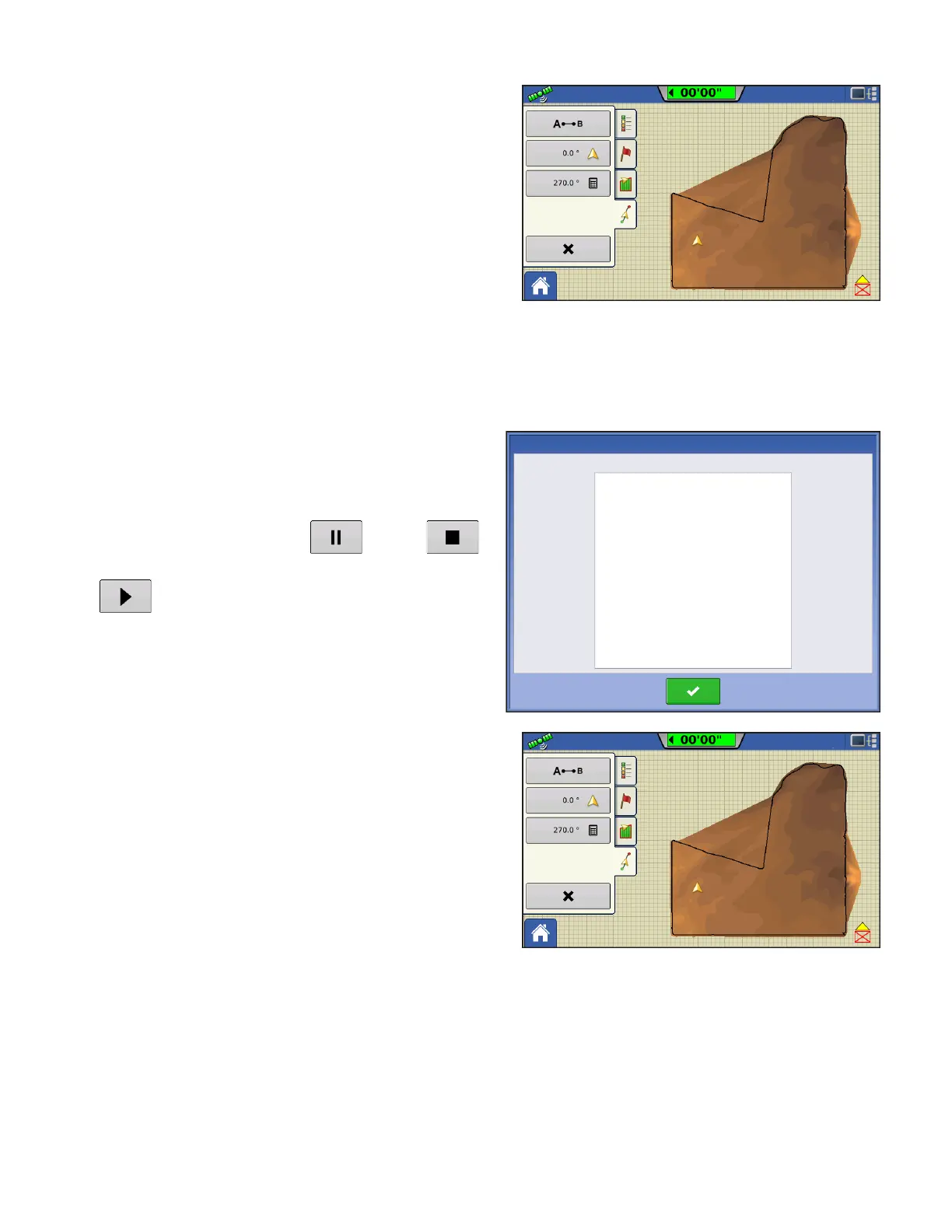
During collection of an elevation survey, points will be logged to the file every 3 meters. An onscreen
visual will appear in the form of a single black dot every 30 meters.
If at any point during collection your gps correction
status changes out of RTK fixed, logging will be
suspended, if you re-acquire the RTK signal, logging
will automatically resume.
At any point you can pause or stop
collection of the elevation survey, and then resume
as needed.
If you forget to stop logging as you leave the field,
you will be prompted with the message that data
collection is still active, and be given the option to
continue logging, or end operation.
In Odd-shaped fields, the surface rendering of the
elevation will connect areas (A) even if you haven’t
driven through that area.
the following items are outside the recommended accuracy
GPS Quality Warning
Low Fix Quality



 To Next Page