2–28 SelectSet Avantra Series Control Panel and Operating Guide
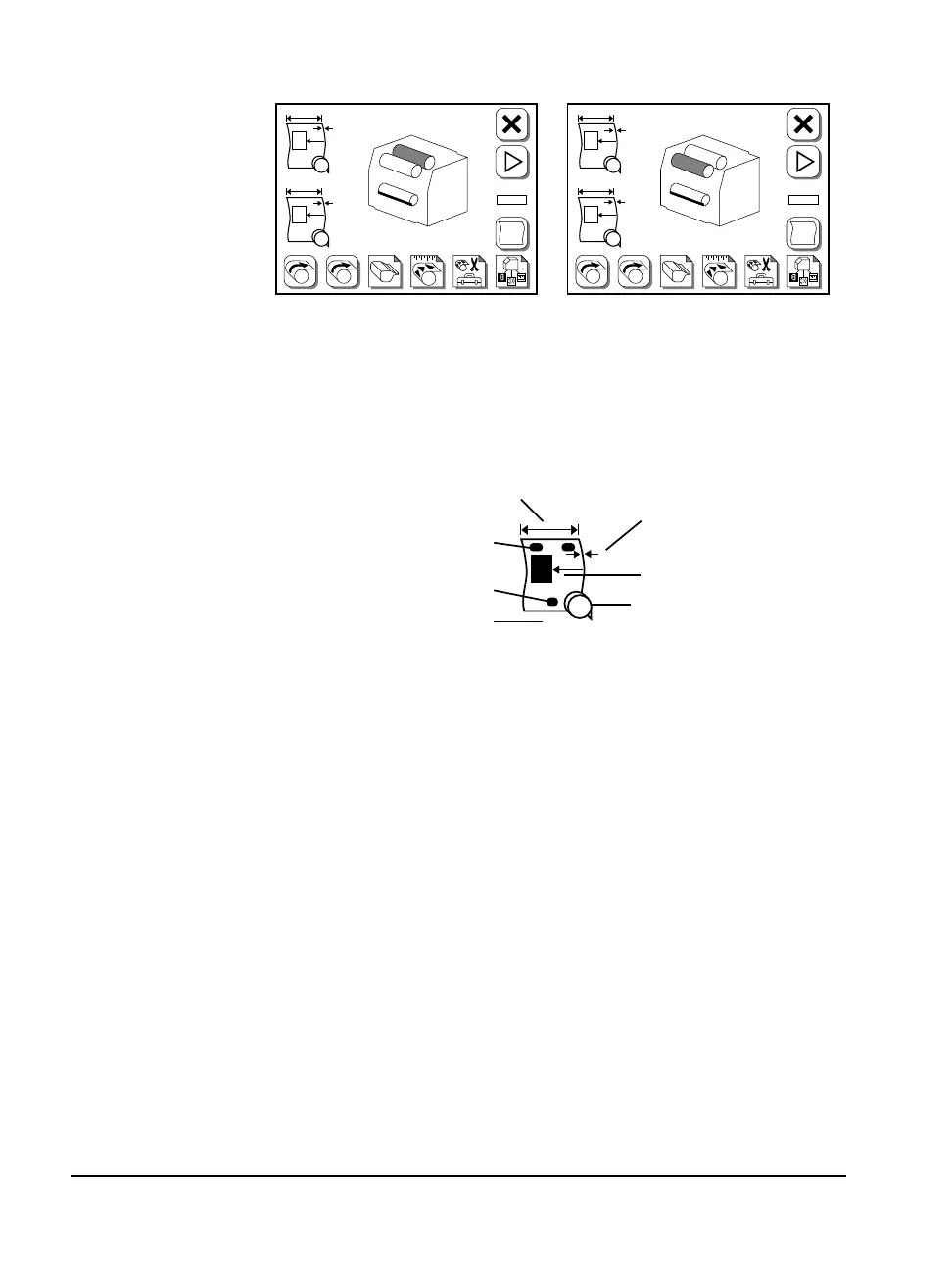
Figure 2.13 The control panel indicates which media supply
is currently gripped by the supply rollers.
Left, supply B is unloaded; the supply rollers have gripped supply A.
Right, supply A is unloaded; the supply rollers have gripped supply B.
Figure 2.14 The media status display.
➀—Media width. ➁—Media Thickness. ➂—Media type, alignment mode,
and imaging mode. ➃—Cassette program number. ➄—Media remaining.
➅—Tail punch, Avantra 25, 30, and 44 only. ➆—Head punch.
F
#2
➀
➁
➂
➃
➄
➅
➆
F
#1
PL
#2
A
B
A B
#
F
#1
PL
#2
A
B
A B
#



 To Next Page