Using the Imagesetter Control Panel 2–29
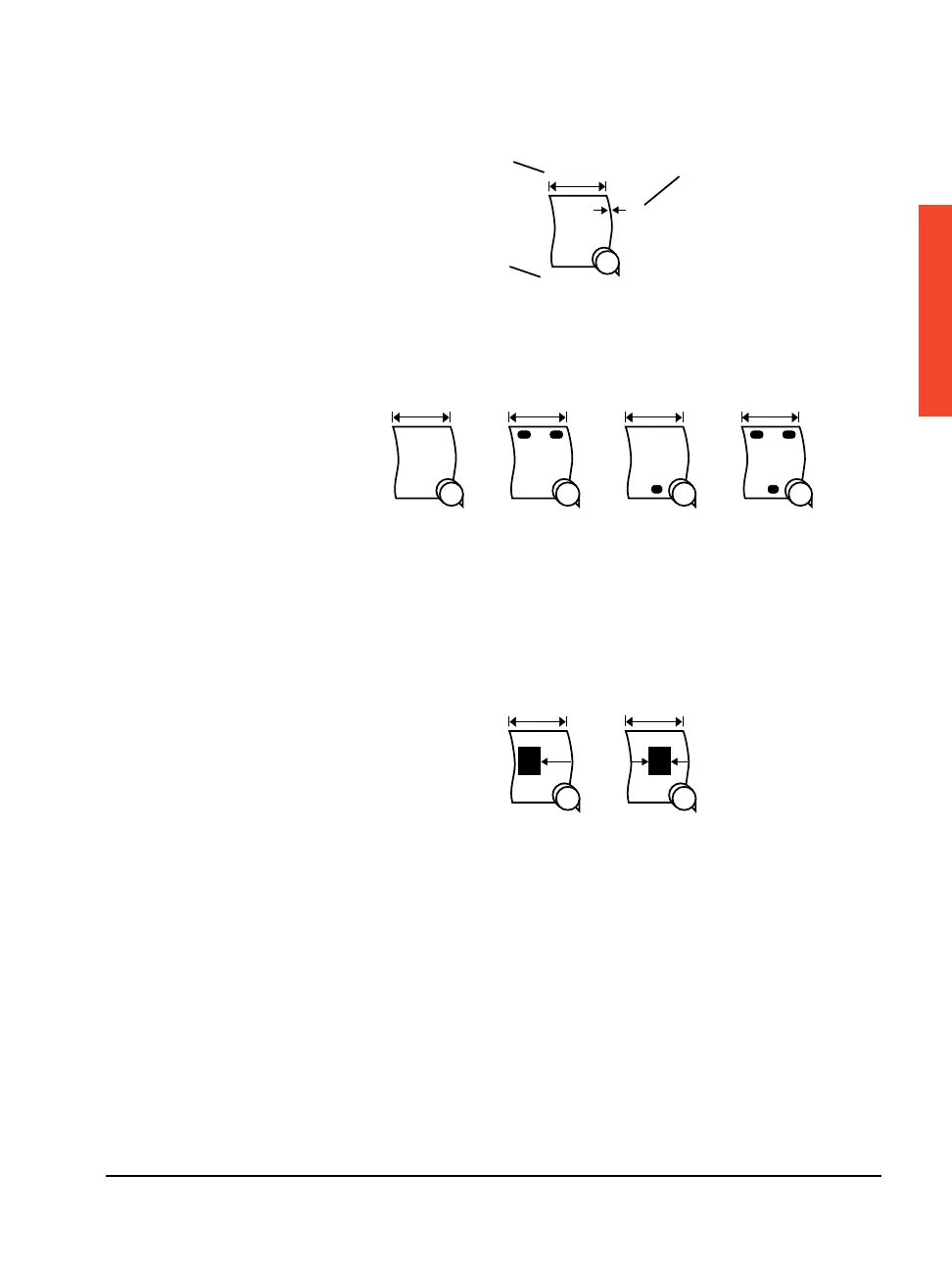
Figure 2.15 Sample of Media-Specific Information.
➀—Media width. ➁—Media thickness (in mils). ➂—Media remaining.
Figure 2.16 Punch modes. Adjust in Cassette Screen.
These symbols are used as a convention to represent
the different punch configurations that are available.
➀—Punches off. ➁—Head punches on.
➂—Tail punches on, Avantra 25, 30, and 44 only.
➃—Head and tail punches on, Avantra 25, 30, and 44 only.
Figure 2.17 Alignment mode. Adjust in Configuration Screen.
➀—Flush left. ➁—Centered.
F
➀➁
F
➀➁➂➃
➀
➁
➂
36.00 in
248.0 ft
4



 To Next Page