Apply Allows attendant entry of the last name, first name, and COS of the wireless
set, after the directory number for the set has been entered.
BckSpc To erase the characters displayed.
Back Returns to the previous menu.
• Internal visitor
This feature is used to assign a wireless set to an external user for a pre-defined period.
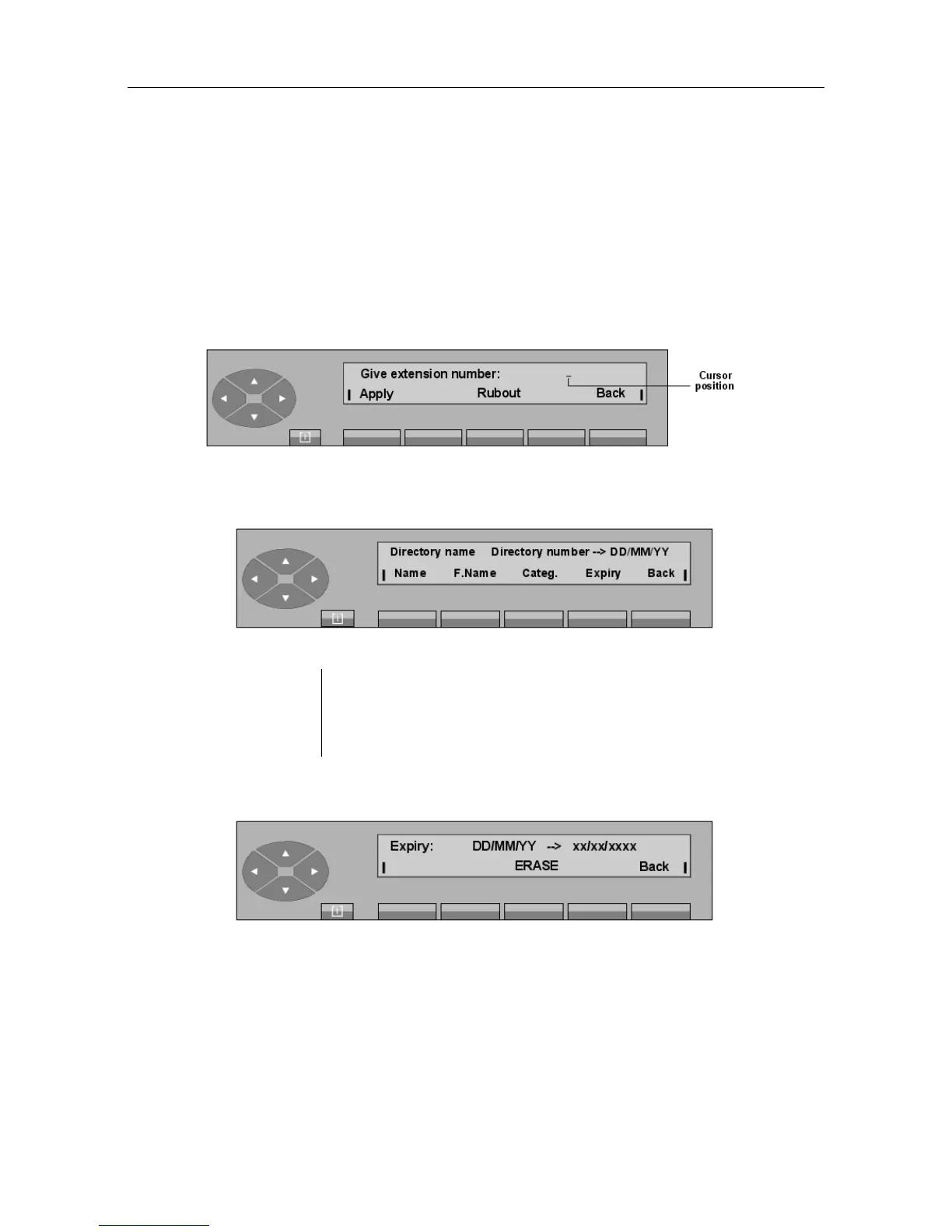
Pressing the Int-Vi key displays:
After the number to be assigned to the wireless set has been entered, pressing the Apply key
displays:
Name
F.Name To personalize the wireless set.
COS (or
Categ.)
Exp To modify the use expiration date for the wireless set.
Pressing the Exp key displays:
After entering a new expiration date in the format: DD/MM/YYYY, press the Apply key to
complete the process, or press the Back key to return to the previous menu.
• External visitor
Pressing the Ext-Vi key displays:
"() ') % !
6-23














 To Next Page