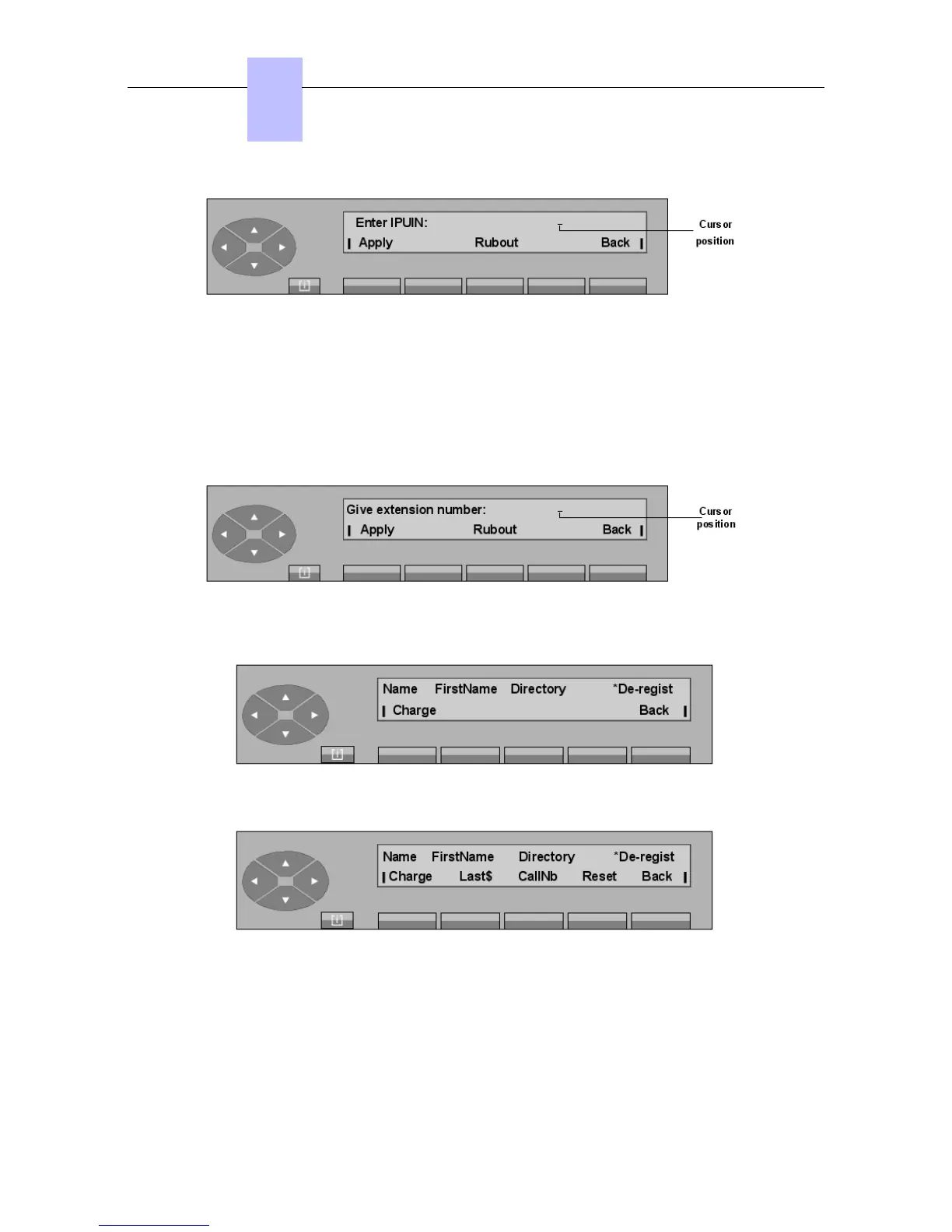
Apply To allow attendant entry of the last name, first name, and COS of the wire-
less user, after the identification number for the set has been entered.
Rebout To erase the characters displayed.
Back Returns to the previous menu.
De-registration
Pressing the Dereg key displays:
After entering the directory number of the wireless set to de-register, press the Apply key to
display the following screen in the case of an internal or external visitor
2
:
Pressing the Charge key displays:
Charge To display the total cost for the calls.
Last$ To display the cost of the last call.
CallNb To display the total number of calls.
Reset To reset the charging counters.
Chapter
6
"() ') % !
6-24














 To Next Page