2
In the case of a permanent user, pressing the Apply key displays the acceptance of the
De-registered operation.
Modification
After entering the directory number of the wireless set to modify, press the Apply key to display
the characteristics (last name, first name, class of service) which can be managed.
Automatic installation procedure
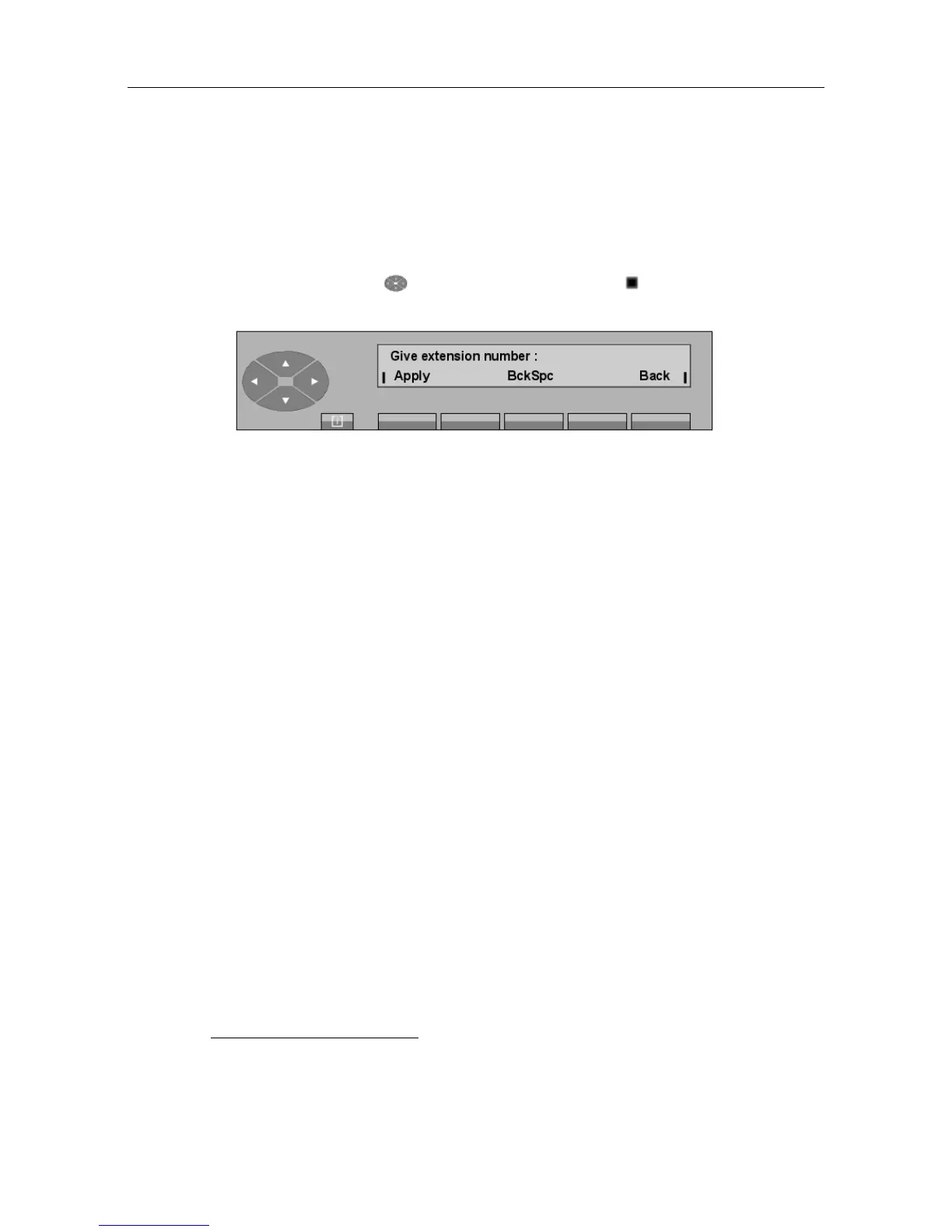
By pressing the top of the key, followed by the Inst or Inst key, the following is
displayed:
After entering the directory number of the wireless set, press the Apply key to display the
characteristics (last name, first name, class of service) of the user set.
Pressing the Apply key again allows the wireless set to be installed or uninstalled according to
the feature selected. There are screens to guide you through the process, according to the type of
wireless set.
"() ') % !
6-25














 To Next Page