REF: LE5 Alcohol Tester User Manual V16.docx Page 46 © Alcolizer Technology
Uncontrolled when printed
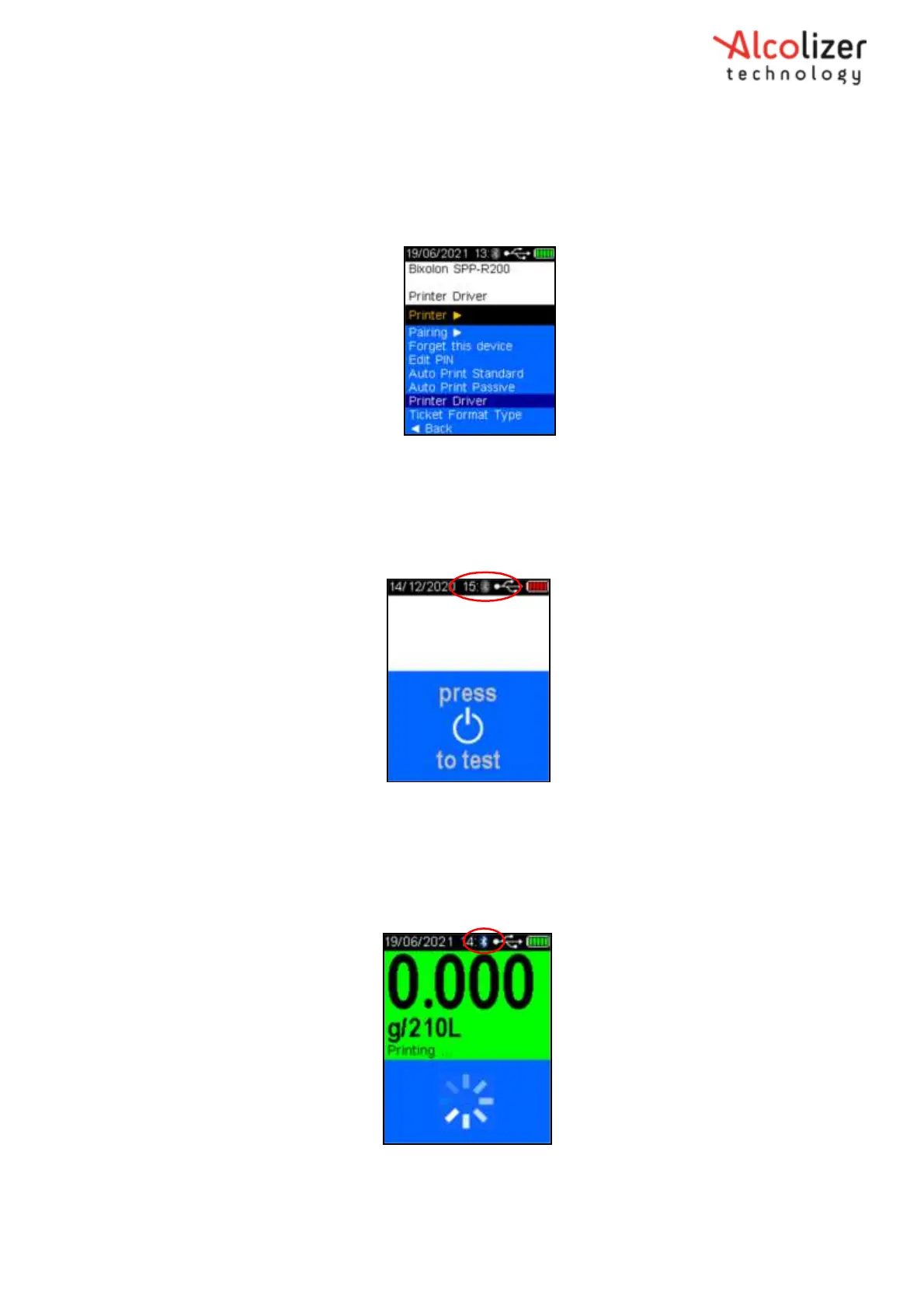
Press the down button and scroll down to the printer brand and type, e.g.
Bixolon SPP-R200.
Press the test key, the printer brand and type will be displayed on the screen, e.g.
Bixolon SPP-R200 (Refer Figure 81 ).
Figure 81 - Printer Brand and Type Displayed
Once the LE5 instrument is paired with the printer, the Bluetooth icon turns
blue and is always visible on the screen (Refer
Figure 82
)
Figure 82- Bluetooth Icon on Screen
During printing (and sending) a connection is established, and the Bluetooth icon will change from grey to blue
indicating the link is active. After completion, the icon will return to grey indicating the link is inactive again.
Bluetooth is active only when required.
Figure 83 – Bluetooth Active Icon



 To Next Page