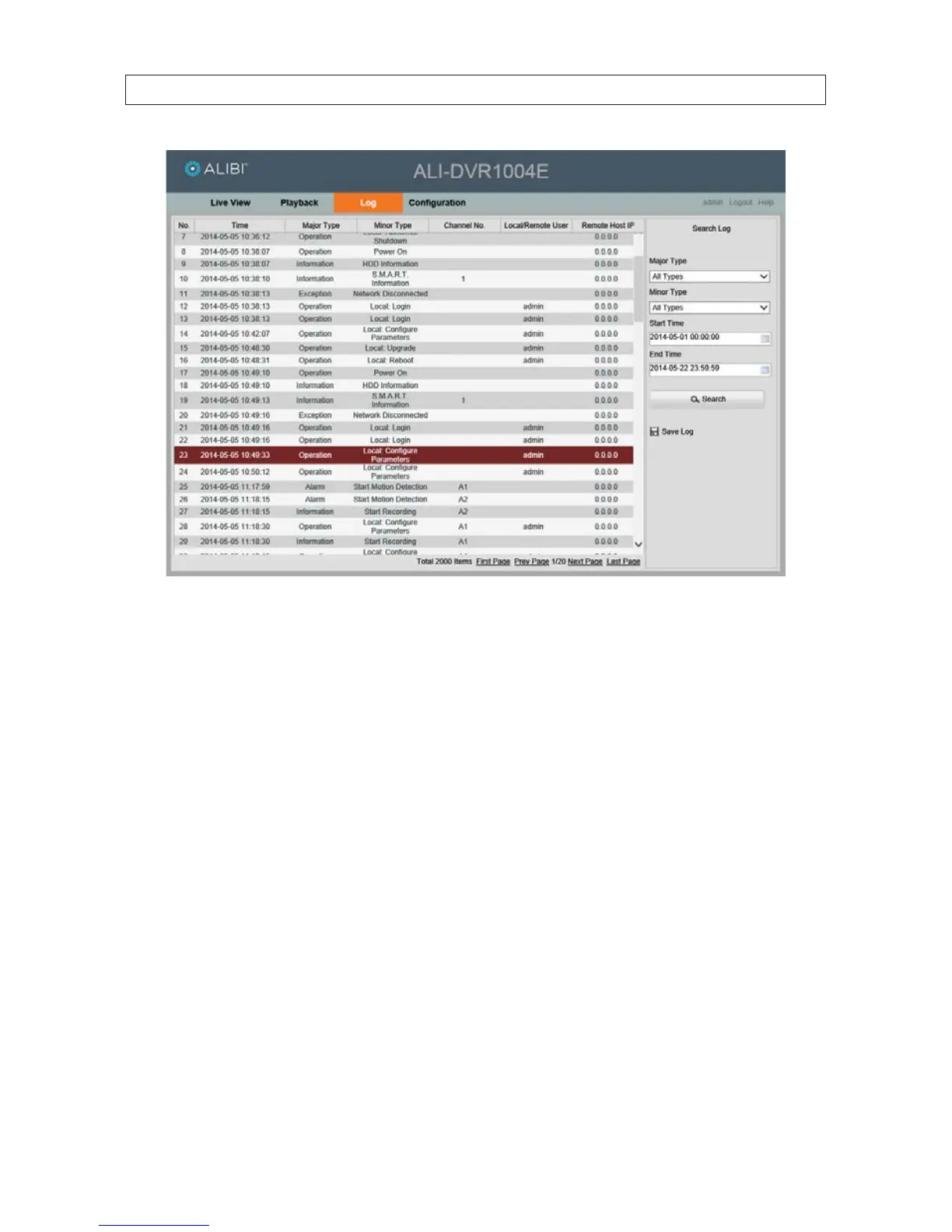
You can sort the log reports by the Search Log options shown in the right frame.
Log reports can be saved in either text or Excel formats by clicking the Save Log icon.
9.5 Remote Conguration screen
Open the Conguration screen by clicking Conguration in the screen header. The Conguration menu enables you to congure
where you save snapshots, clips, and downloaded les on your local computer, view the DVR conguration and make conguration
changes. The User Name you use to login to the DVR must have administrative privileges to change the DVR conguration.
SECTION 9: REMOTE ACCESS











 To Next Page