36
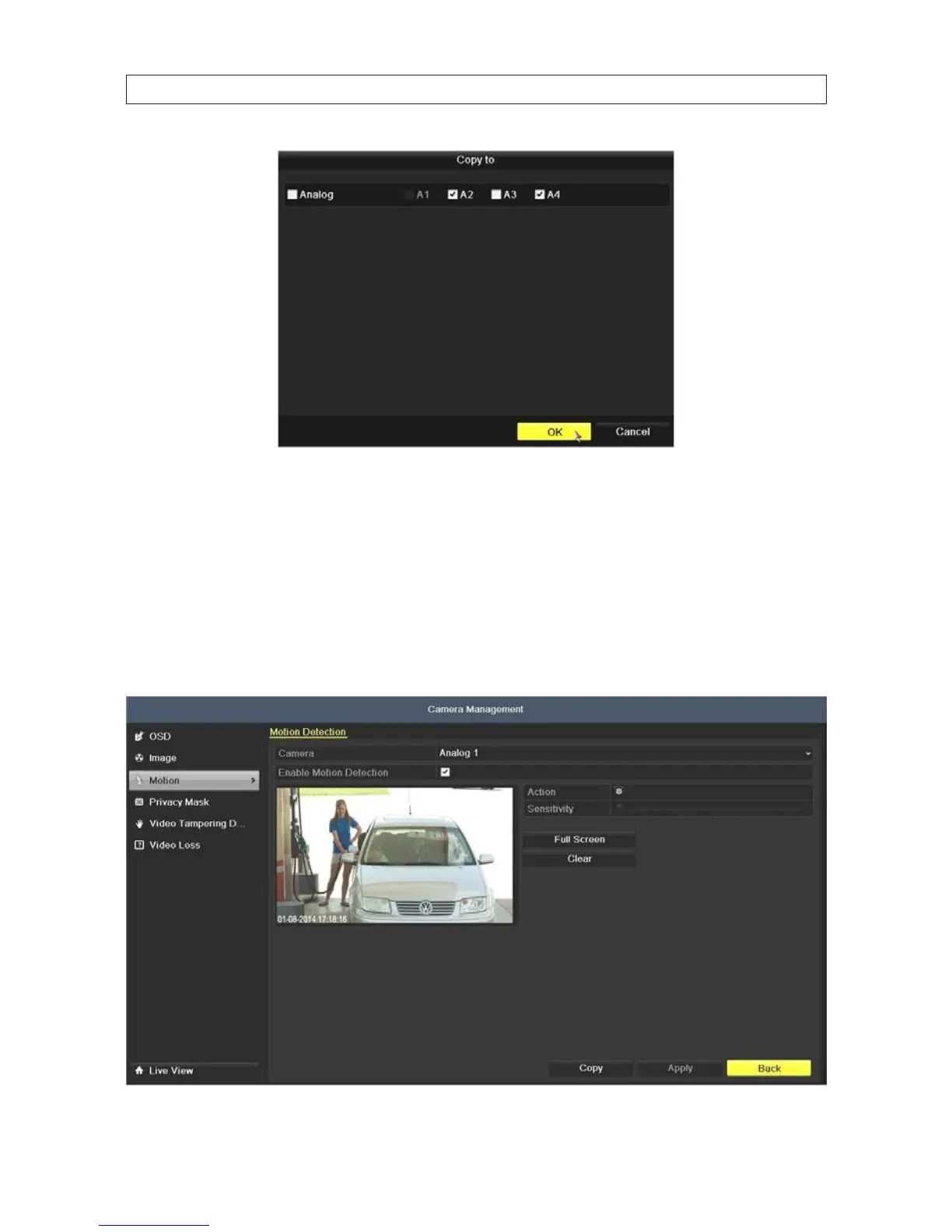
4. In the Copy menu, click the channels you to which you want to copy the schedule to, then click OK.
5.1.3 ConguringMotionDetectionRecording
Follow the steps to set the motion detection parameters. A motion detection events can trigger several kind of actions by the DVR,
including channels to start recording, full screen monitoring, an audio warning, notication sent to the surveillance center, etc.
Follow the steps below to schedule a recording triggered by a motion detection.
1. Open the Motion Detection menu. Go to Menu | Camera | Motion
SECTION 5: RECORD, PLAYBACK AND VIDEO BACKUP











 To Next Page