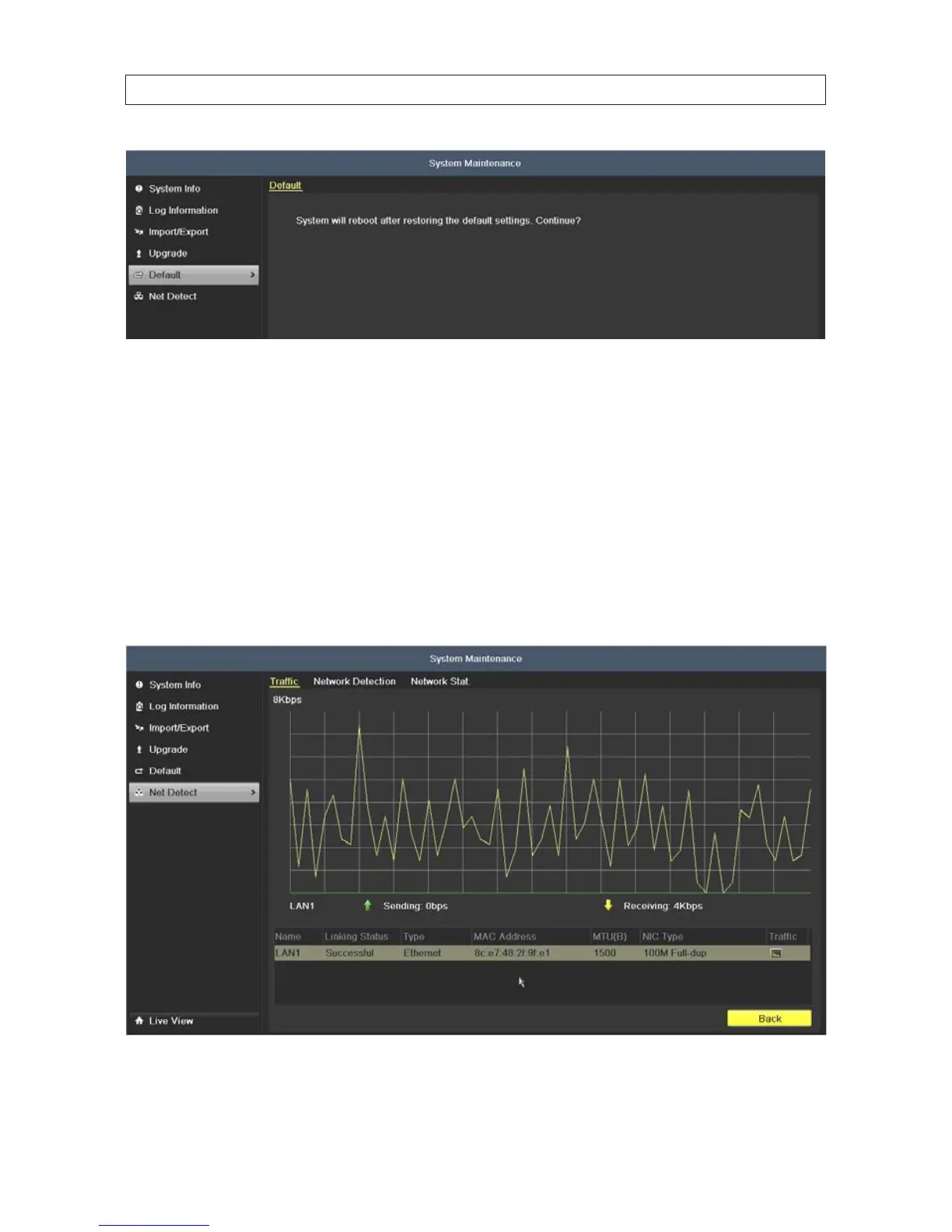
2. Click OK, then allow the DVR to reboot before continuing.
8.6 Net Detect
8.6.1 CheckingNetworkTrac
You can see real-time information of your DVR network trac, such as linking status, MTU, sending/receiving rate, etc. The trac
data is refreshed every 1 second.
Open the Network Trac menu. Go to Menu | Maintenance | Net Detect.
You can view the sending rate and receiving rate information on the interface. Trac data is refreshed every 1 second.
SECTION 8: SYSTEM MAINTENANCE











 To Next Page