22
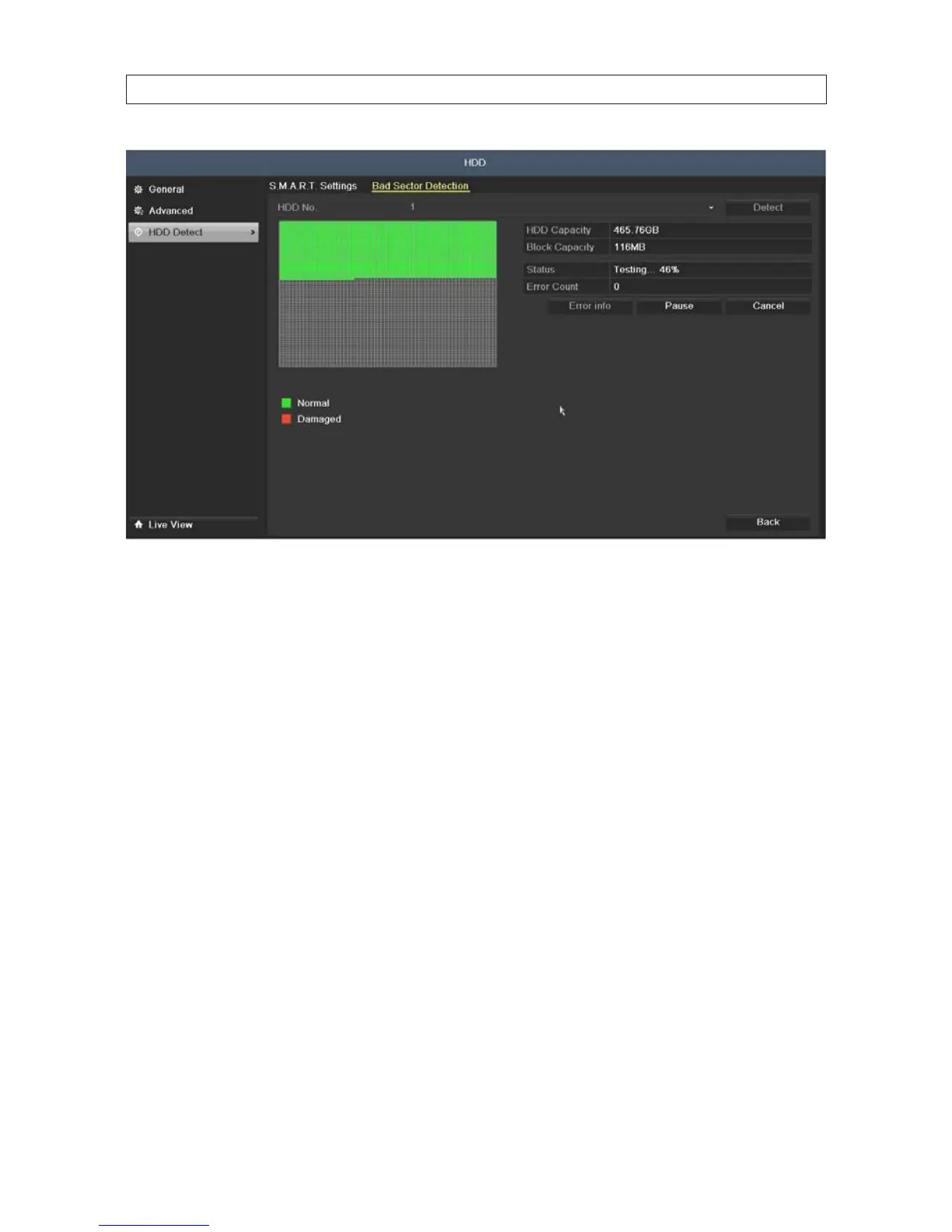
Click Pause to temporarily stop the scan, and click Cancel to end the scan.
Click Error info to see the detailed damage information.
2.8 Conguring Exception Alarms
The DVR monitors for and respond to certain system-related alarm conditions (exception alarms). Monitoring for and response to
these exceptions are congurable.
Exception alarm conditions include:
• HDD Full: The HDD is full.
• HDD Error: Writing HDD error or unformatted HDD.
• Network Disconnected: Disconnected network cable.
• IP Conicted: Duplicated IP address.
• Illegal Login: Incorrect user ID or password.
• Input/Output Video Standards Mismatch: I/O video standards do not match.
• Record Exception: No space exists for saving recorded les.
Responses to exception alarms include:
• Audible Warning: Trigger an audible beep when an alarm is detected.
• Send Email: Send an email with alarm information to a user or users when an alarm is detected.
SECTION 2: INSTALLING THE SYSTEM











 To Next Page