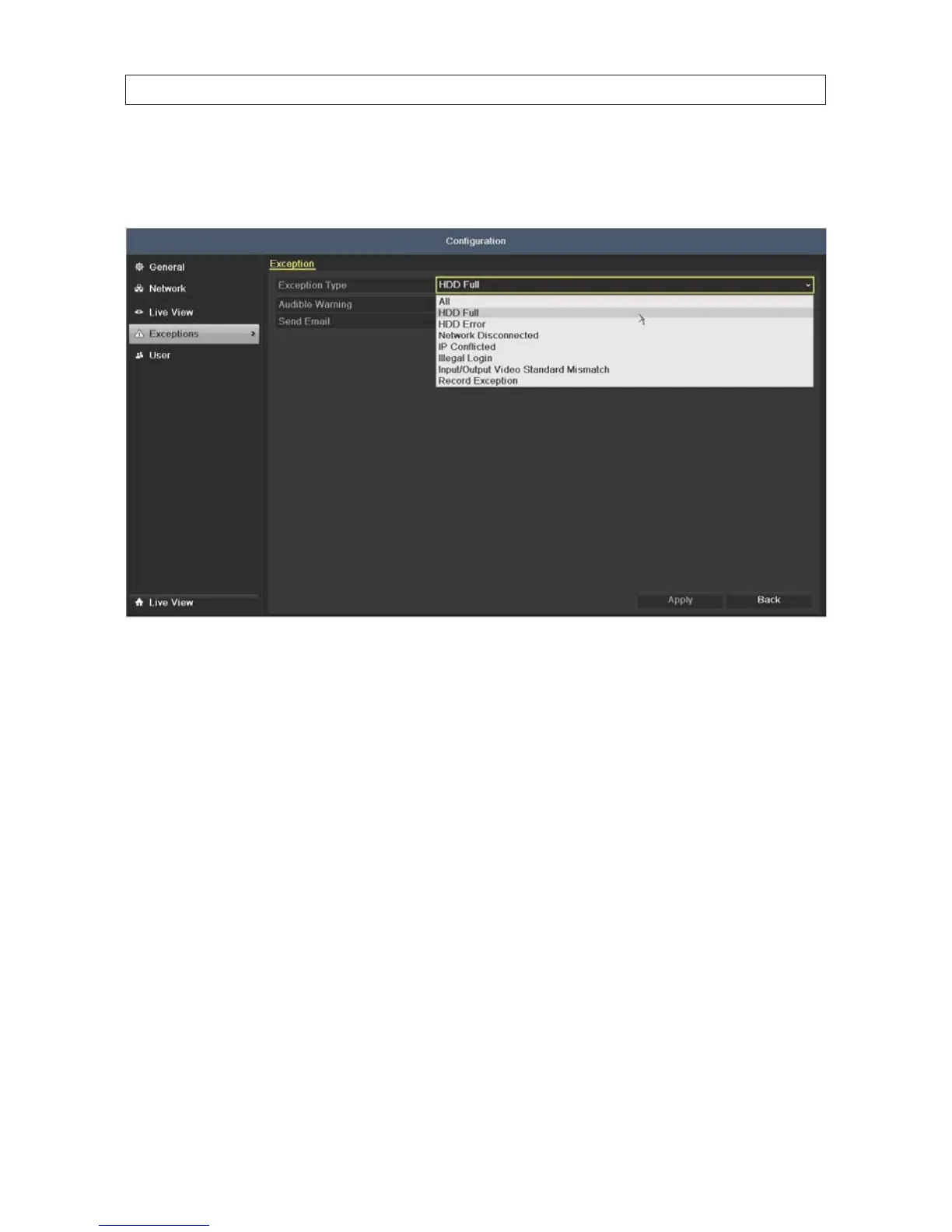
To congure exception alarms:
1. Open the Exception menu. Go to Menu | Conguration | Exceptions
2. On the Exception Type line, open the drop down list and select the exception condition you want to congure. If you select
All, all exception conditions will be treated the way you congure the response.
3. Select either of the following response options: Audible Warning or Send Email.
4. Click Apply to save your settings.
5. Repeat these steps for other Exception Types you want to congure.
SECTION 2: INSTALLING THE SYSTEM











 To Next Page