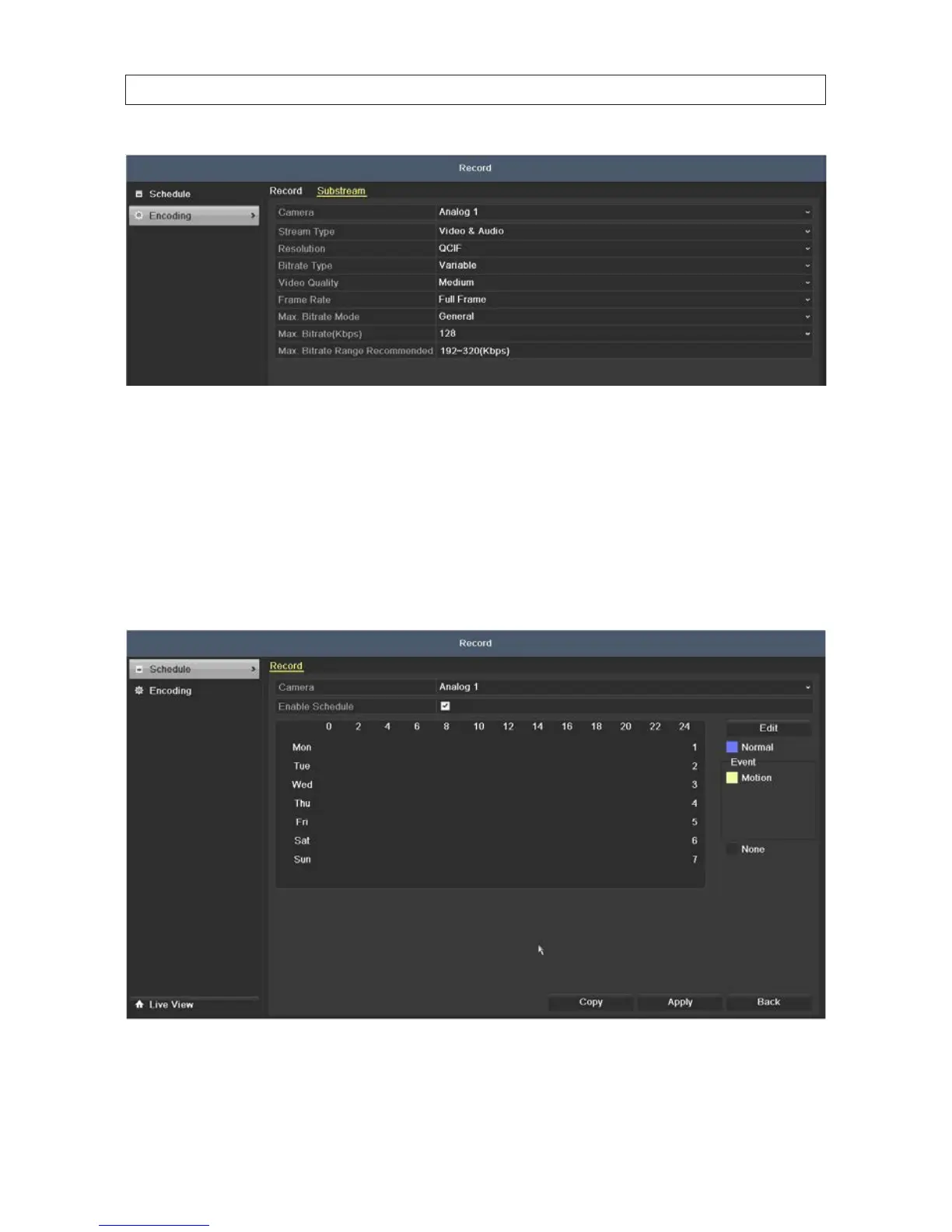
a. Congure the parameters of the camera.
b. Click Apply to save the settings.
5.1.2 ConguringRecordschedule
The record schedule can be used to automatically start and stops recording at preset times.
1. Open the Record Schedule menu. Go to Menu | Record | Schedule
2. To congure the Record schedule:
SECTION 5: RECORD, PLAYBACK AND VIDEO BACKUP











 To Next Page