SECTION 1: SYSTEM OVERVIEW
• Remote locking and unlocking of control panel and mouse.
• Remote HDD formatting and program upgrading.
• Remote system restart.
• Alarm event and exception information can be sent to the remote host.
• Remotely start/stop recording.
• Upgrade by remote FTP server.
• Two-way audio and voice broadcasting.
• Embedded WEB server.
1.1 DVR Controls, connectors and indicators
Your new security system is easy to use and easy to setup. This section includes the function and use of the components included
with a DVR system. For installation instructions, refer to Section 2. Advanced control and conguration procedures are included in
Sections 3 through 9.
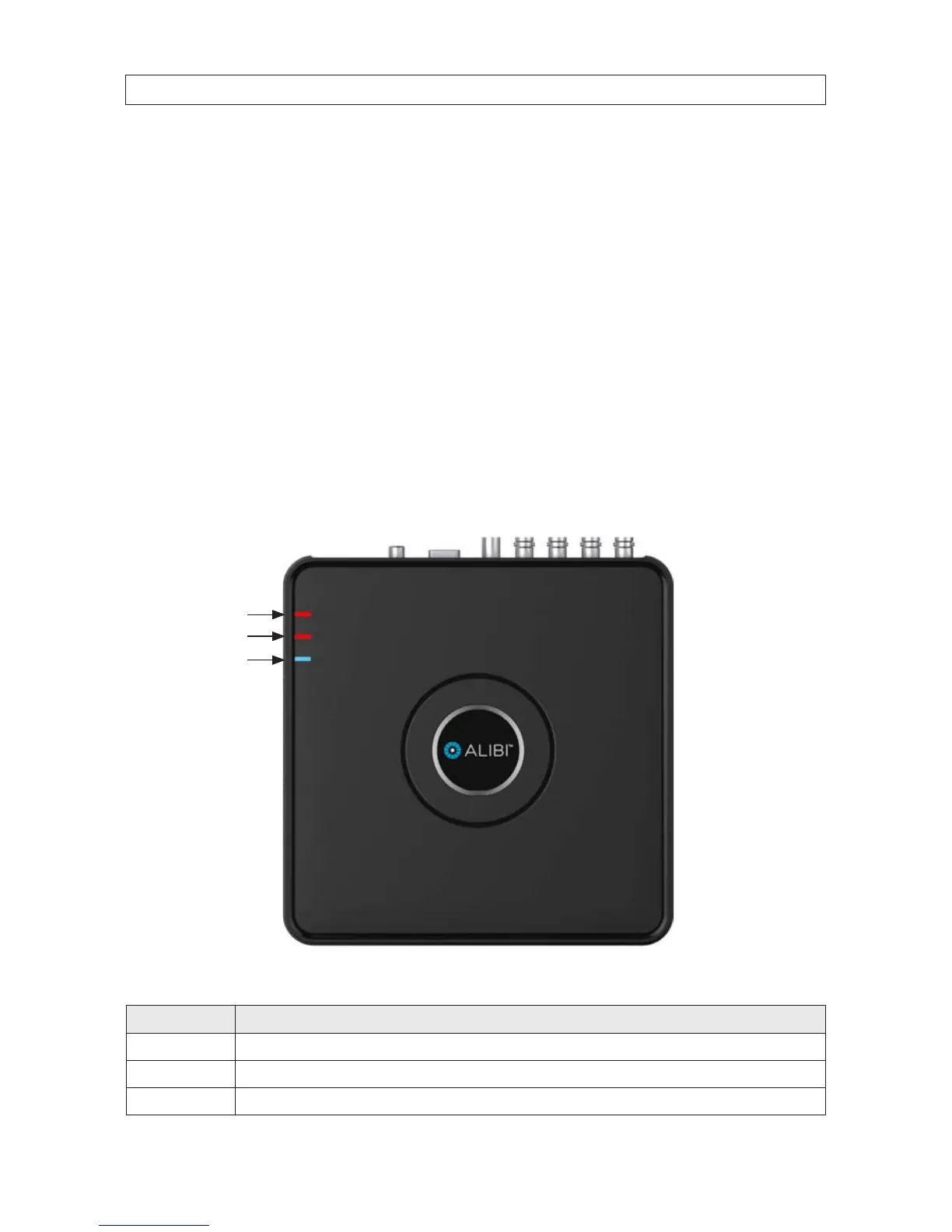
DVR Front Panel
Power LED
HDD activity
Network
activity
ALI-DVR1004E series LED indicators
LED Description
Power Indicator lights red when DVR is powered on.
HDD activity Indicator lights in red when data is being read from or written to the HDD.
Network activity Indicator blinks blue when the network connection is functioning properly.











 To Next Page