76
7.1.7 ConguringUPnP™
The Universal Plug and Play (UPnP™) feature allows the device to seamlessly discover other network devices and establish
functional network services for data sharing, communications, etc. You can use the UPnP function to enable the fast connection of
the device to the WAN via a router without port mapping.
If you want to enable the UPnP function of the device, you must enable the UPnP function of the router to which your device is
connected. When the network working mode of the device is set as multi-address, the Default Route of the device should be in the
same network segment as that of the LAN IP address of the router.
1. Open the Network Settings menu. Go to Menu | Conguration | Network
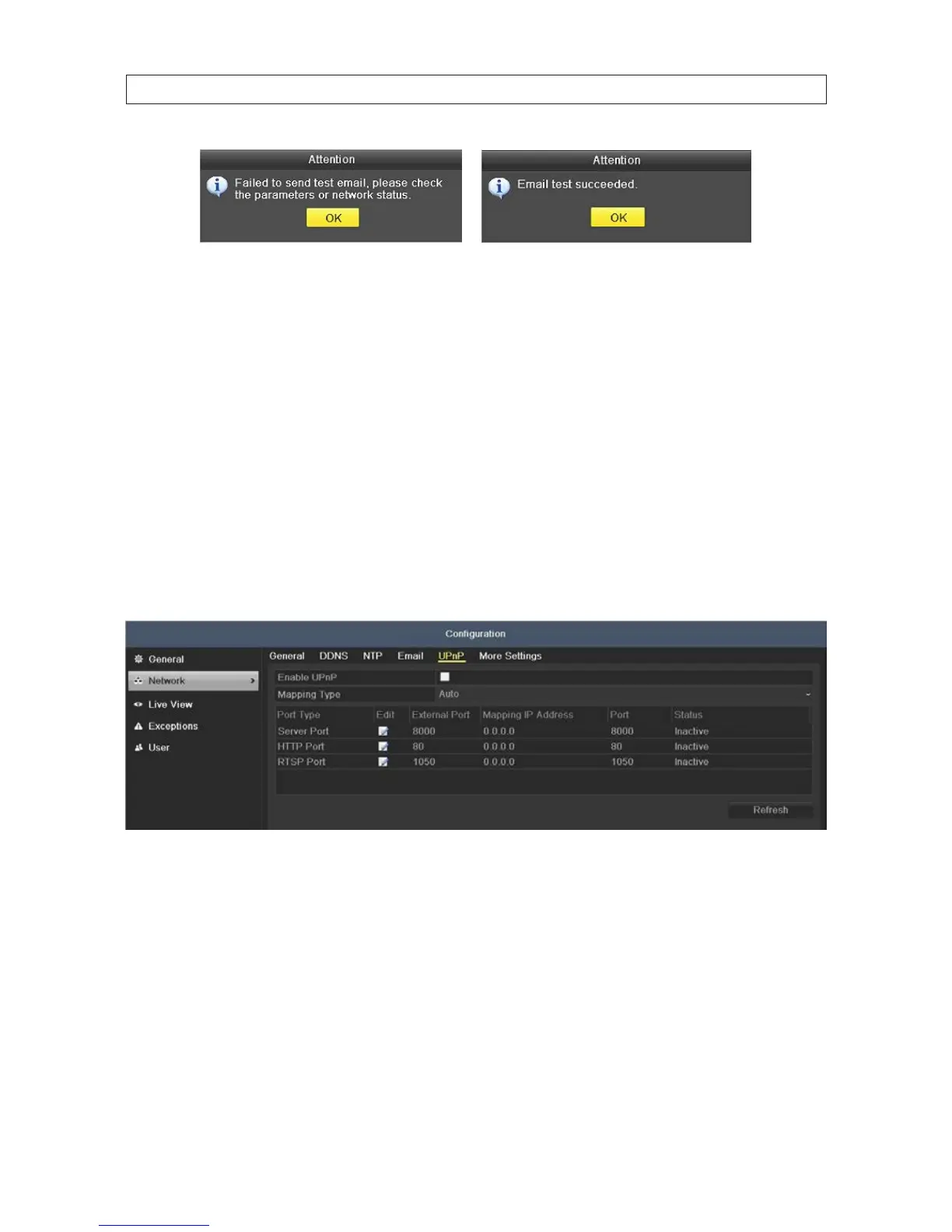
2. Click the UPnP tab to open the UPnP™ menu.
3. Check the Enable UPnP box to enable UPnP.
4. In the UPnP menu, you can click the icon in the Edit column to change the External Port number associated with the Port Type.
When nished, click Refresh, and then click Apply to save your settings.
SECTION 7: NETWORK SETTINGS











 To Next Page