60
10. Click the Export button to start the Export. Allow the operation to nish before continuing.
Note: The Player utility player.exe will be exported automatically during video le export.
11. Verify that the le you exported can be played from the ash device.
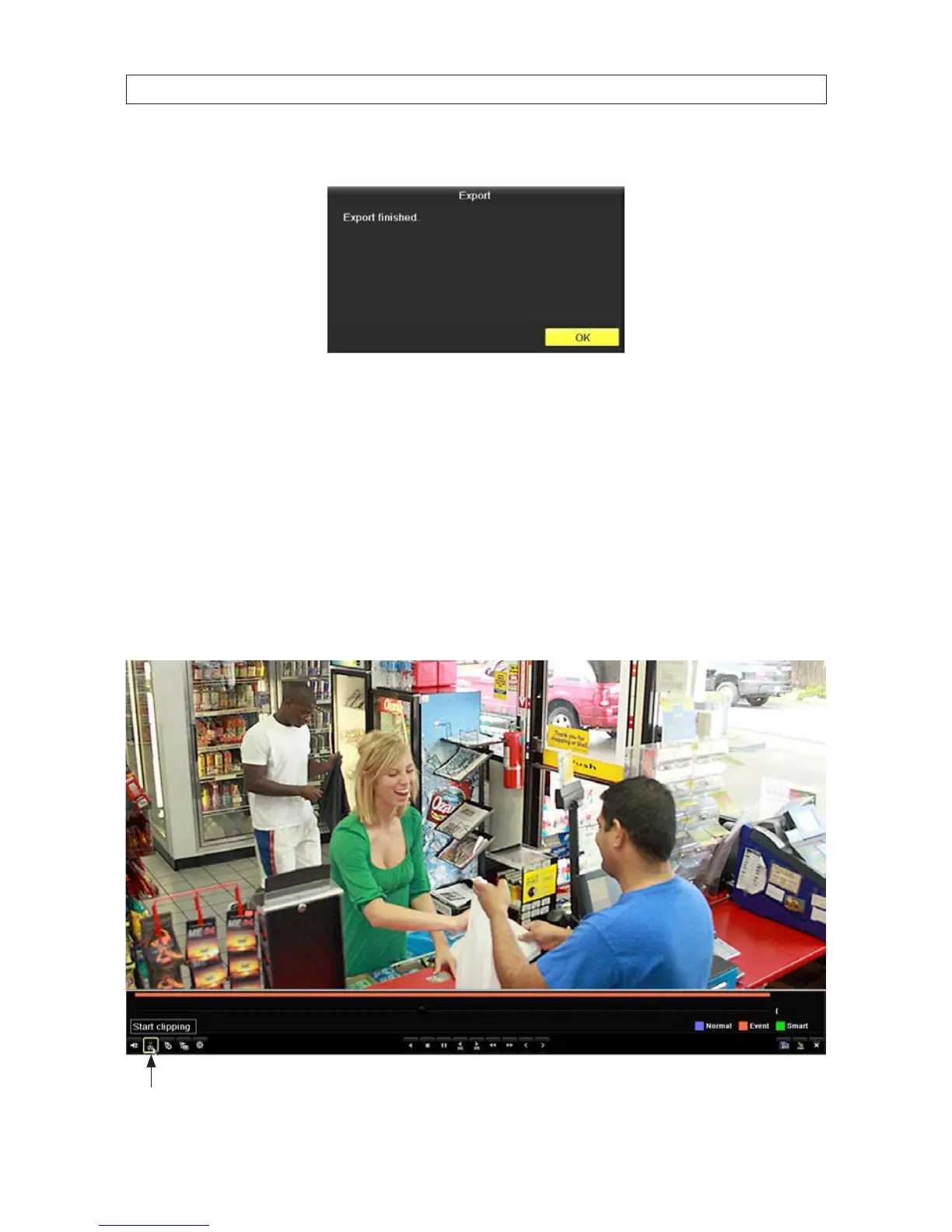
5.3.4 ExportingVideoClipsduringplayback
Segments of video recordings can be backed up (exported) during playback. These les exported to a USB storage device such as a
USB ash drive or USB disk drive, or USB optical drive.
1. Attach an USB storage device, such as a USB ash drive or USB disk drive or USB optical drive, to the DVR USB port.
2. Playback a video le.
Clip (Start clipping) icon
SECTION 5: RECORD, PLAYBACK AND VIDEO BACKUP











 To Next Page